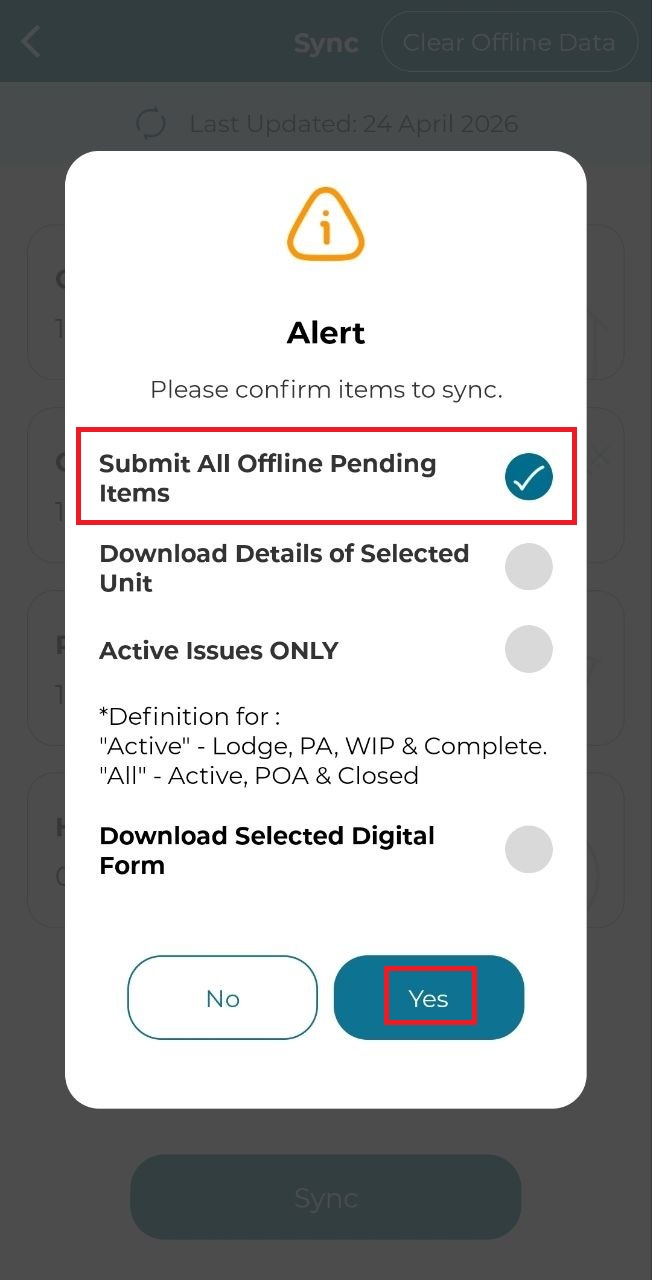
This function allows users to submit issues offline and sync them manually once an internet connection is available, making it ideal to use in areas with limited or no connectivity.
Submit Offline Pending Items
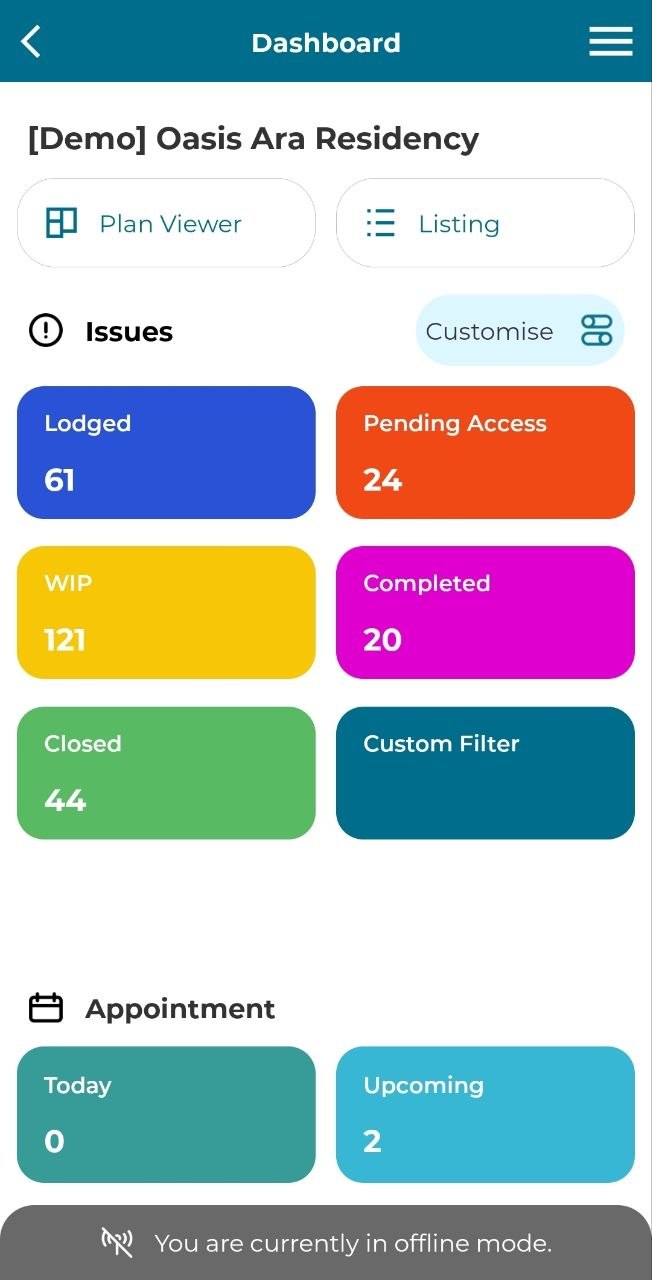
1. Click on 'Plan Viewer' or 'Listing' to search for unit that have been downloaded for offline use.
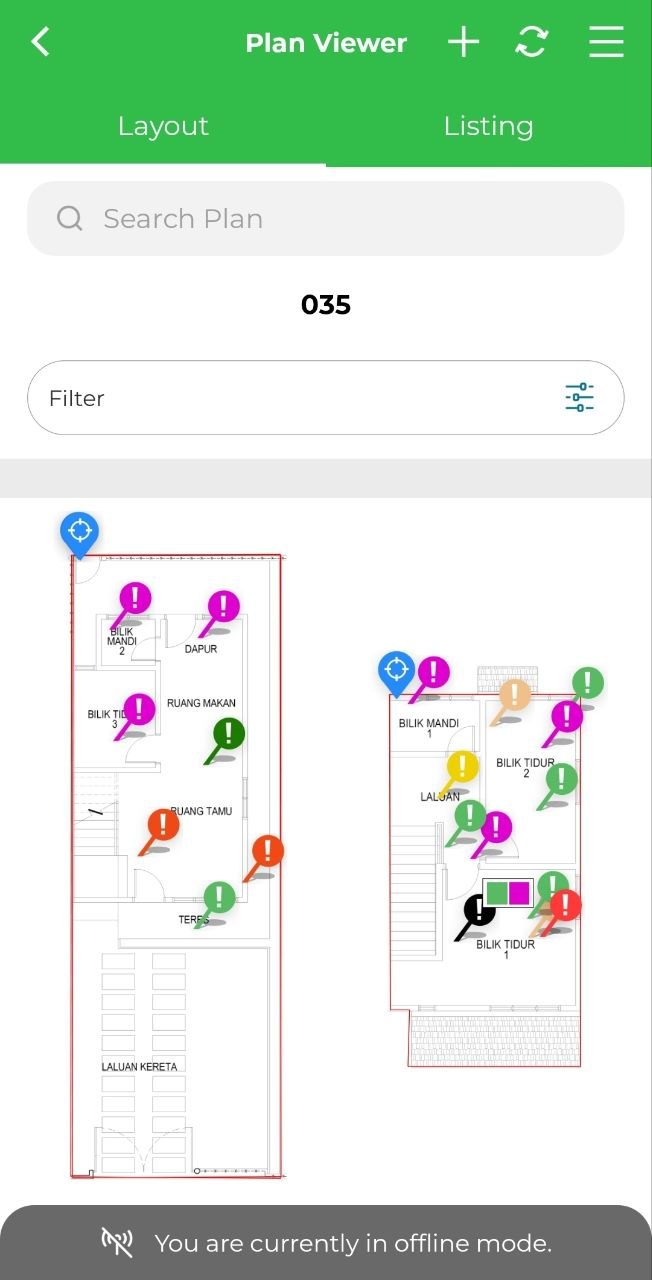
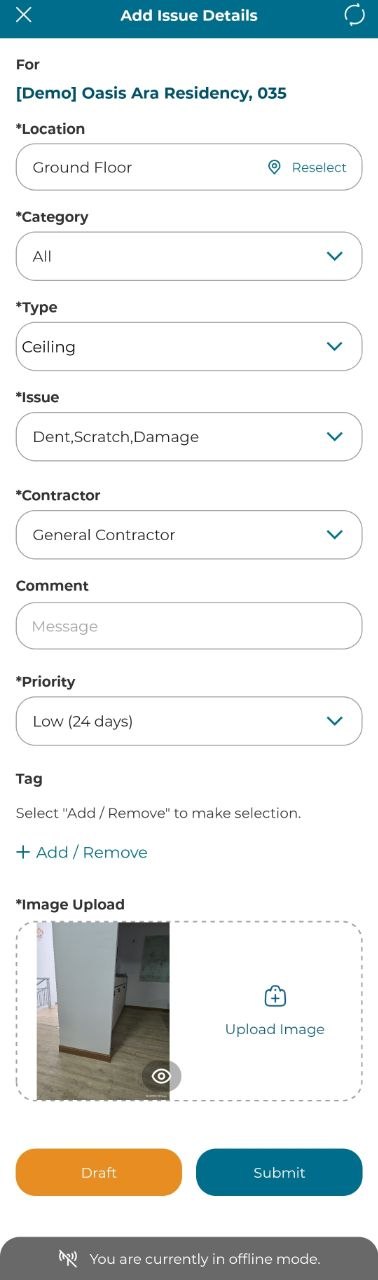
2. Add new issue by tapping on a location and move the marker around to indicate defect area.
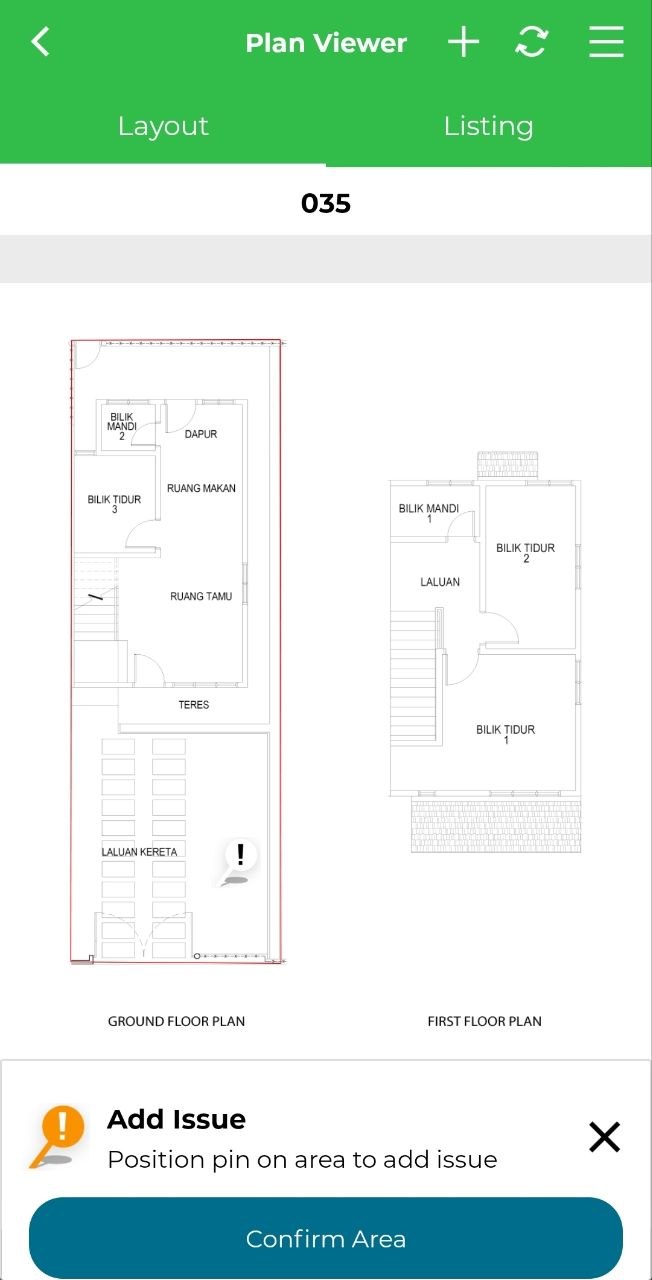
3. Fill in the details and click 'Submit' to submit issues.
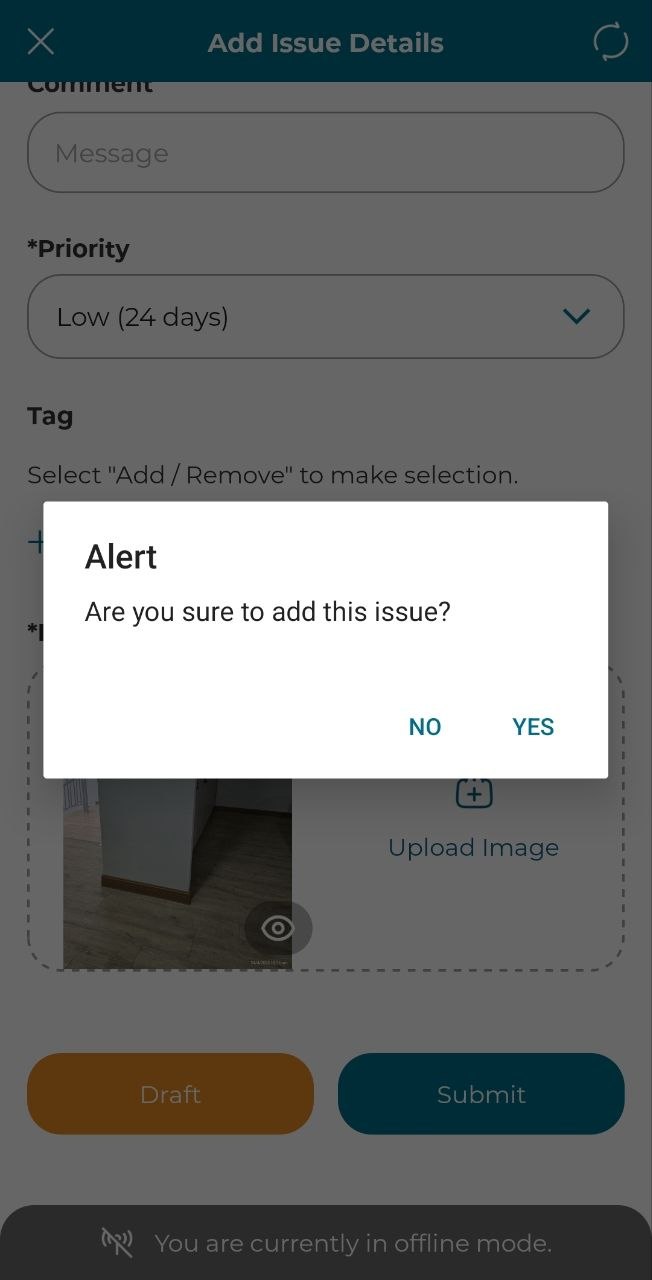
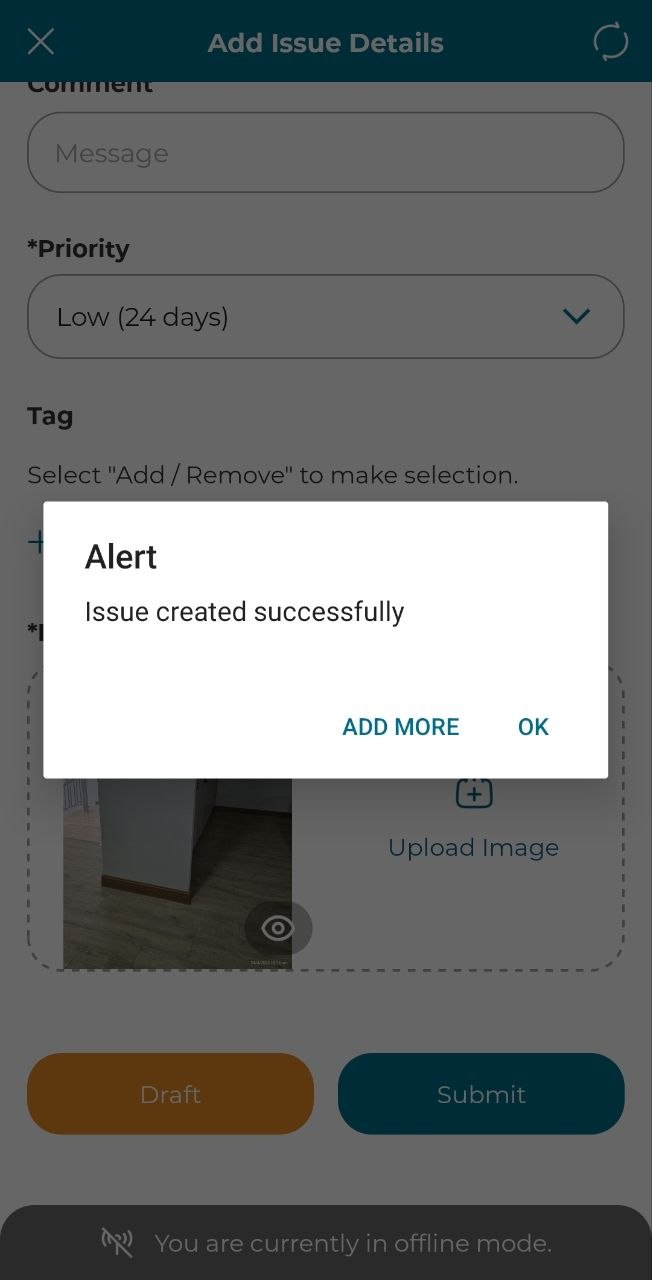
4. Click 'Yes' and there will a pop-up alert where user will be give option to proceed with submitting just one/current issue or multiple issue.
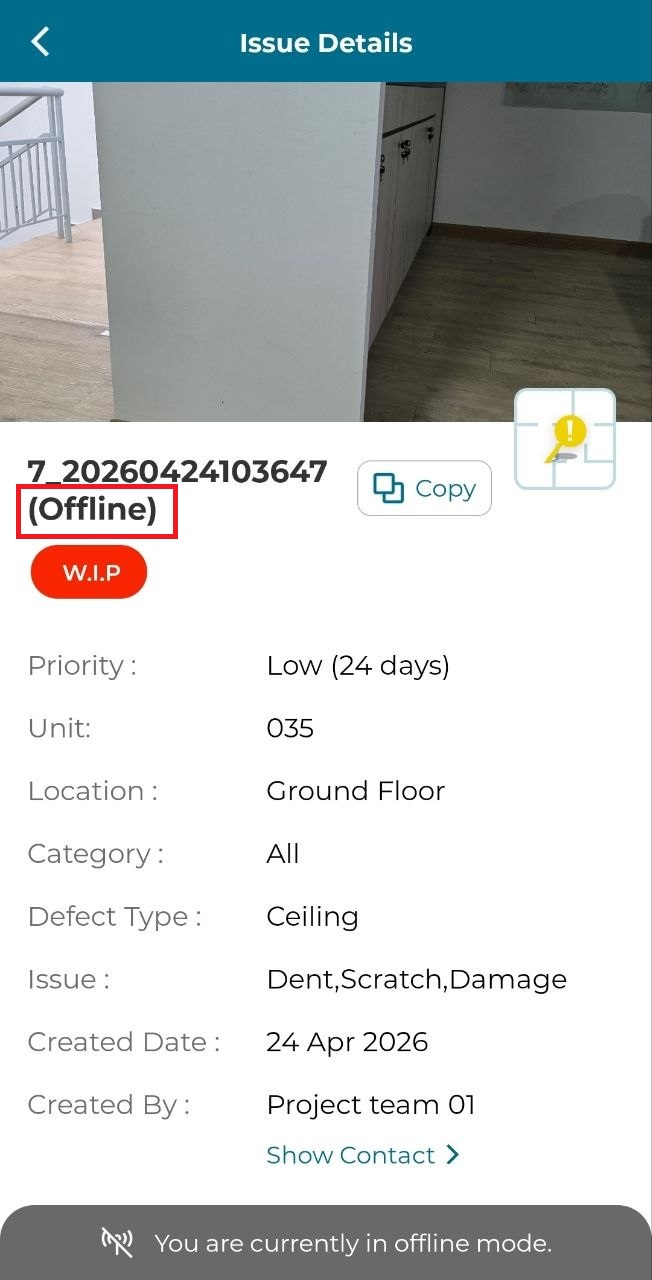
5. User can click on the marker to view issue details. As the issue was submitted in offline mode, it will be stated as shown below.
6. Click on 'Sync' from side menu. The 'Pending Items' indicate the number of issues that is in pending status due to issues submitted in offline mode. Once user is in area with good internet connection, you can click on 'Sync'.
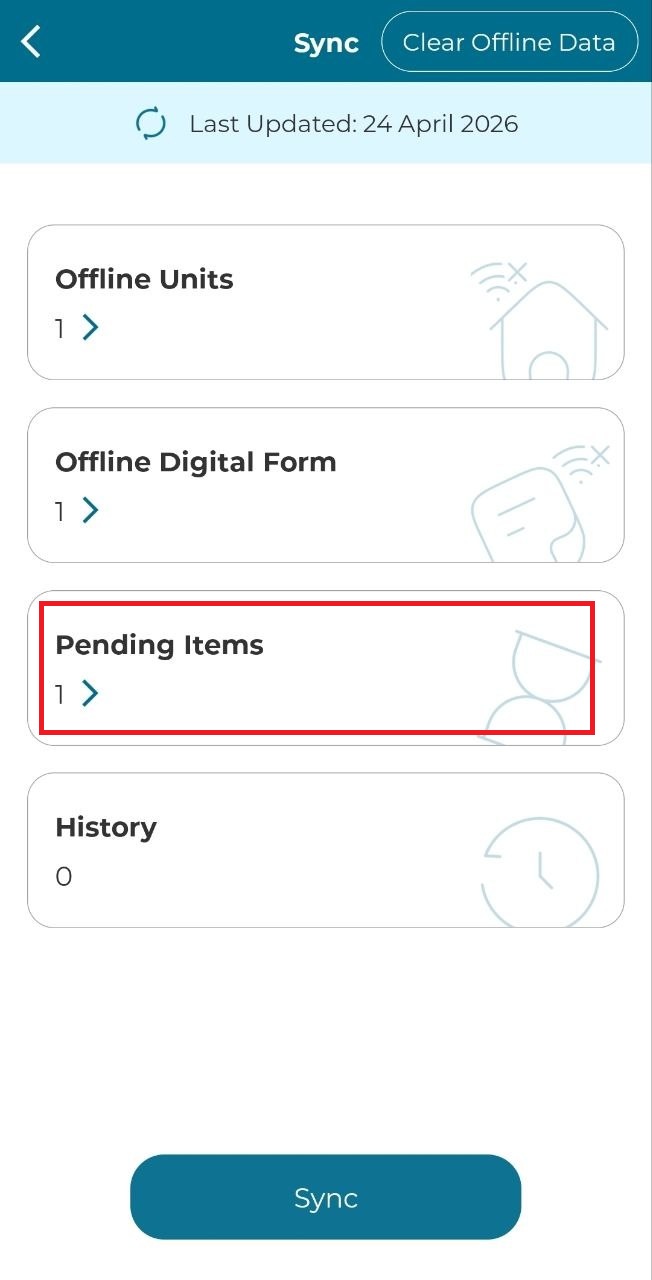
7. Tick on 'Submit All Offline Pending Items' and click on 'Yes' to sync the issue(s).