1. Click on 'Issue Update' to view issue list.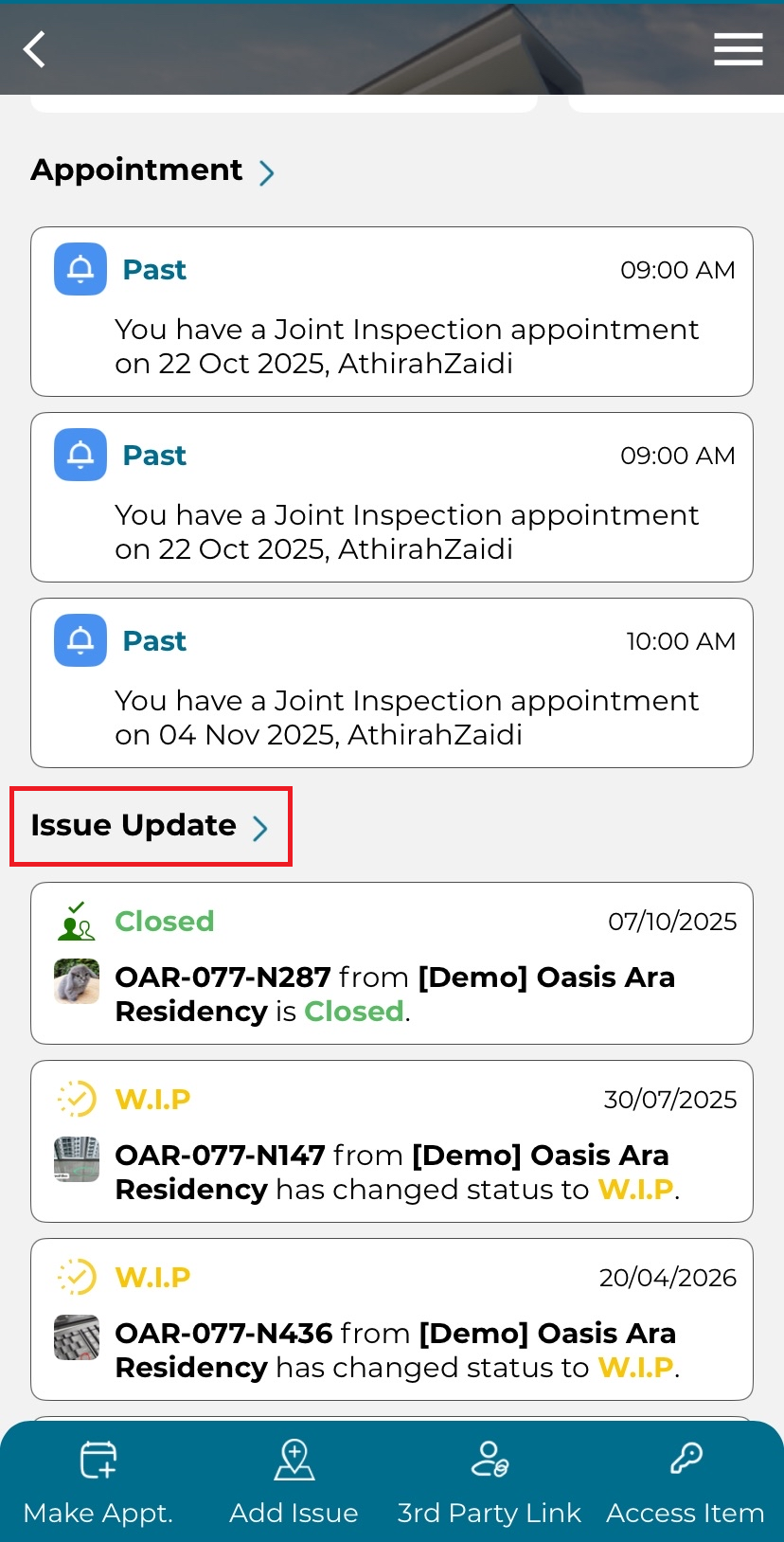
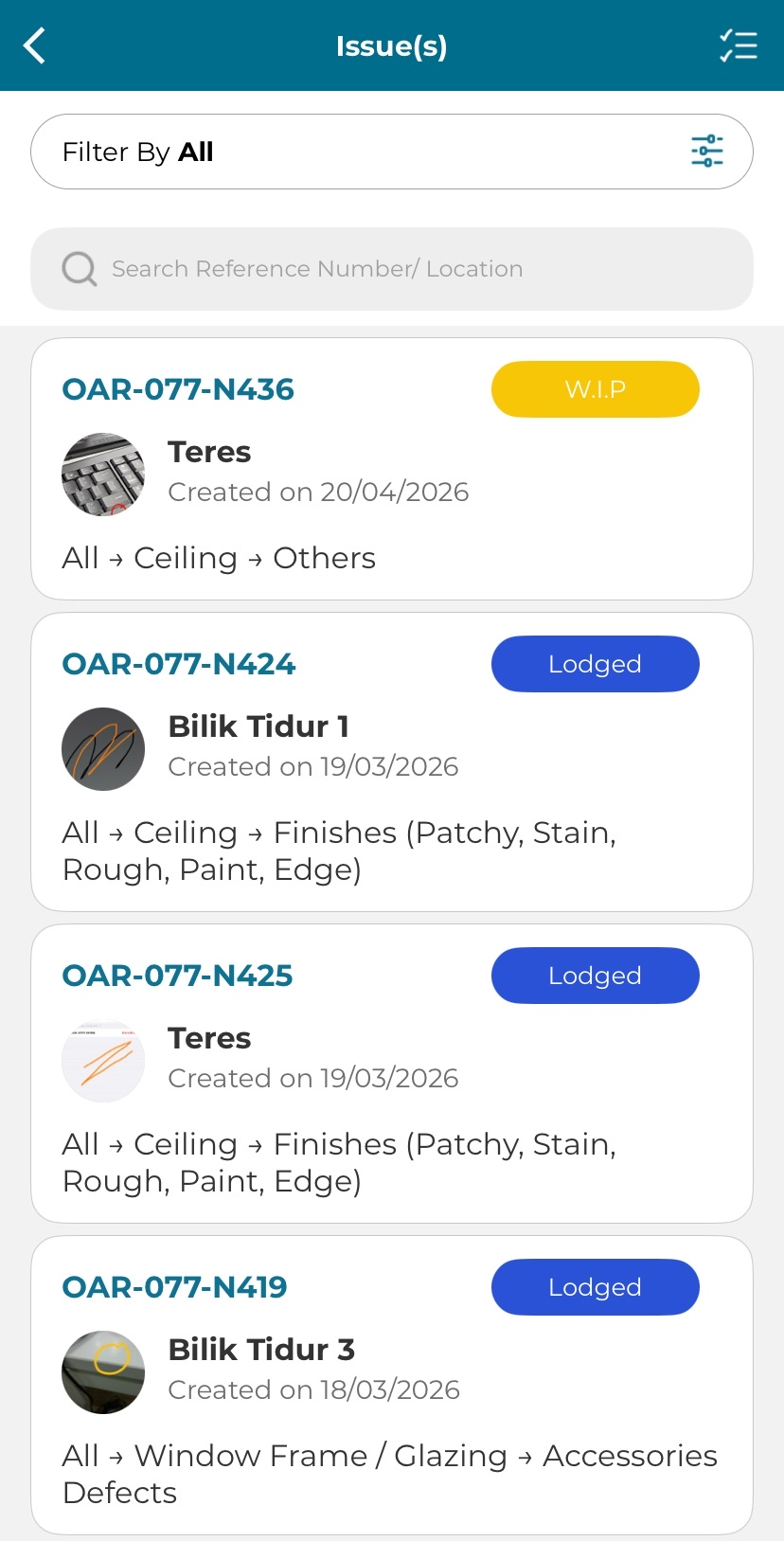
2. Select an issue to view issue details.
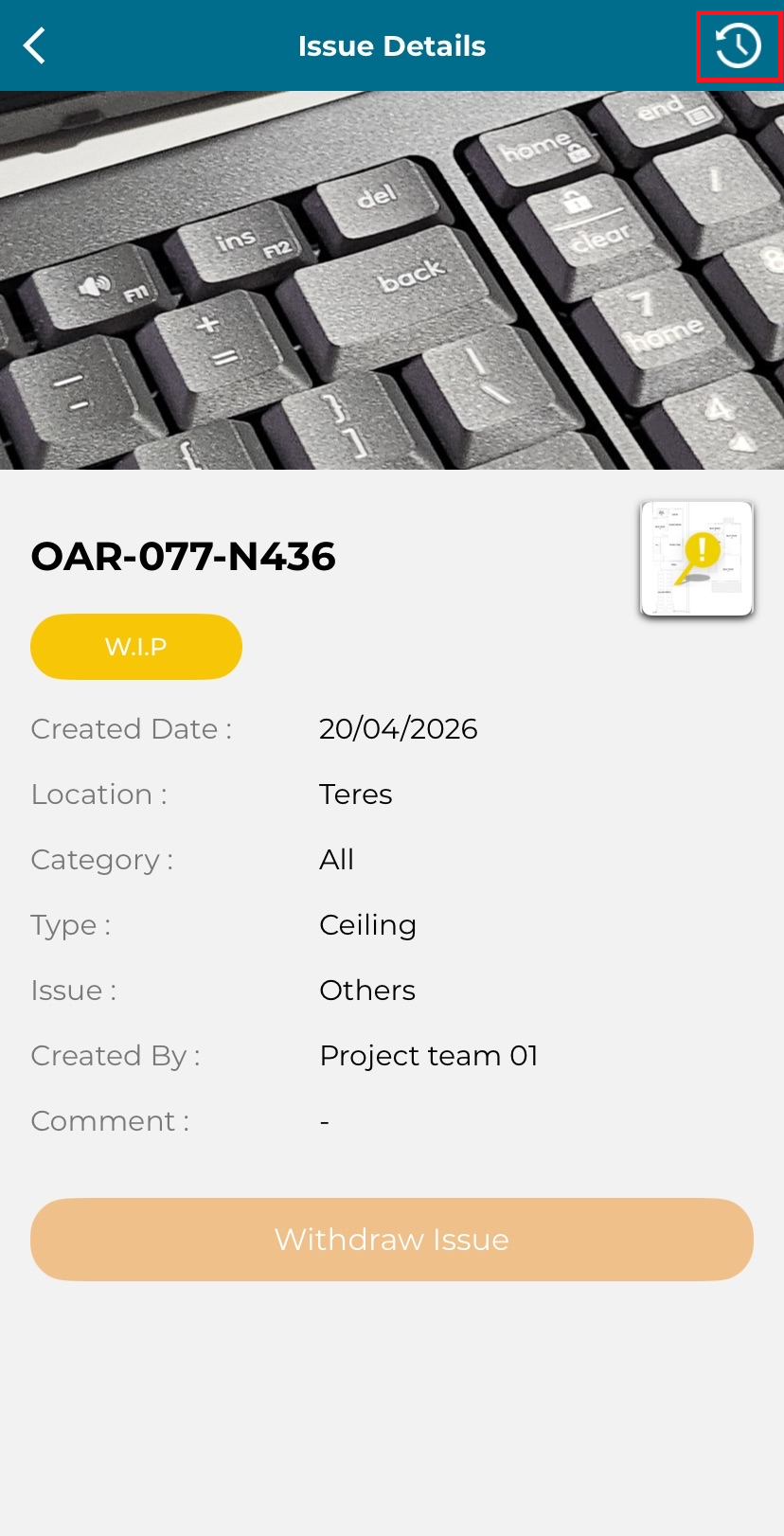
3. Owner can view details of the issue. Click on the picture of marker to see where it pinpoints.
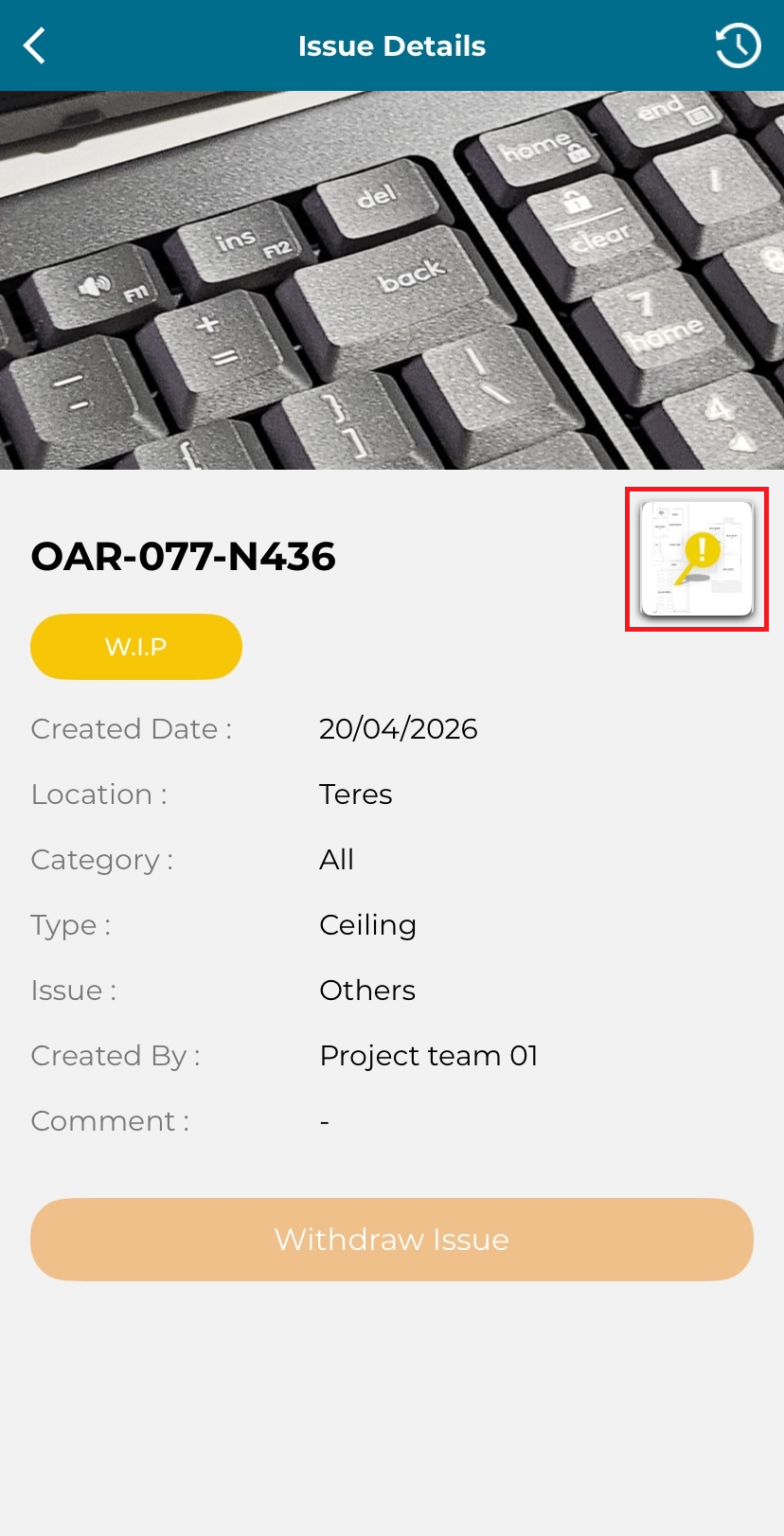
4. Click on the top right most logo to open Issue History.
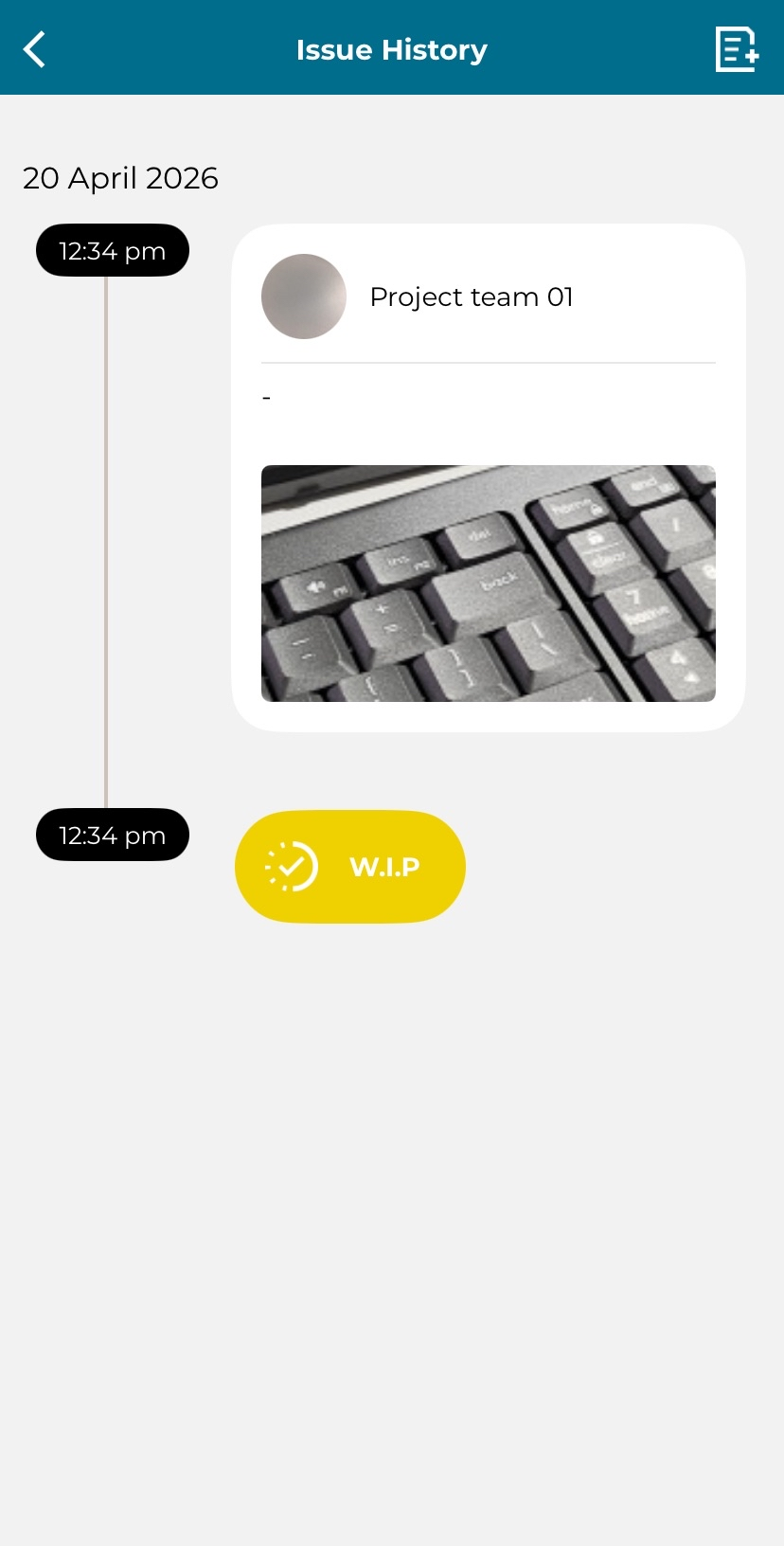
5. Owner can view Issue History.
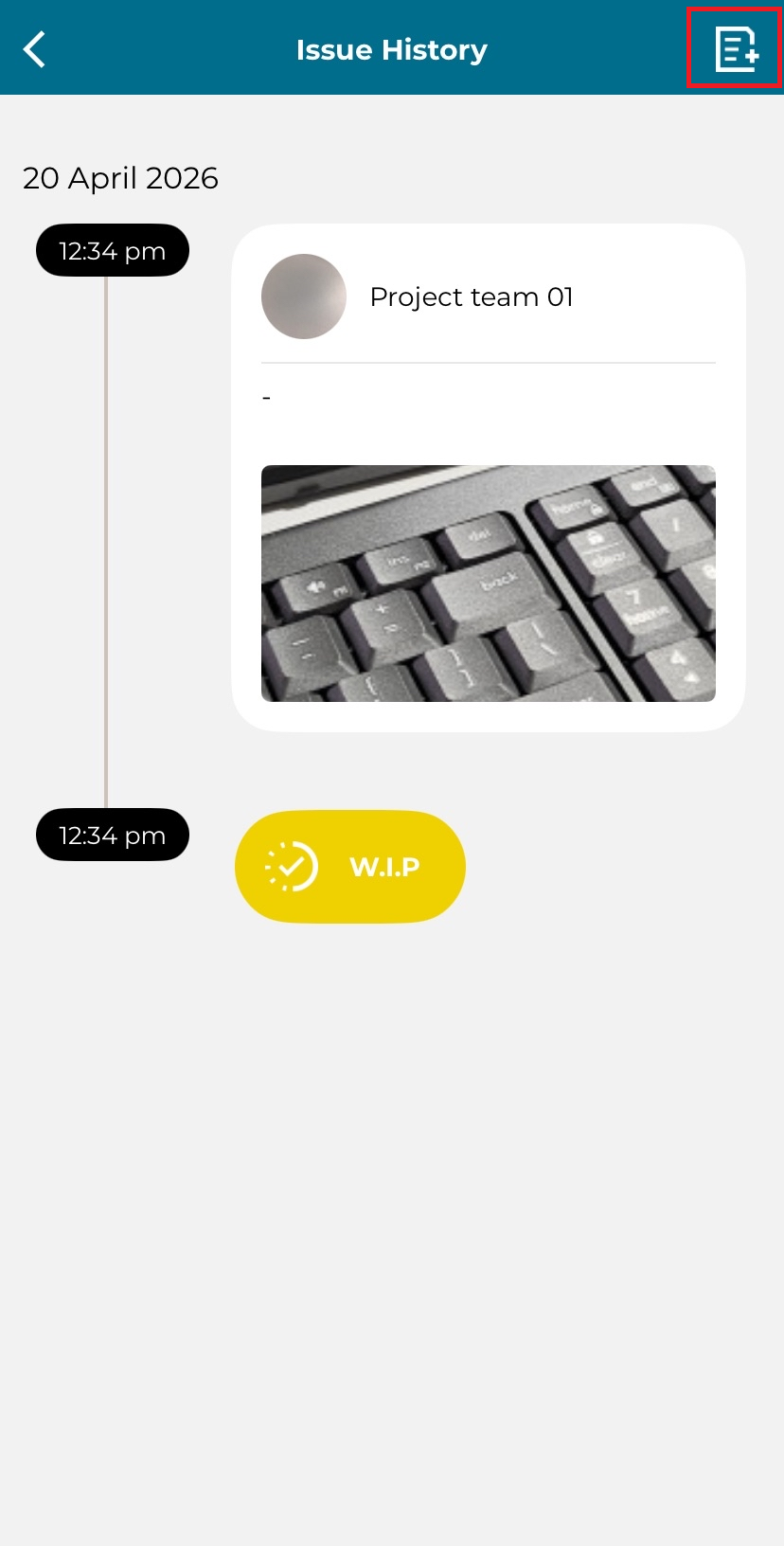
6. Click on top right most logo to add info to the issue.
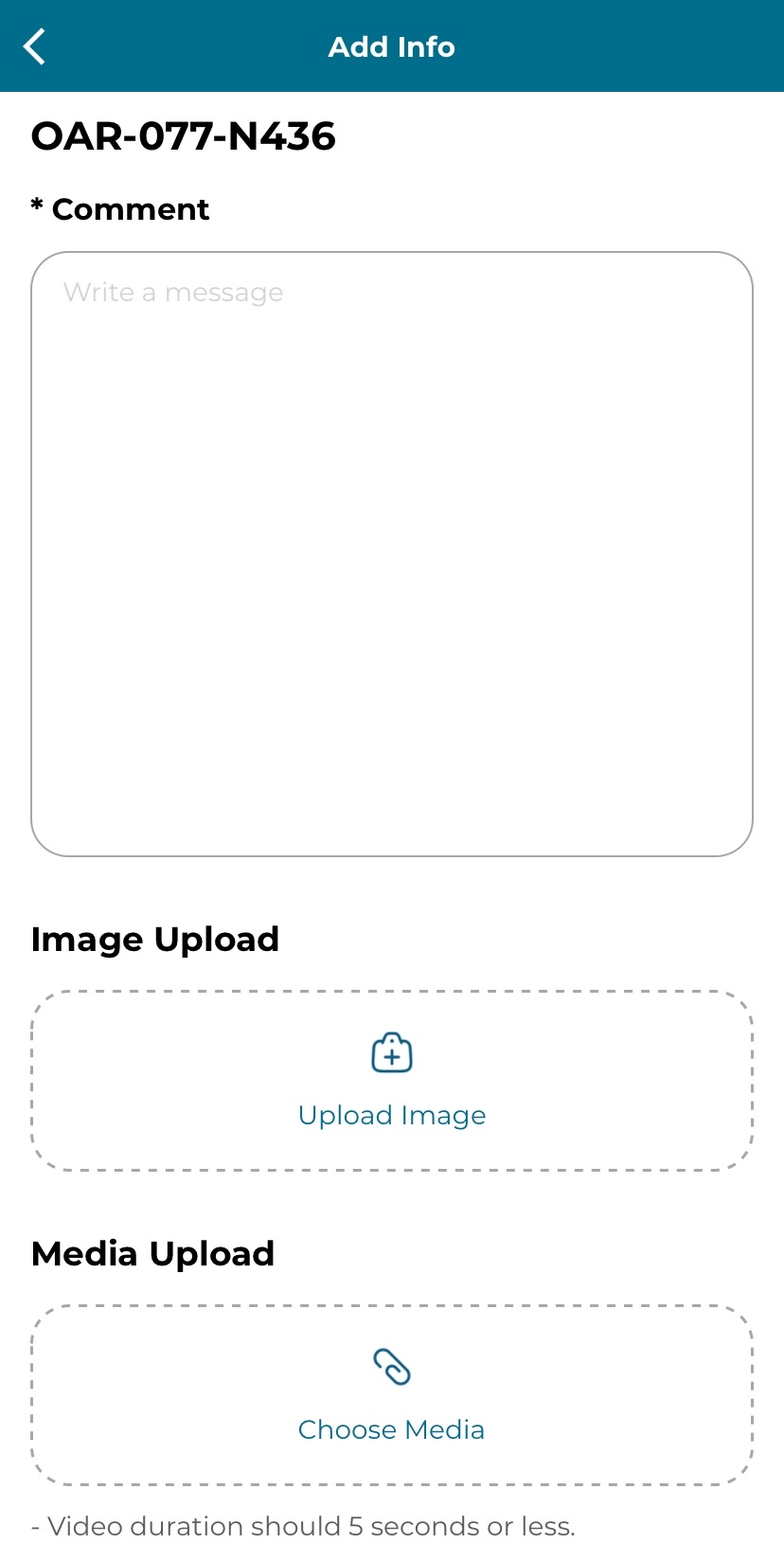
7. Fill in the details:
Comment [MANDATORY]
Image Upload
Media Upload
Click 'Submit'.