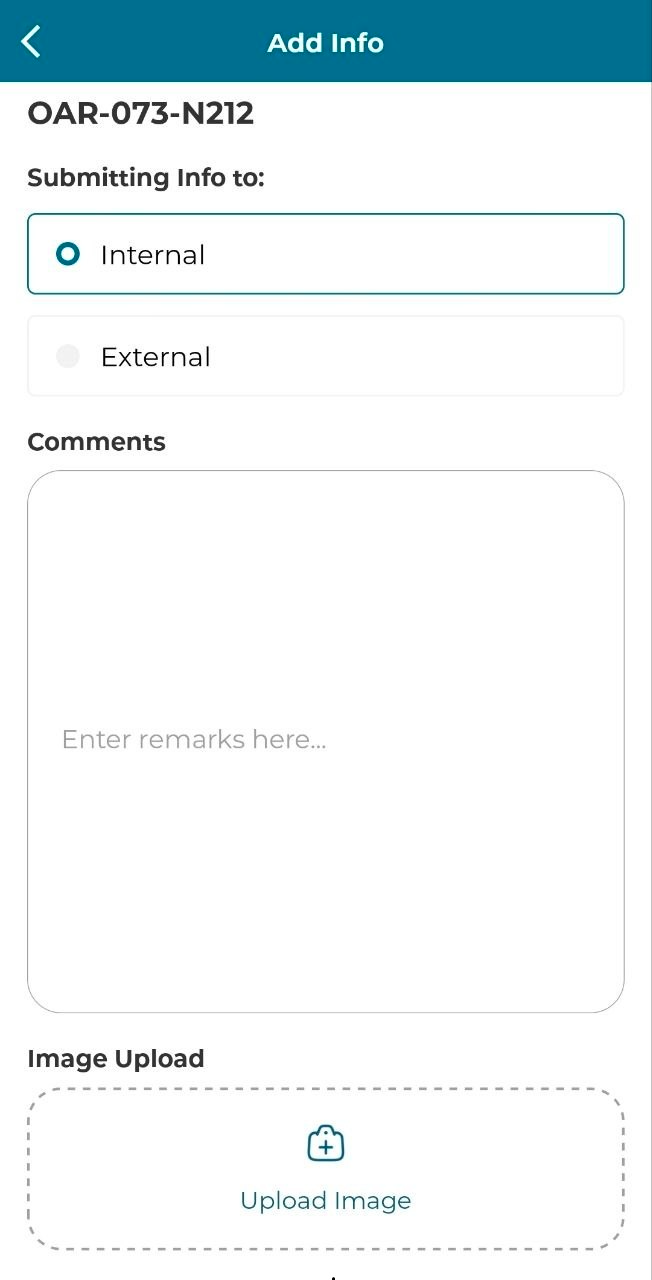
User can follow the steps below to add info to the issue details. Only issue with 'WIP/WIP Redo' can do this function. This can be done through Plan Viewer or Listing.
PLAN VIEWER
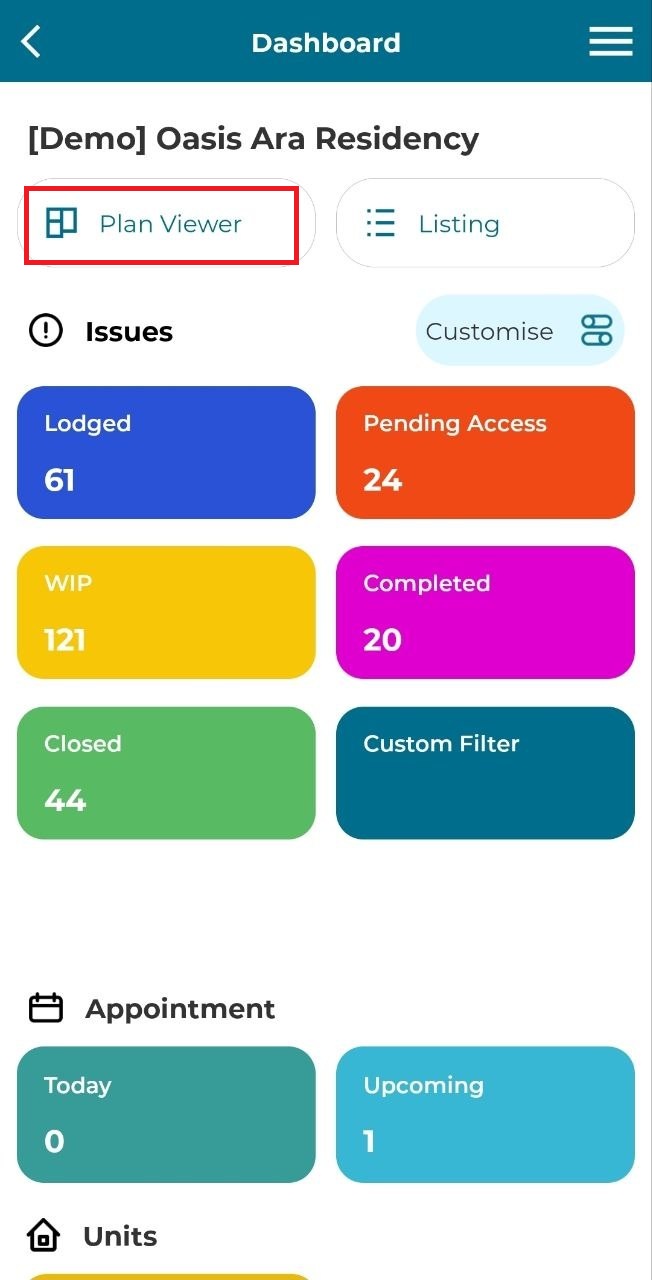
1. Click 'Plan Viewer'.
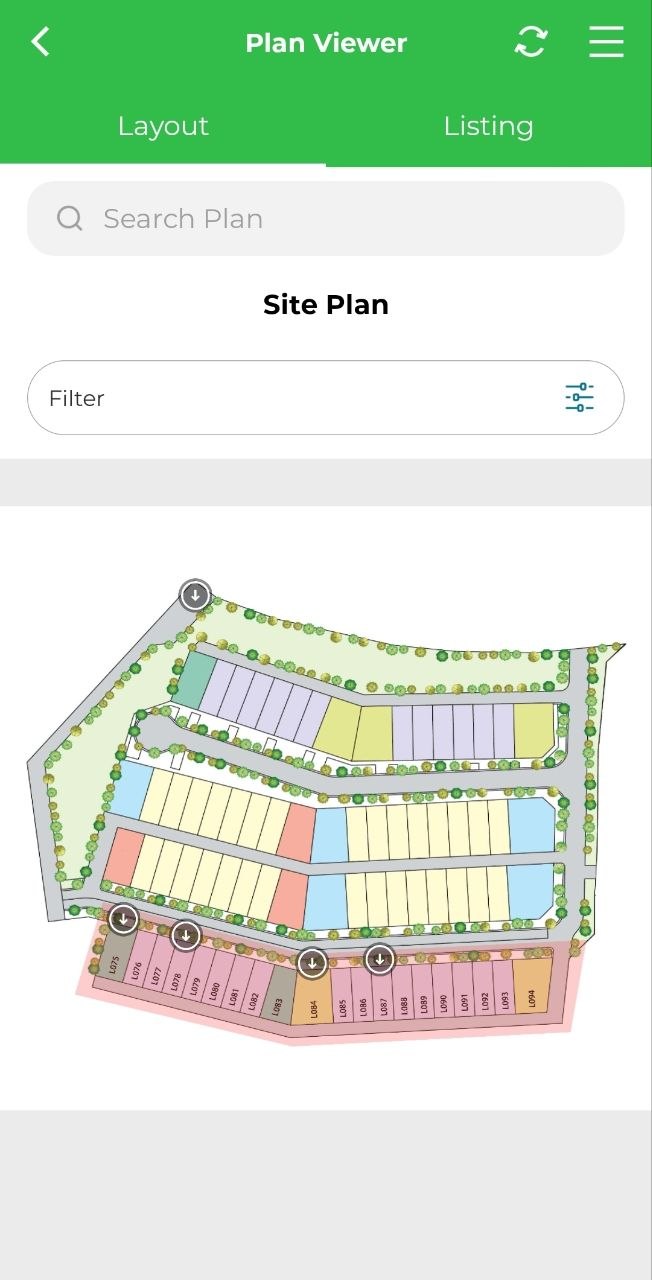
2. Select unit or search for a unit using the search bar.
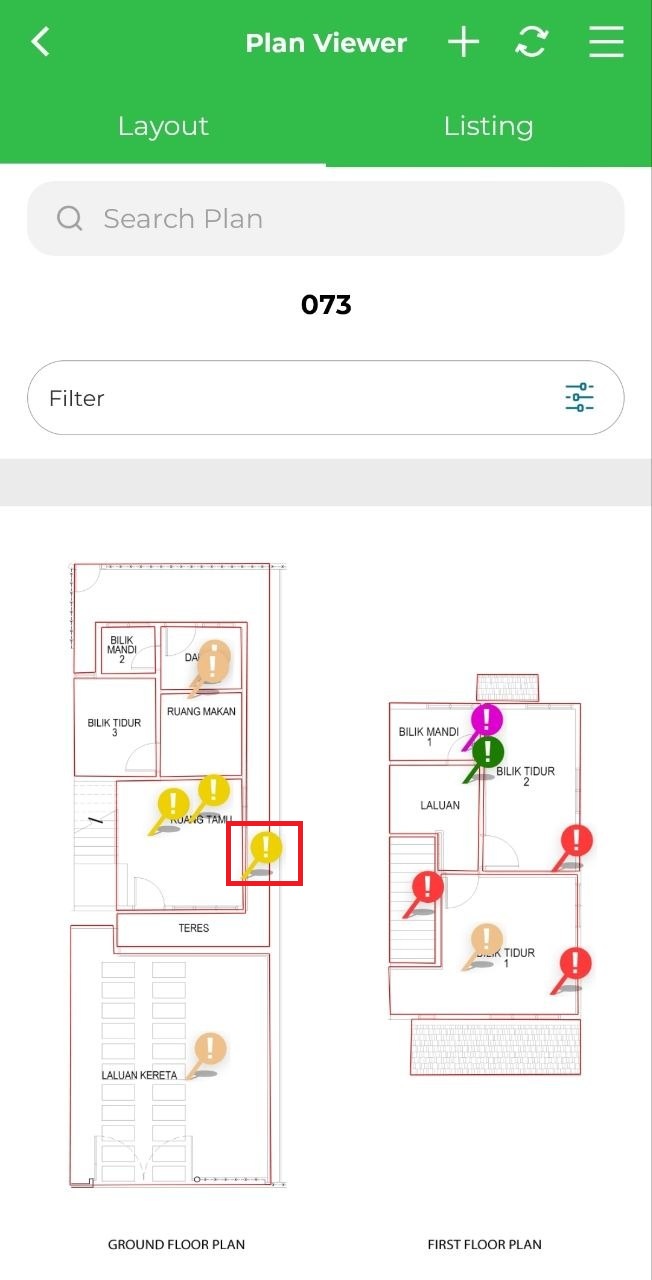
3. Click 'WIP/WIP Redo' yellow marker.
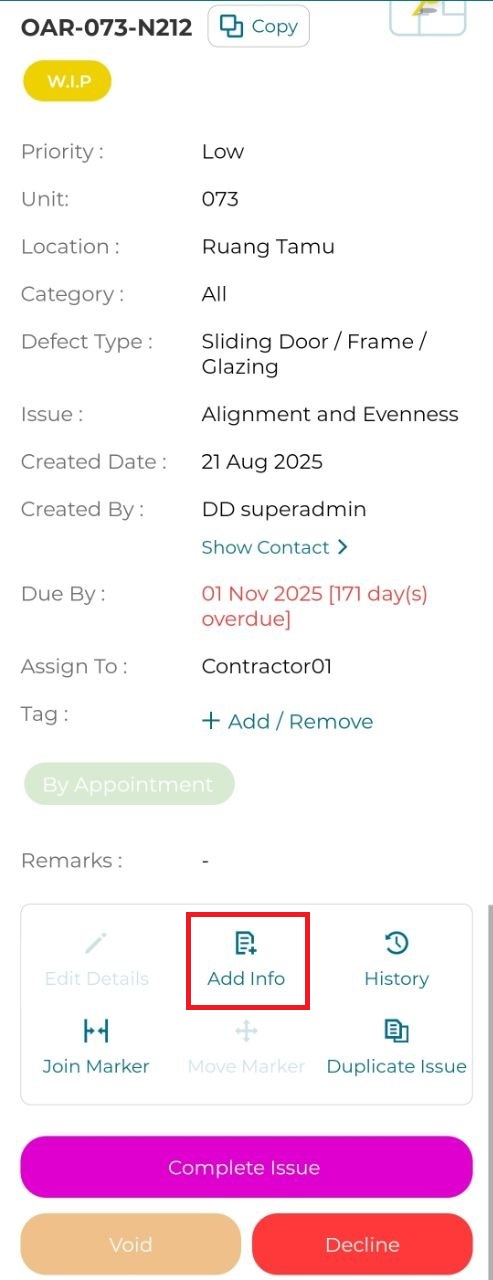
4. Click 'Add Info'.
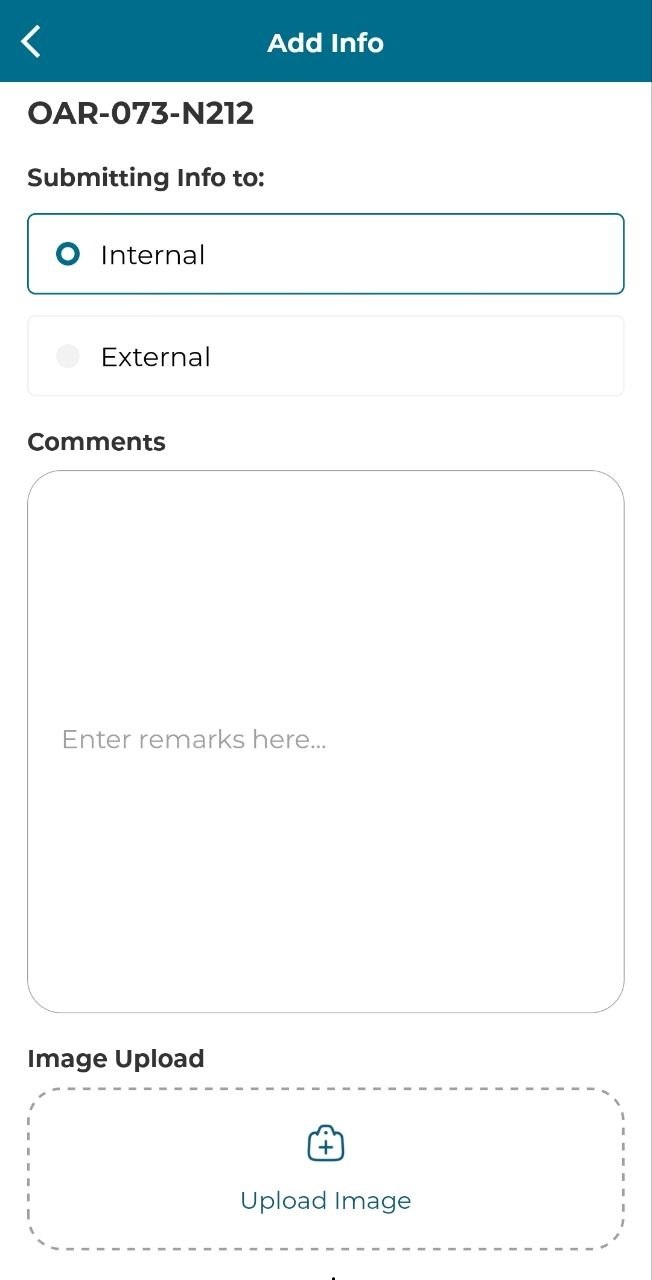
5. Fill in the details and click 'Submit'.
LISTING
1. Click 'Listing'.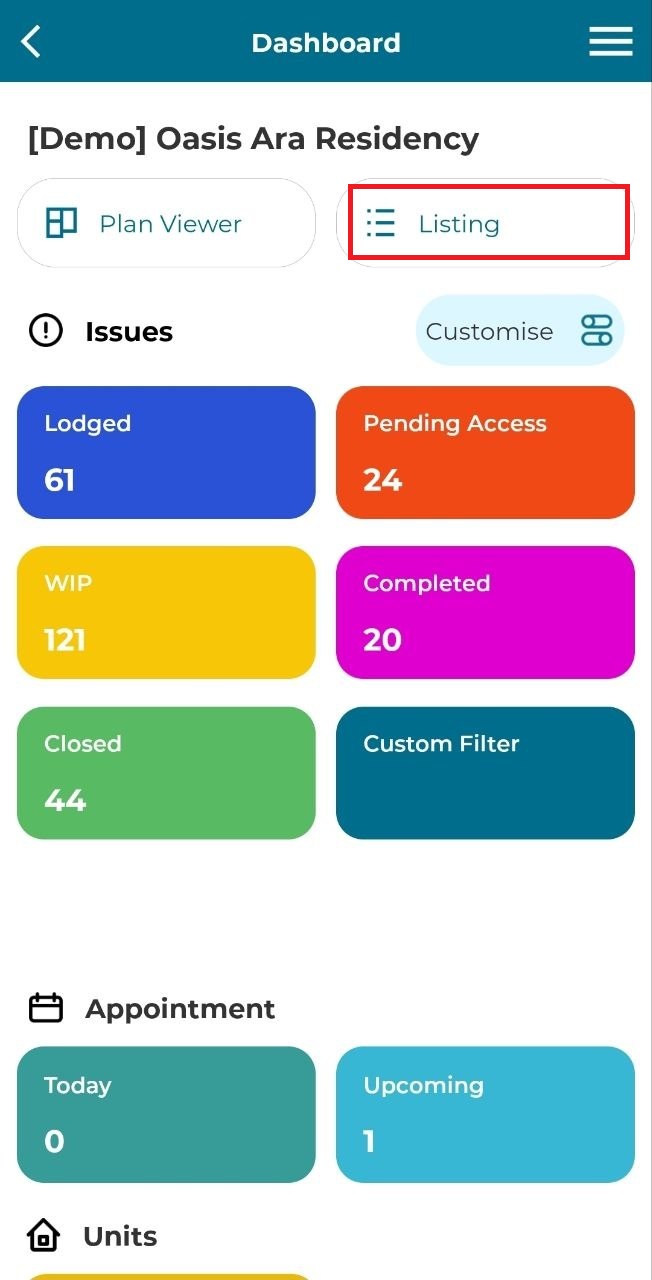
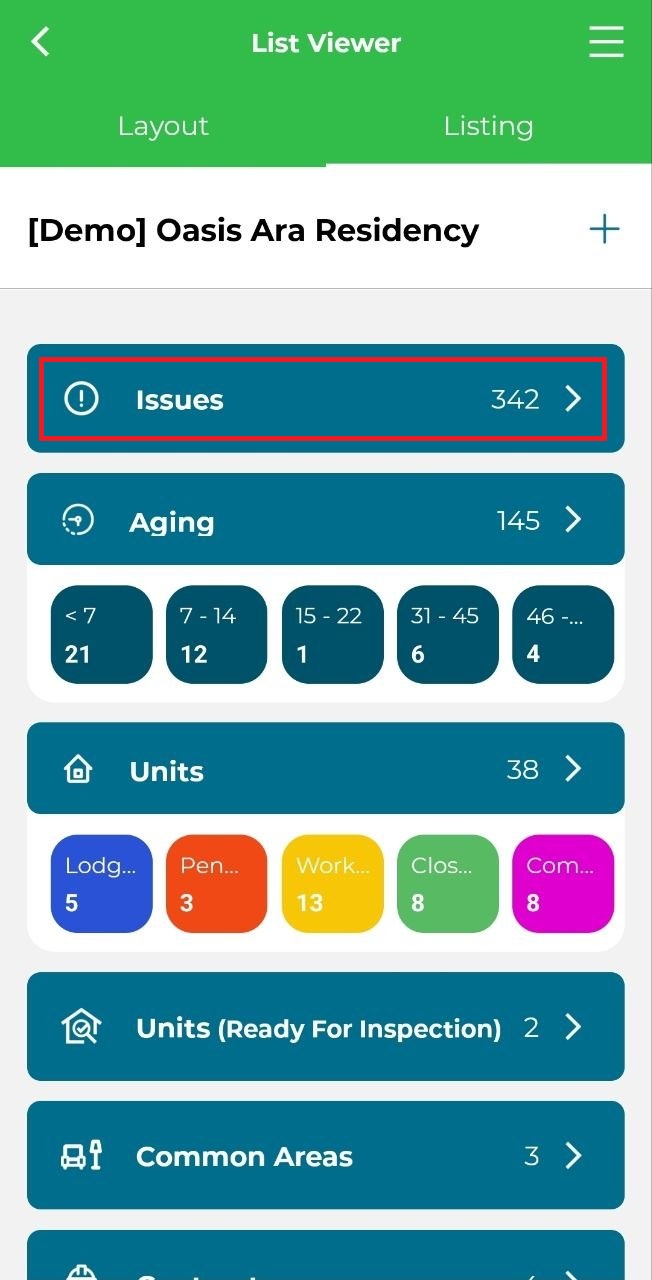
2. Click 'Issue'.
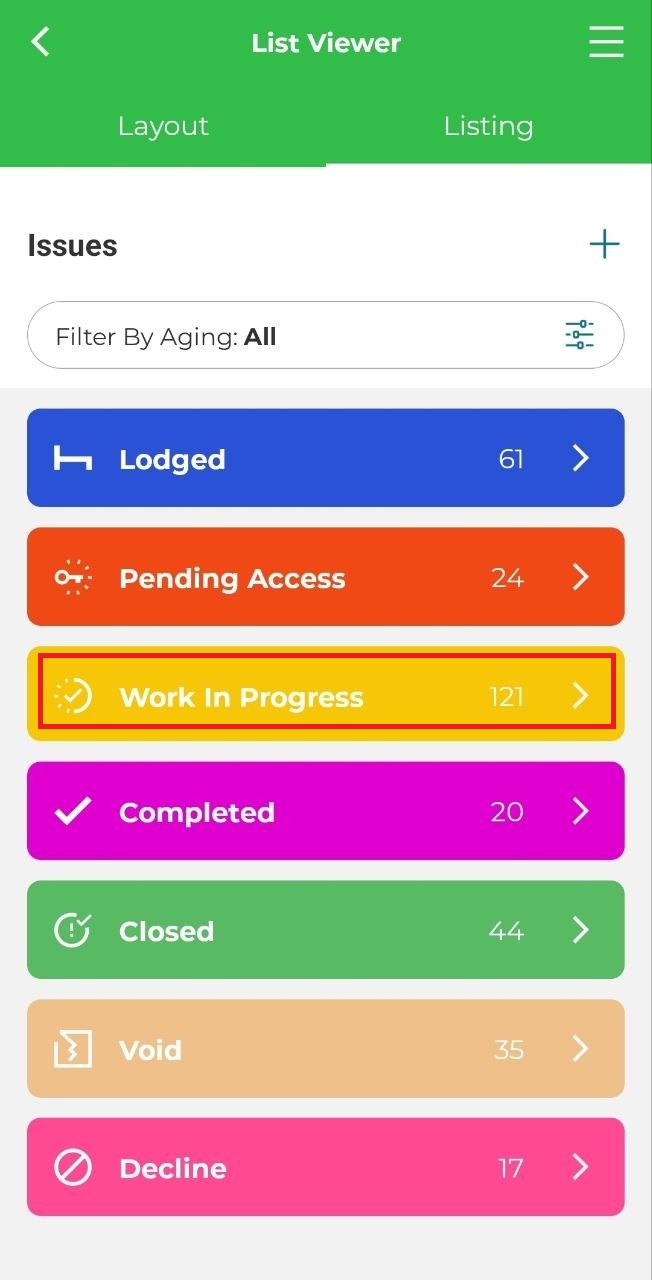
3. Click 'Work In Progress (WIP)'.
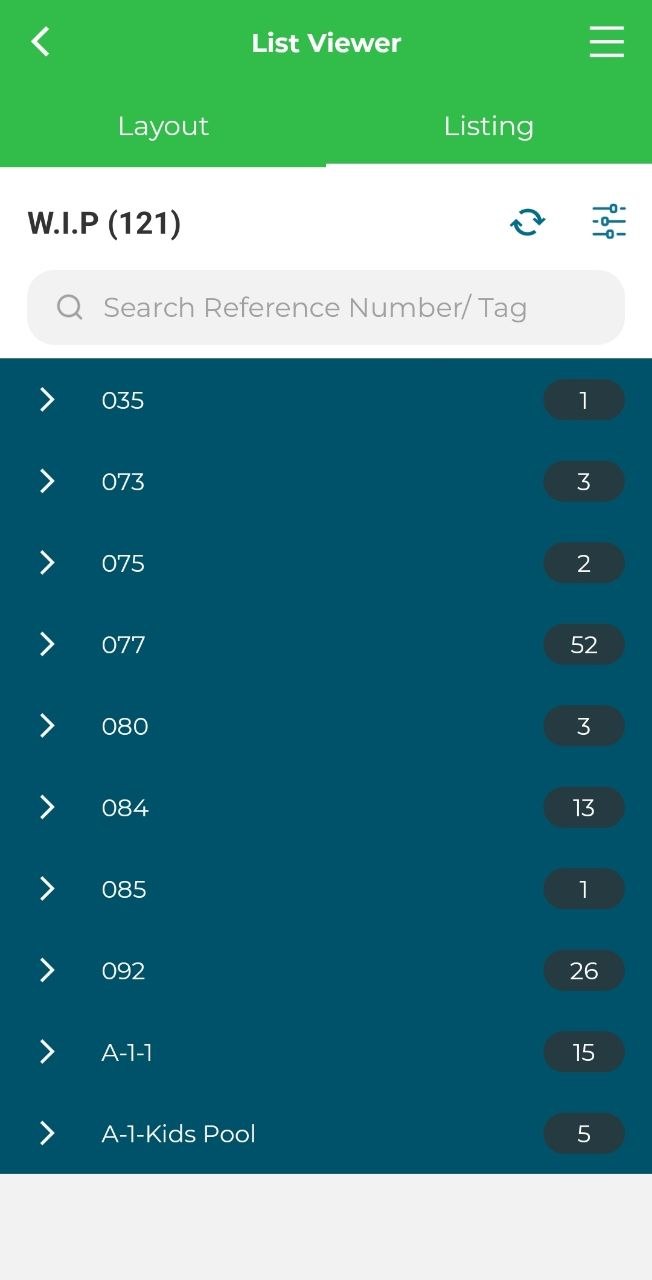
4. Select unit and issue.
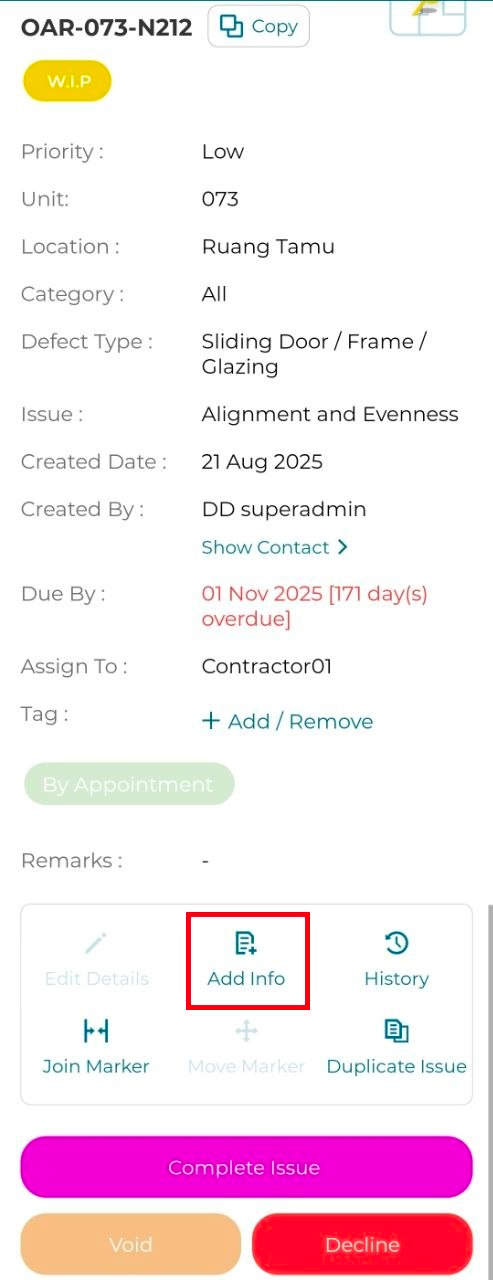
5. Click 'Add Info'.
6. Fill in the details and click 'Submit'.