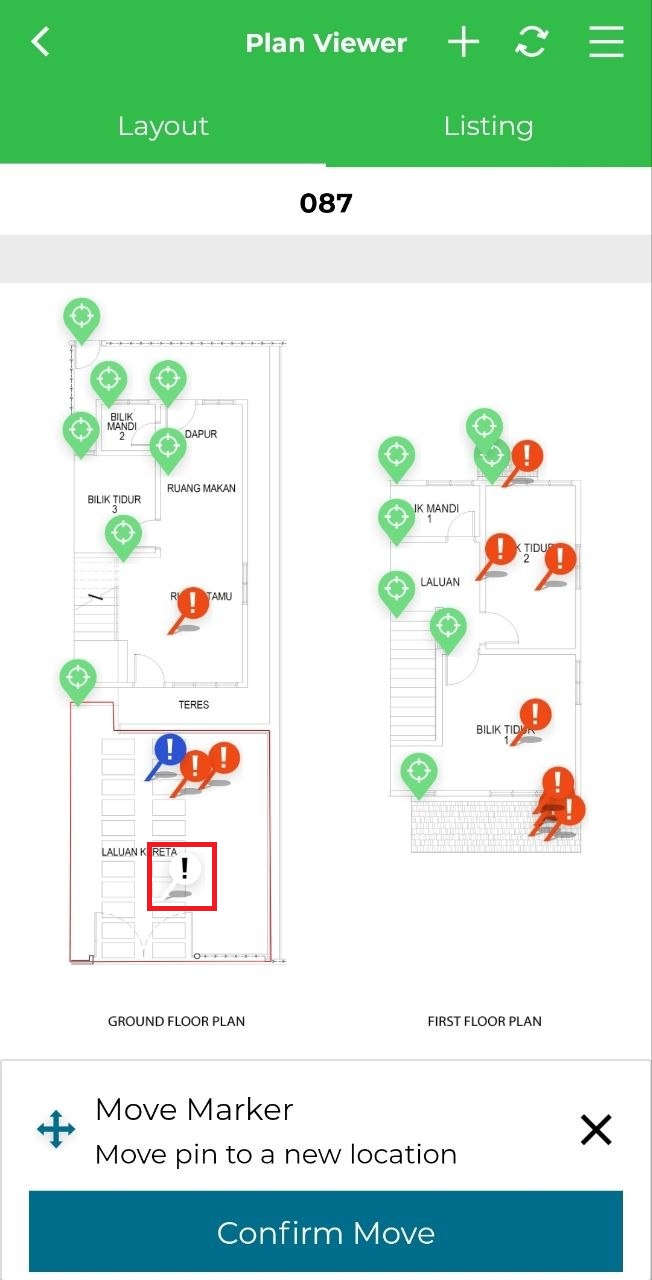
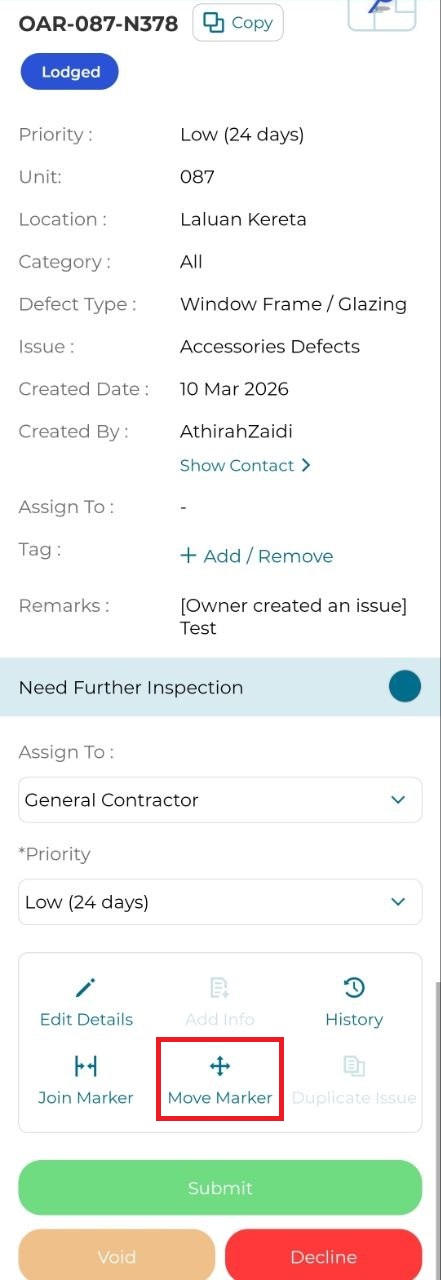
User can move issue to a new area inside the same location. This is applicable only for Lodged issue status. This function can only be done with Plan Viewer.
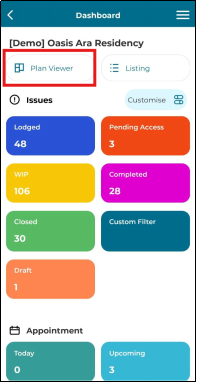
1. Click 'Plan Viewer'.
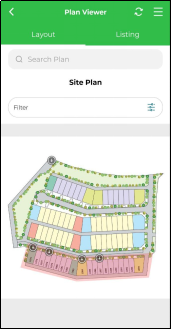
2. Search for a unit.
3. Click on lodged issue marker.
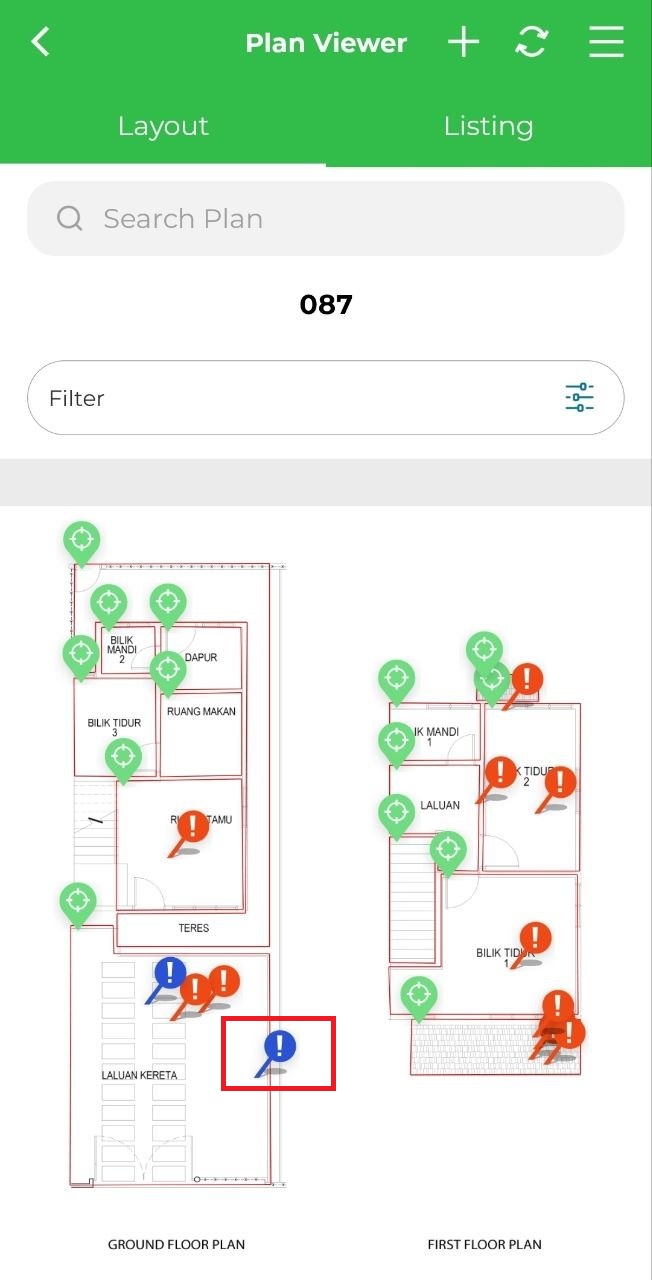
4. Click 'Move Marker'.
5. Move the white marker to a new location. Then click 'Confirm Move'.