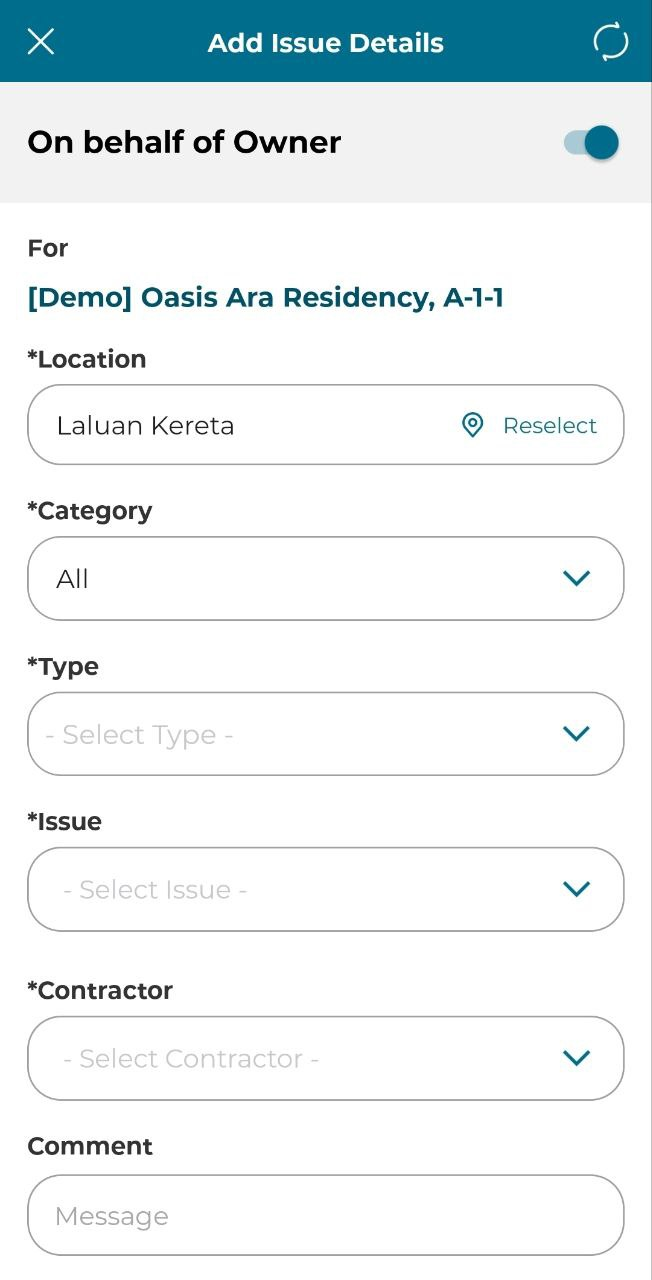
Joint Inspection is the second type of appointment that is in Commudesk: QMS. During the joint inspection you may submit an issue on behalf of the Unit Owner.
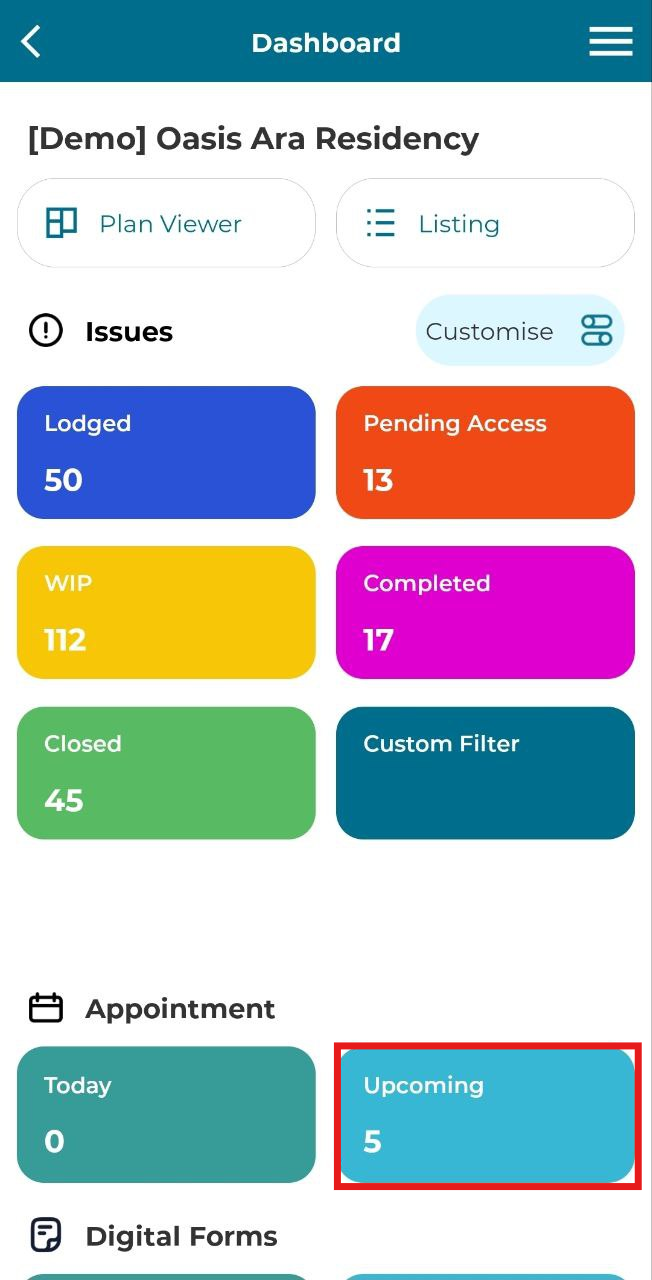
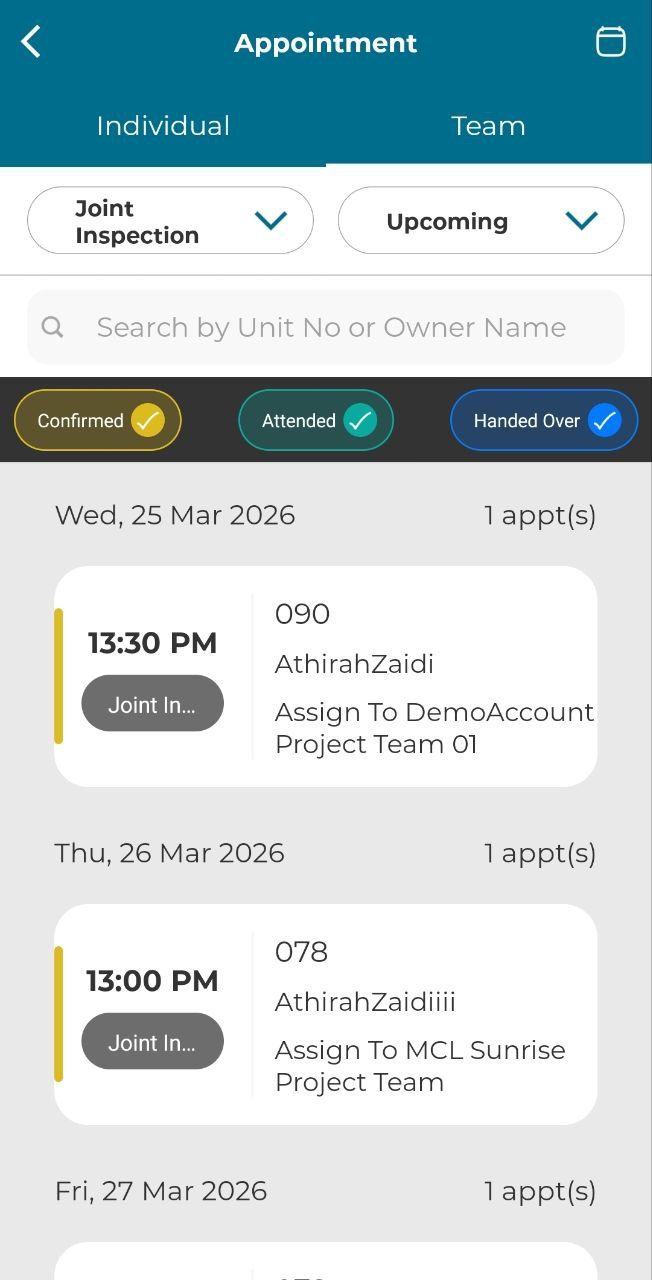
1. Click 'Upcoming' in appointment section
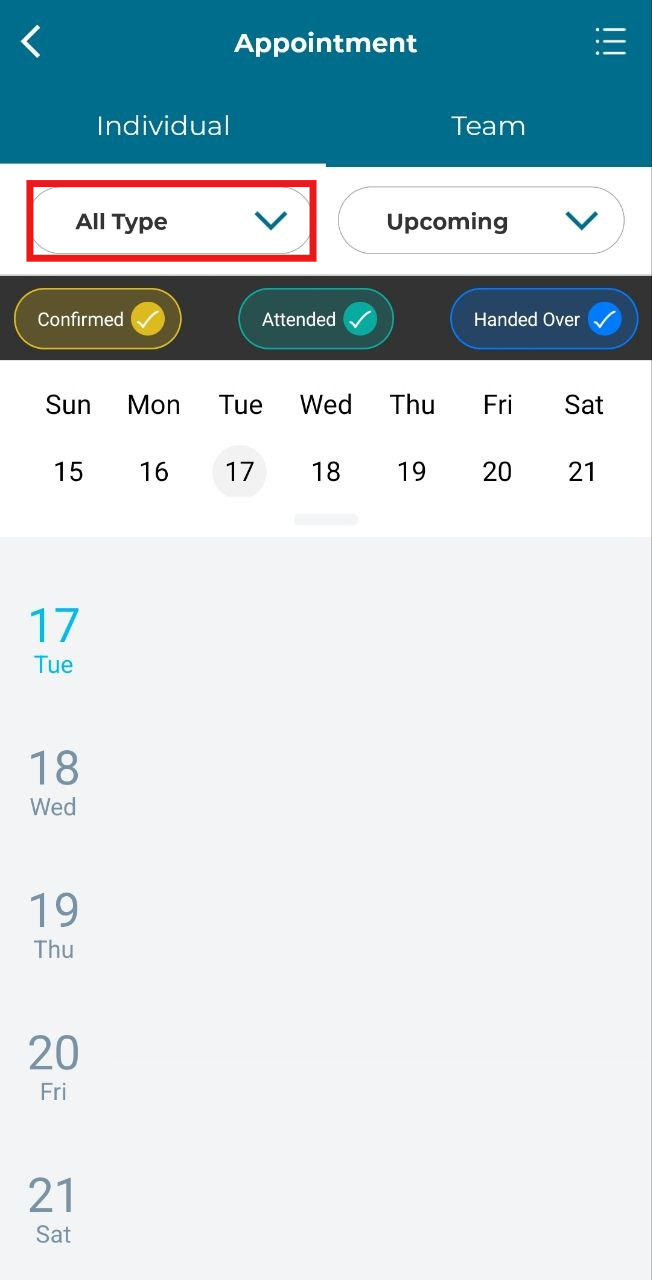
2. Filter appointment type by clicking 'All Type'.
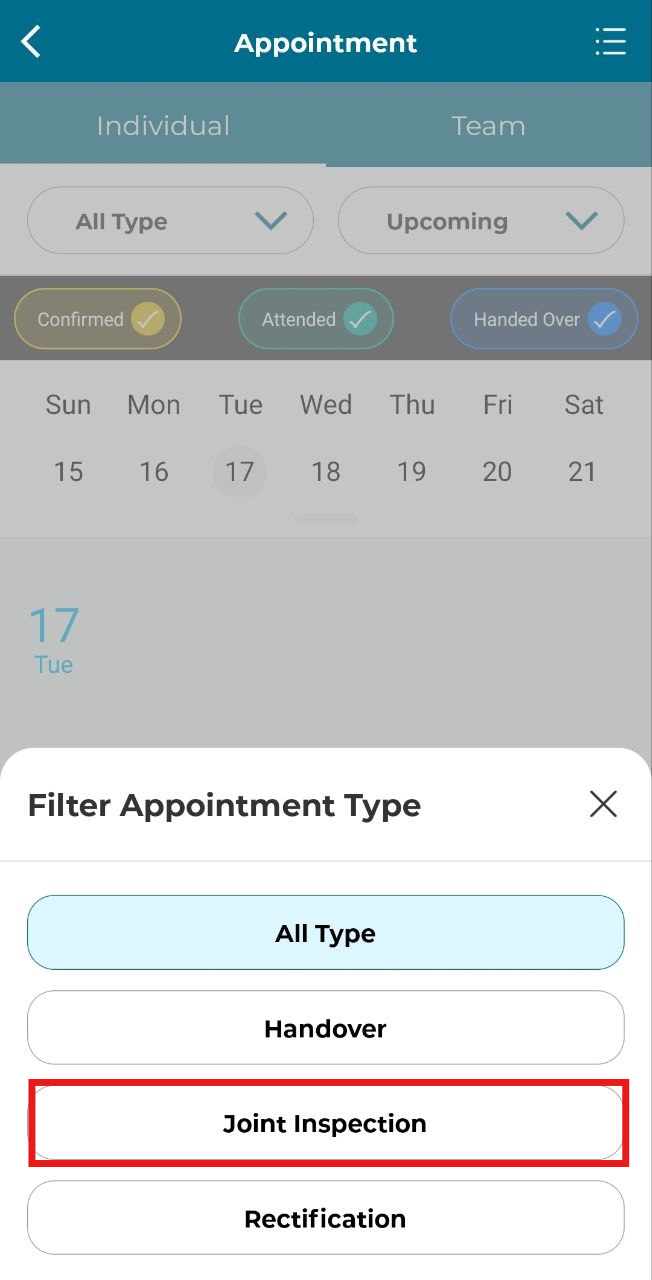
3. Click 'Joint Inspection'.
4. Click on the appointment.
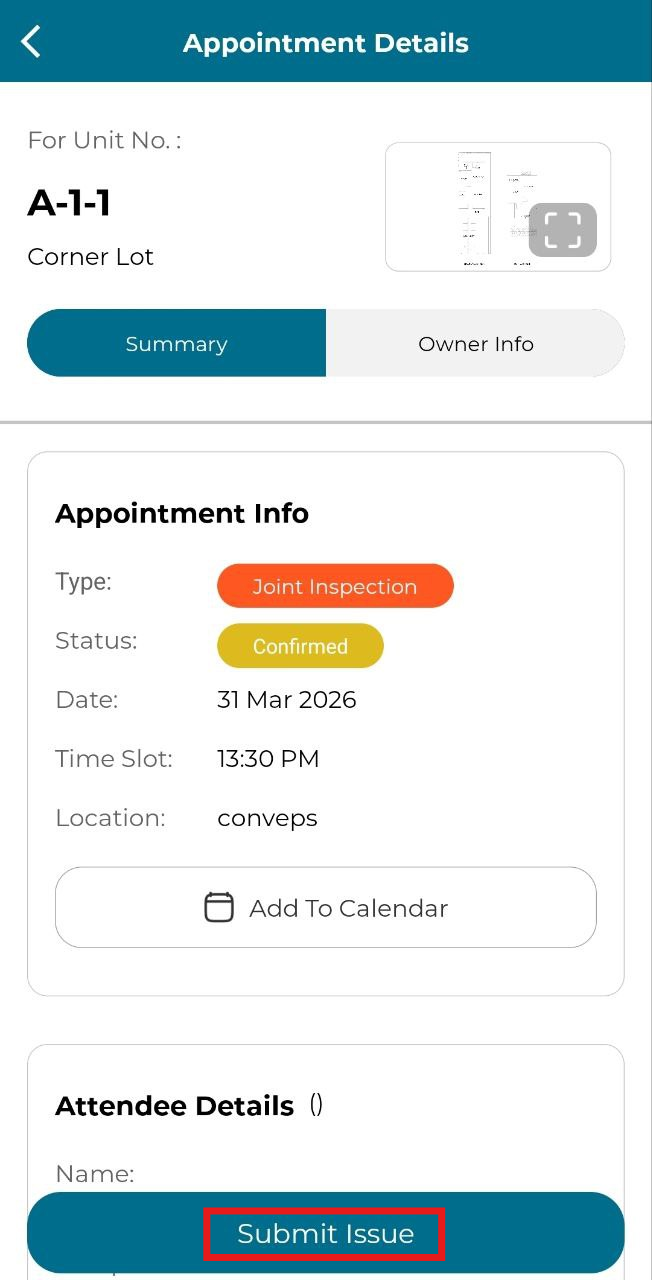
5. Click 'Submit Issue'.
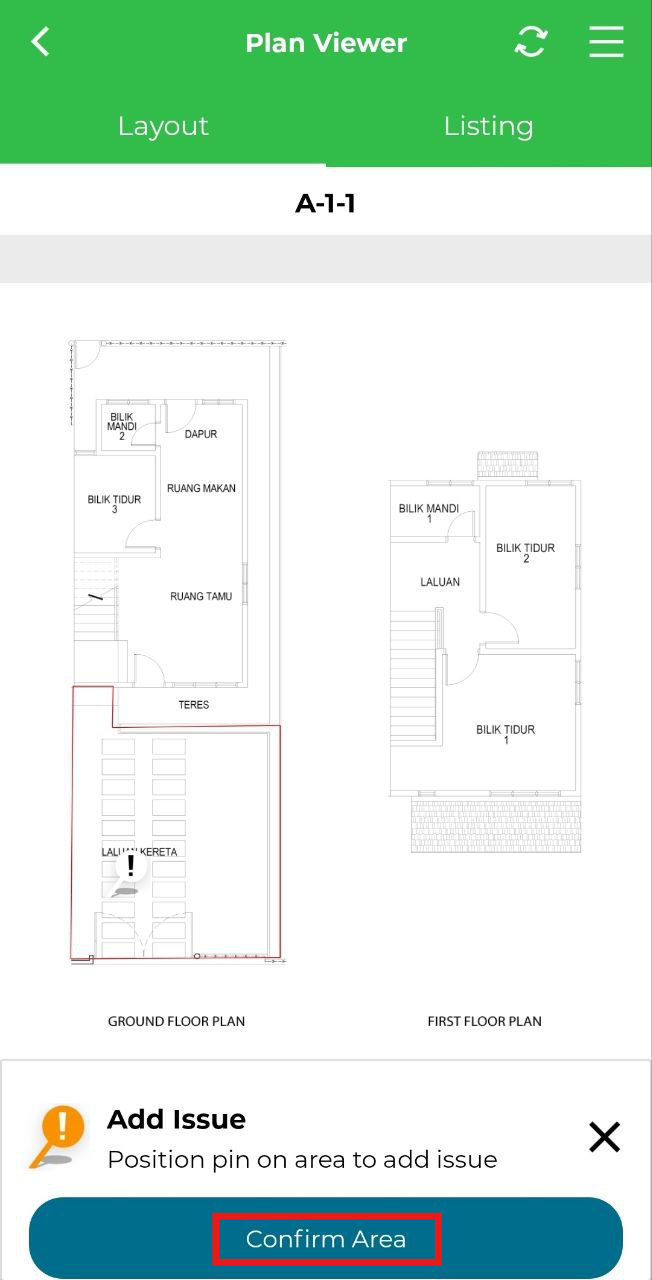
6. Move the marker to the issue area and click 'Confirm Area'.
10. Fill in the mandatory details, 'Location', 'Category', 'Type', 'Issue', 'Contractor', 'Priority' and 'Image Upload'. Then click 'Submit'.