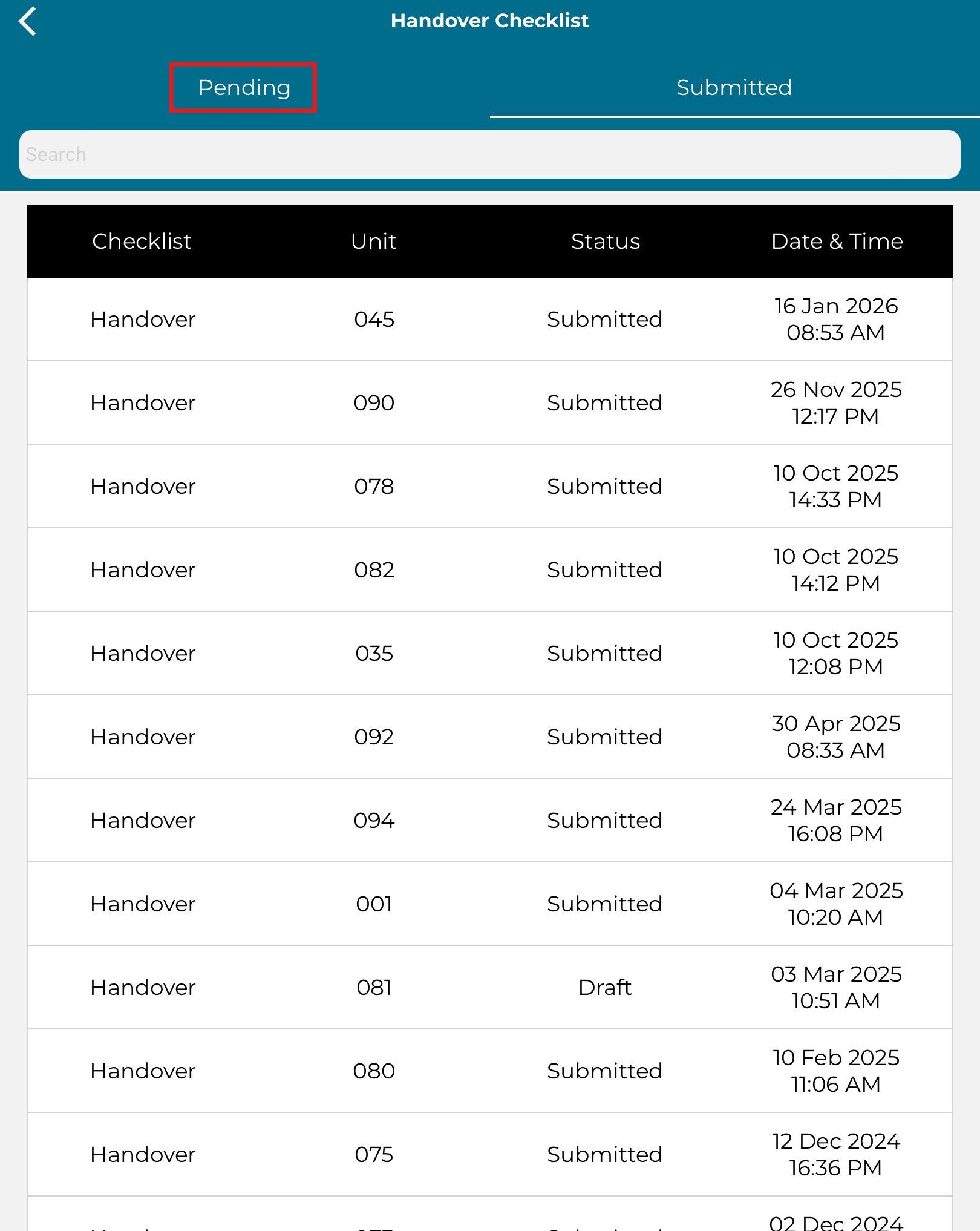
Handover is one of the appointment types that is available in Commudesk: QMS. You can submit a digital handover checklist during the handover process by using an iPad or Tablet only.
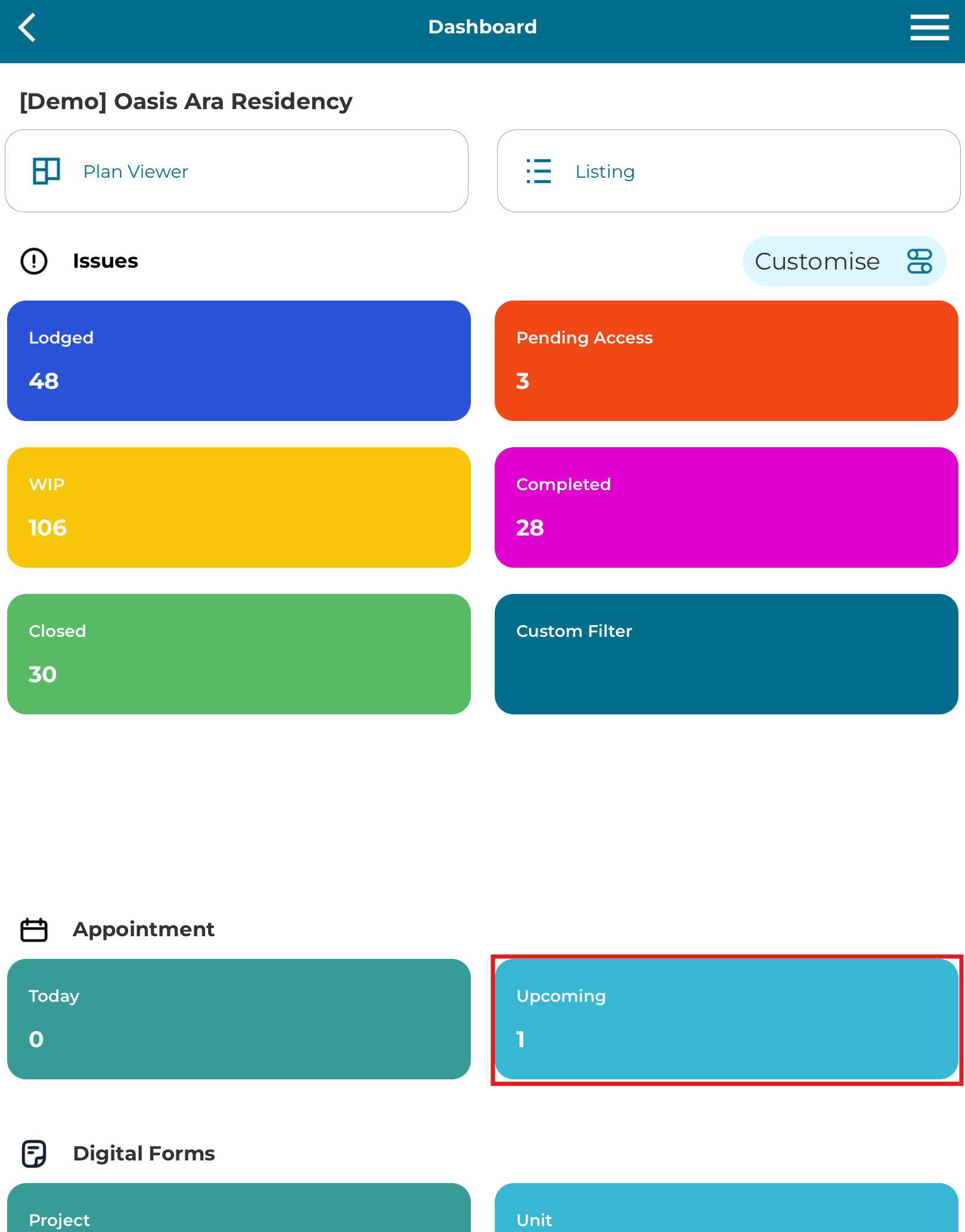
1. Click on "Upcoming" under Appointment section
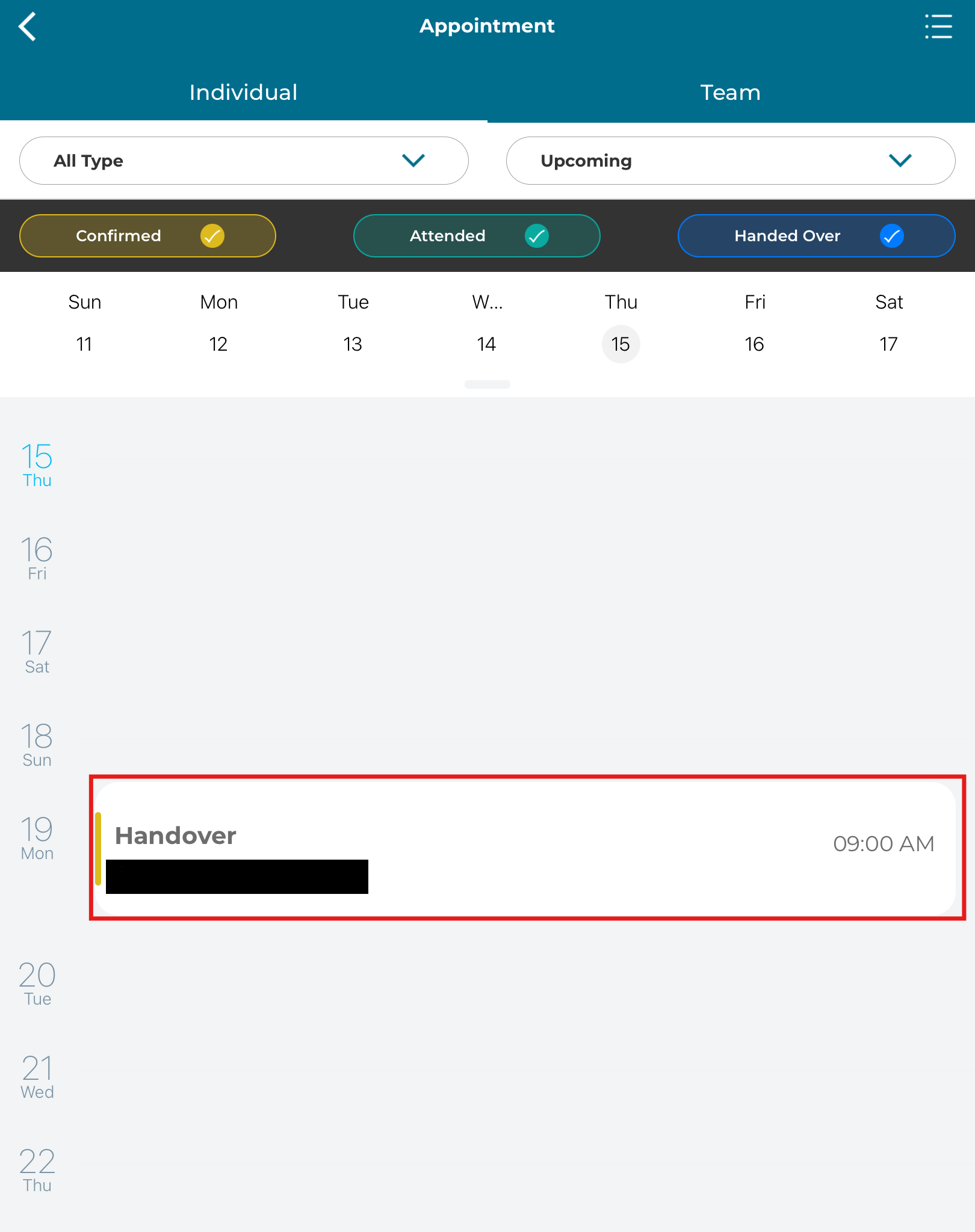
2. Click on "Handover" upcoming appointment
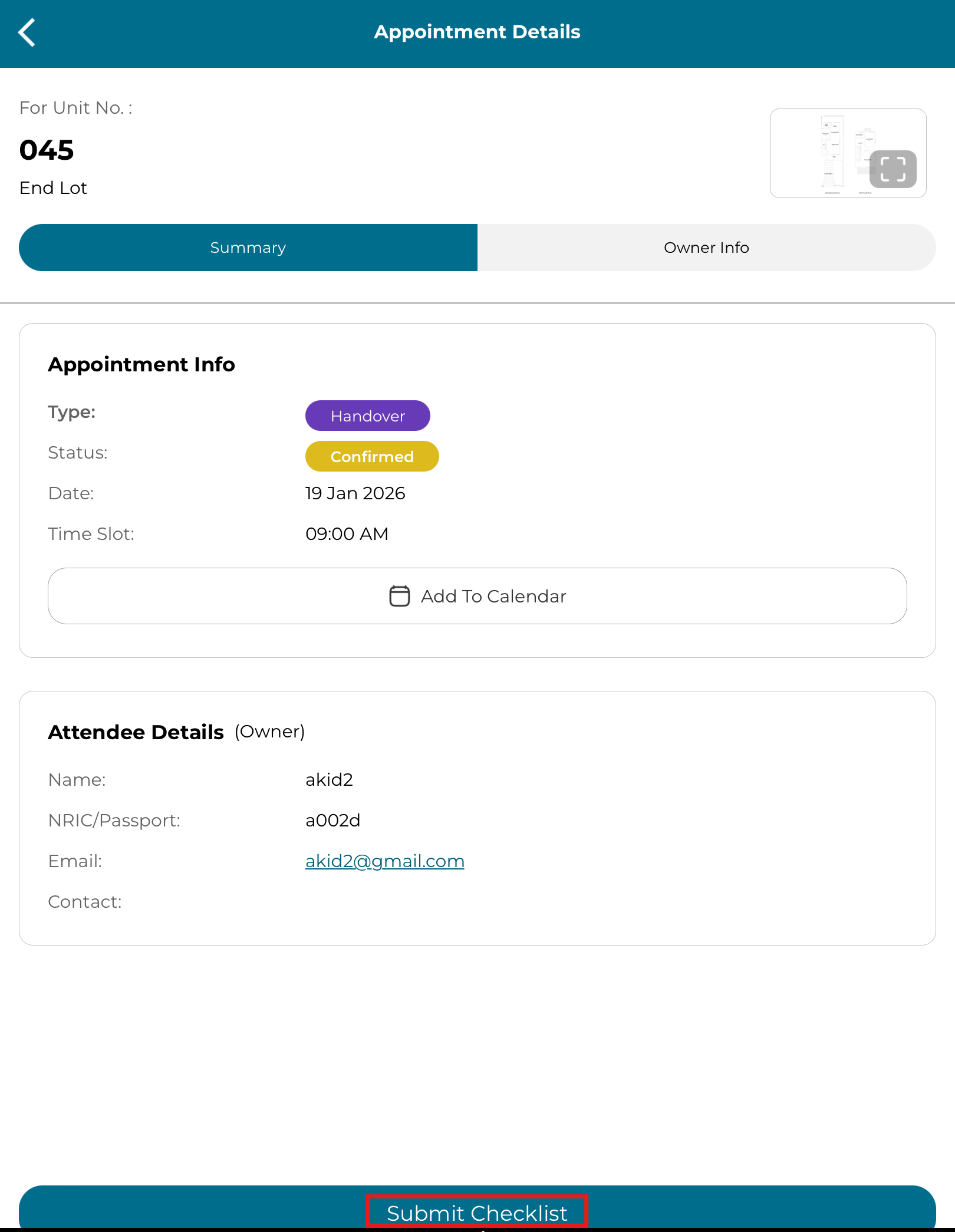
3. Click "Submit Checklist"
4. Fill the handover checklist
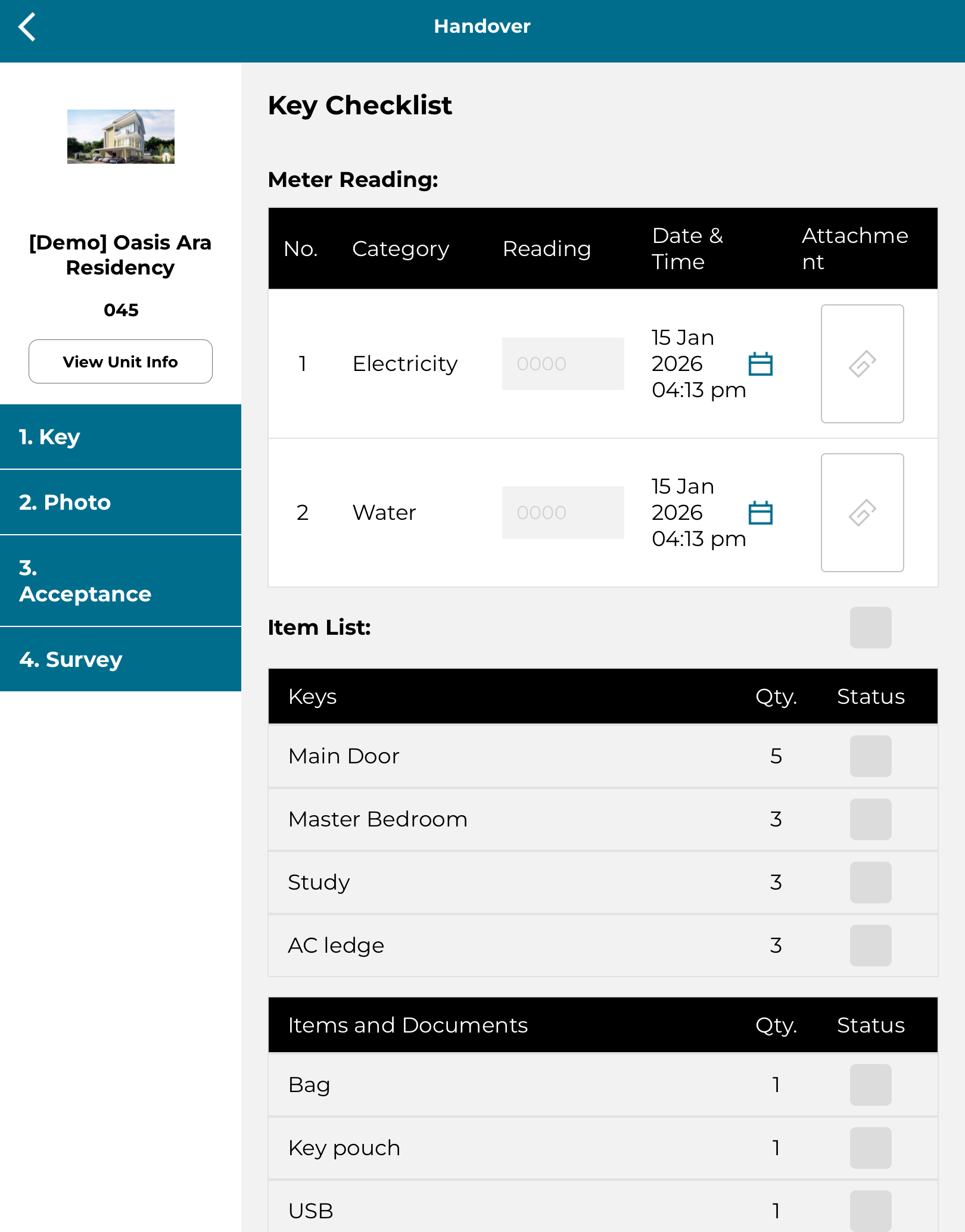
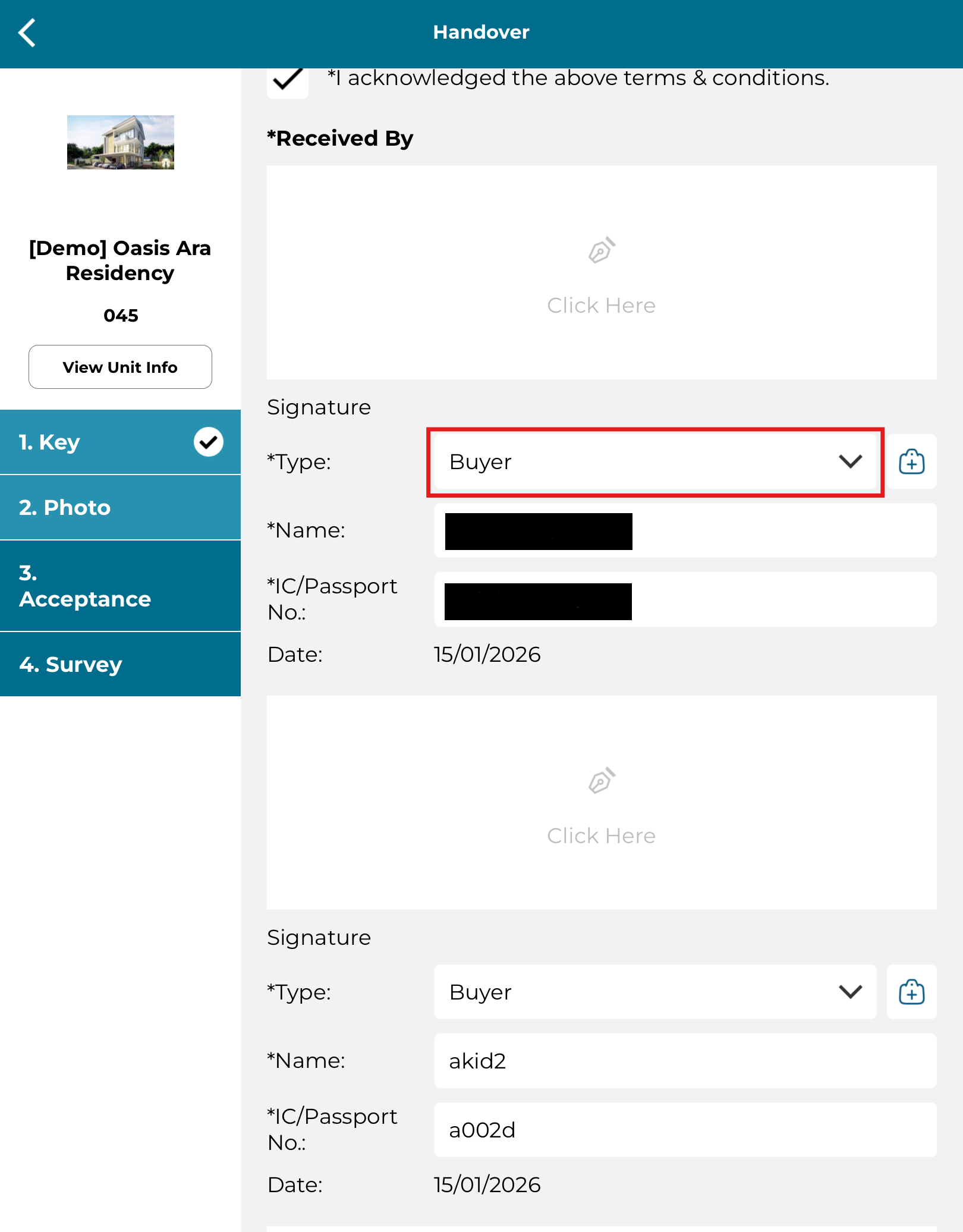
5. Can change "Received By" buyer. Fill in mandatory details 'Type', 'Name', 'IC/Passport No' and 'Signature'.
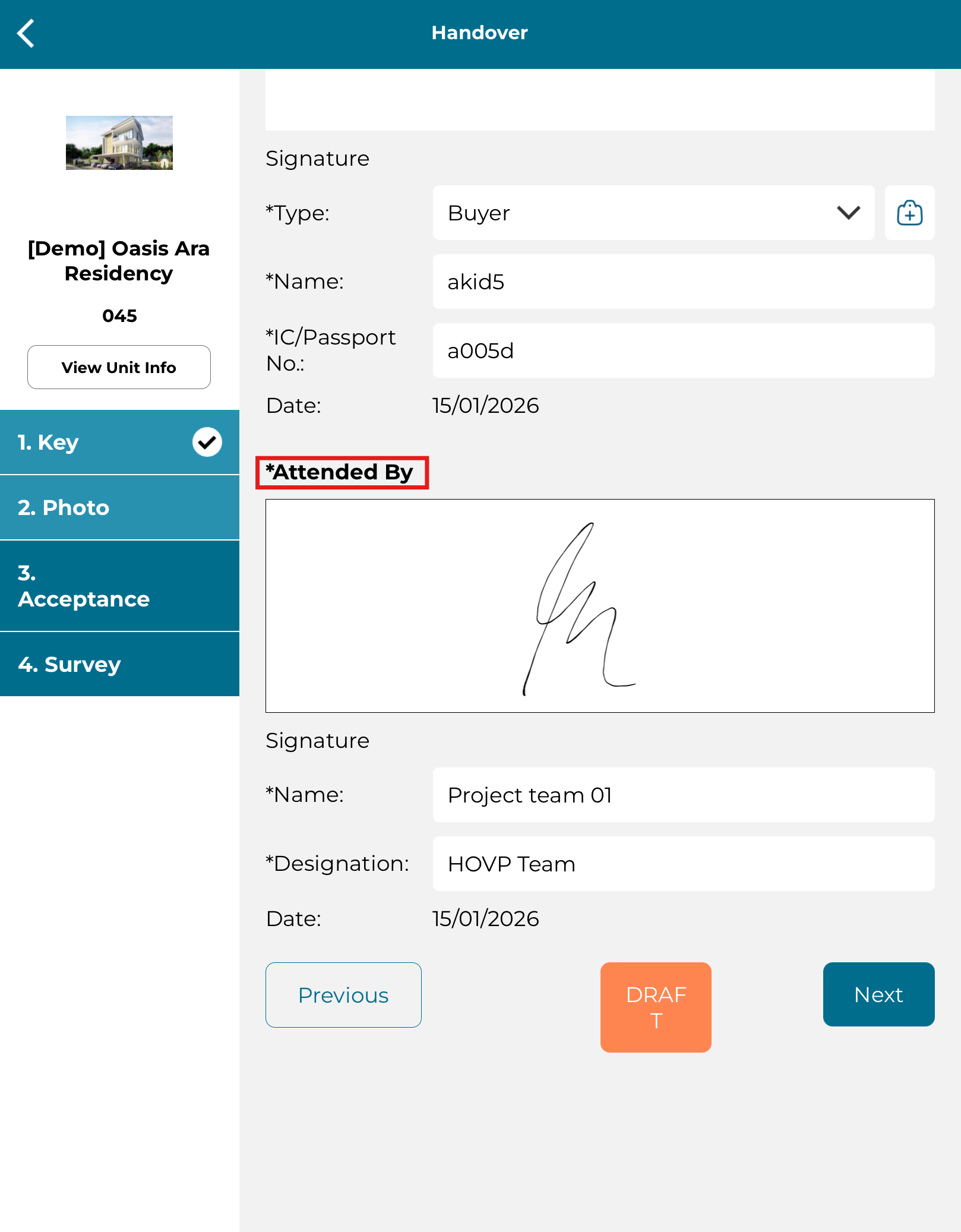
6. Fill in the 'Attended By' mandatory details 'Type', 'Name', 'IC/Passport No' and 'Signature'.
7. Can change 'Received By' representative.
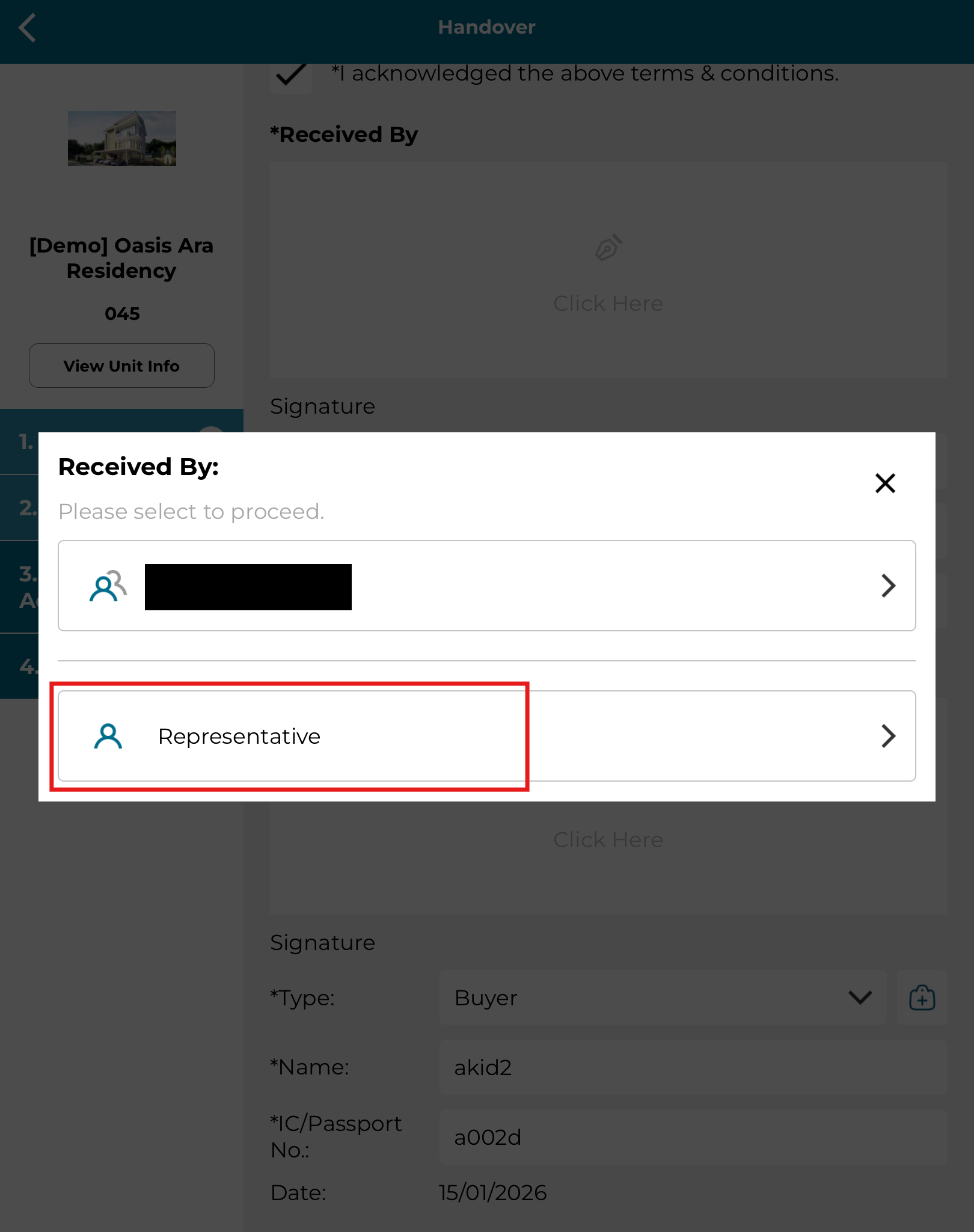
8. Can change the 'Received By' representative. Fill the mandatory details, 'Type', 'Name', 'IC/Passport No' and 'Signature'.
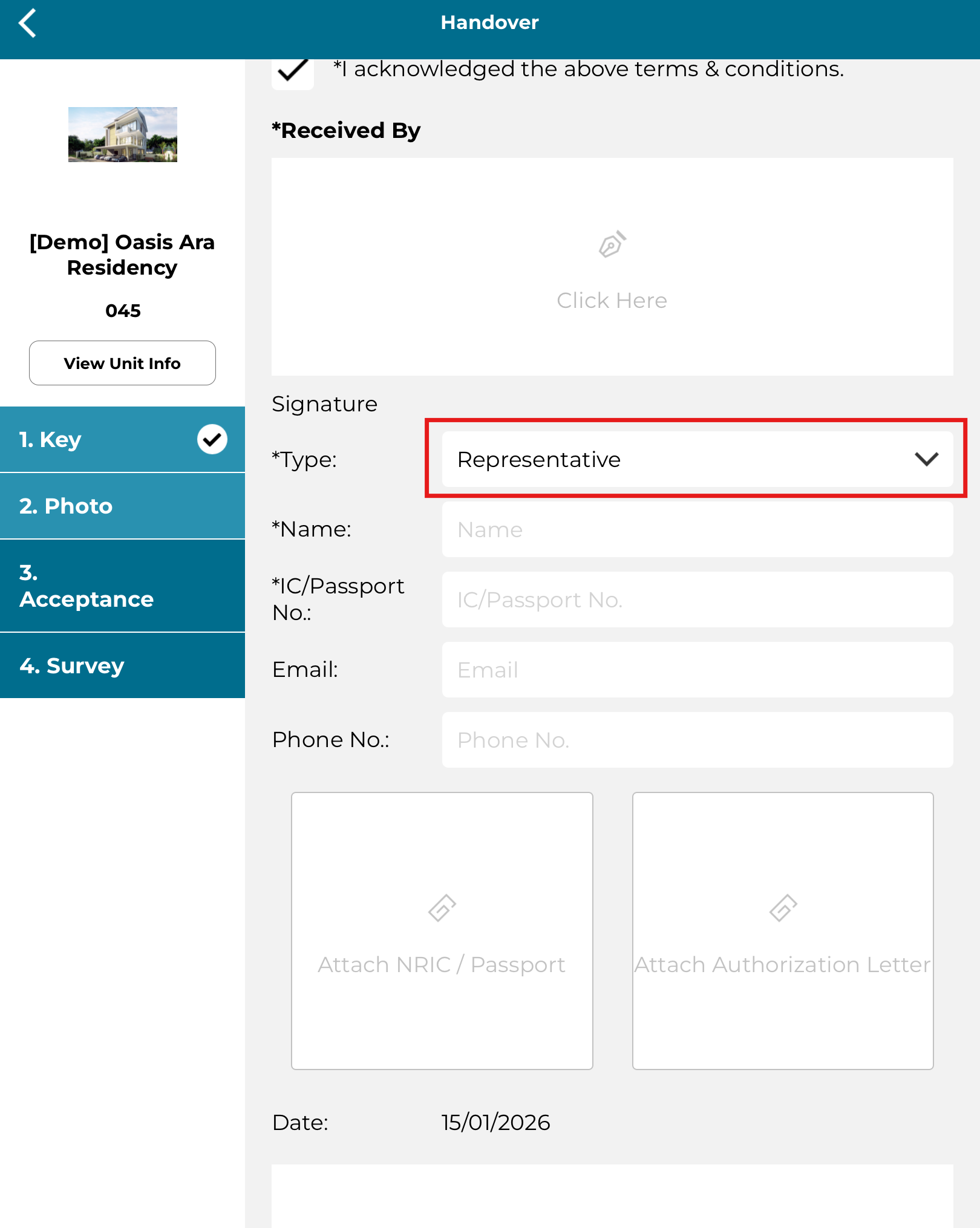
9. Fill the 'Attended By' details.
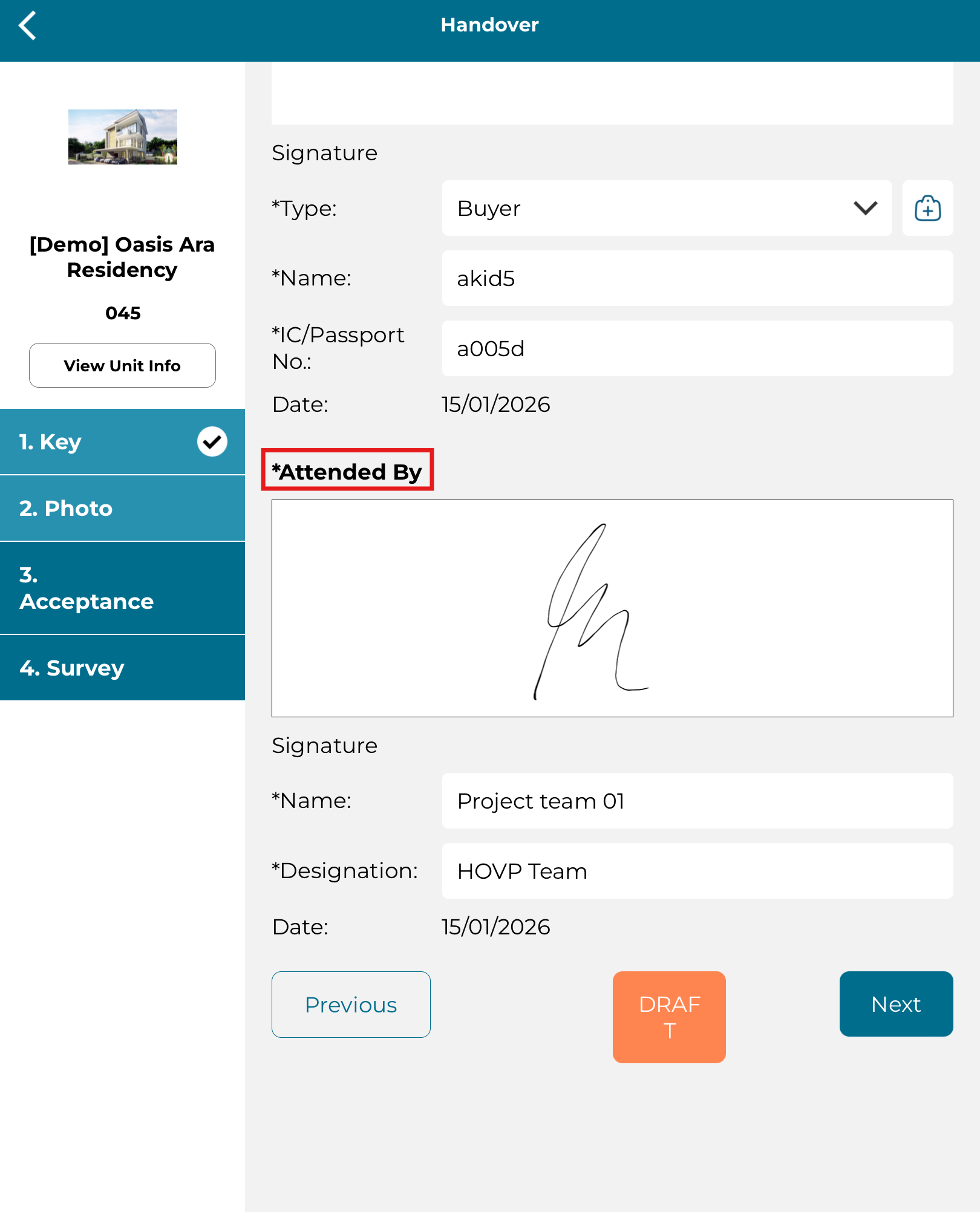
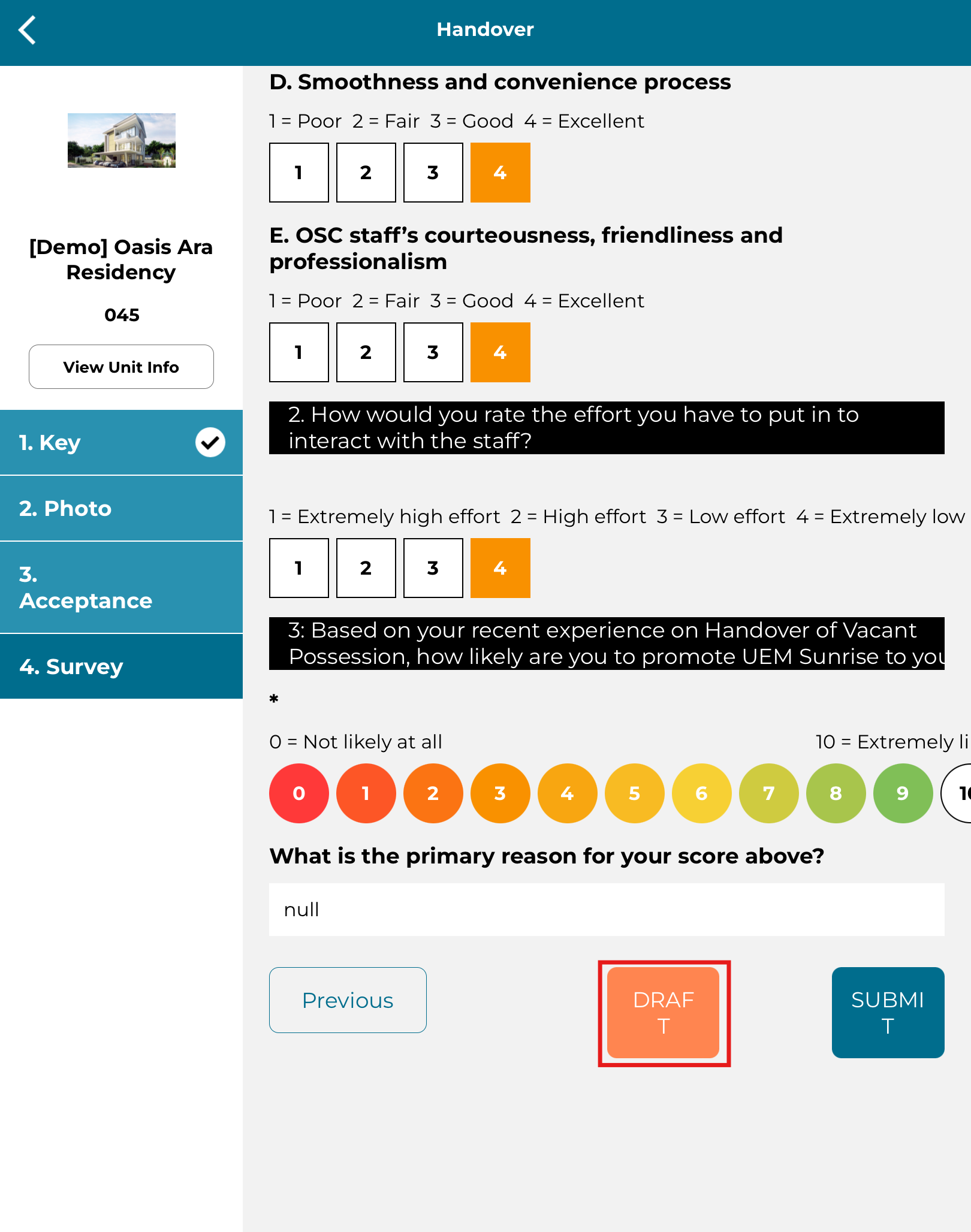
10. Click 'Draft' if not ready to handover the checklist.
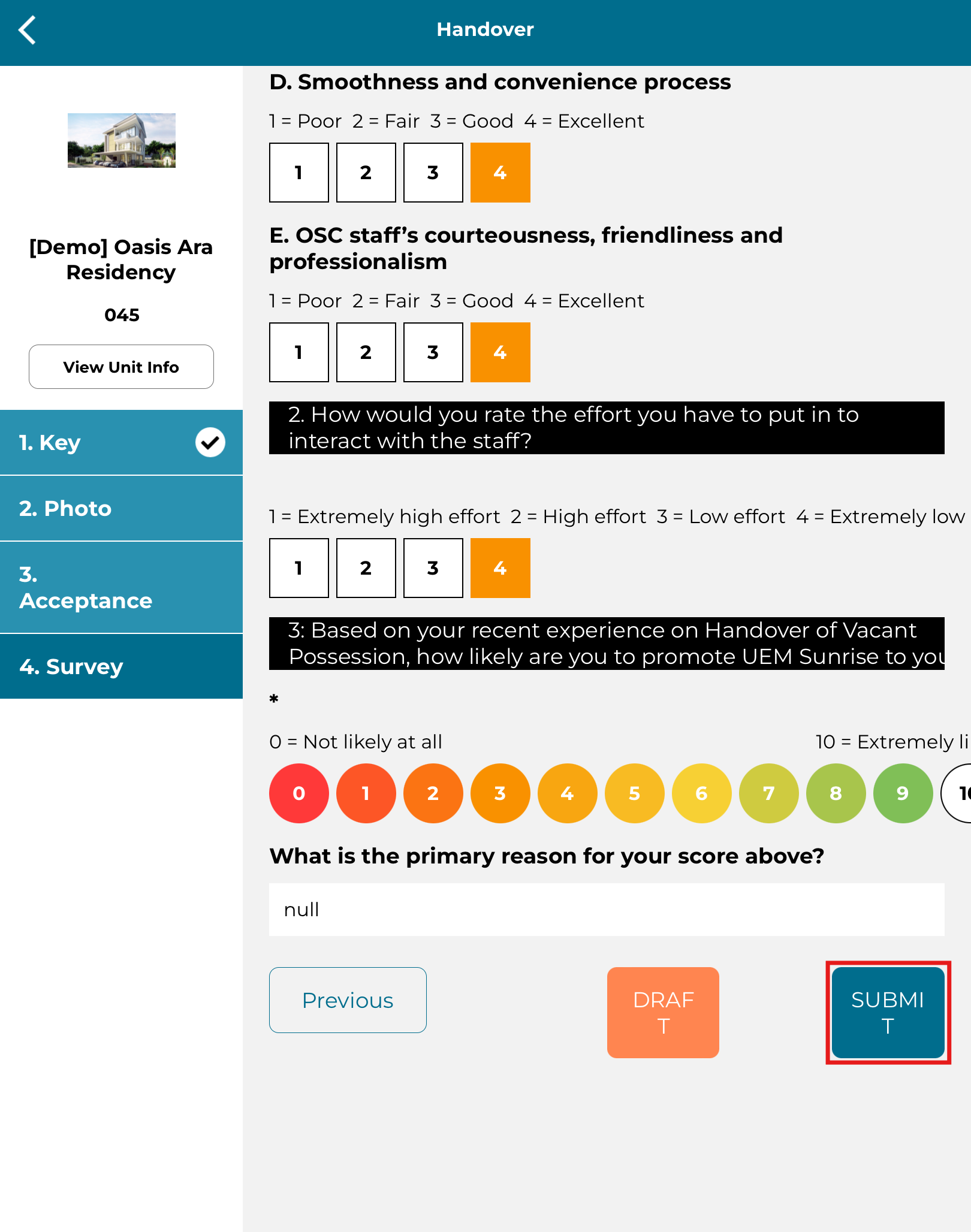
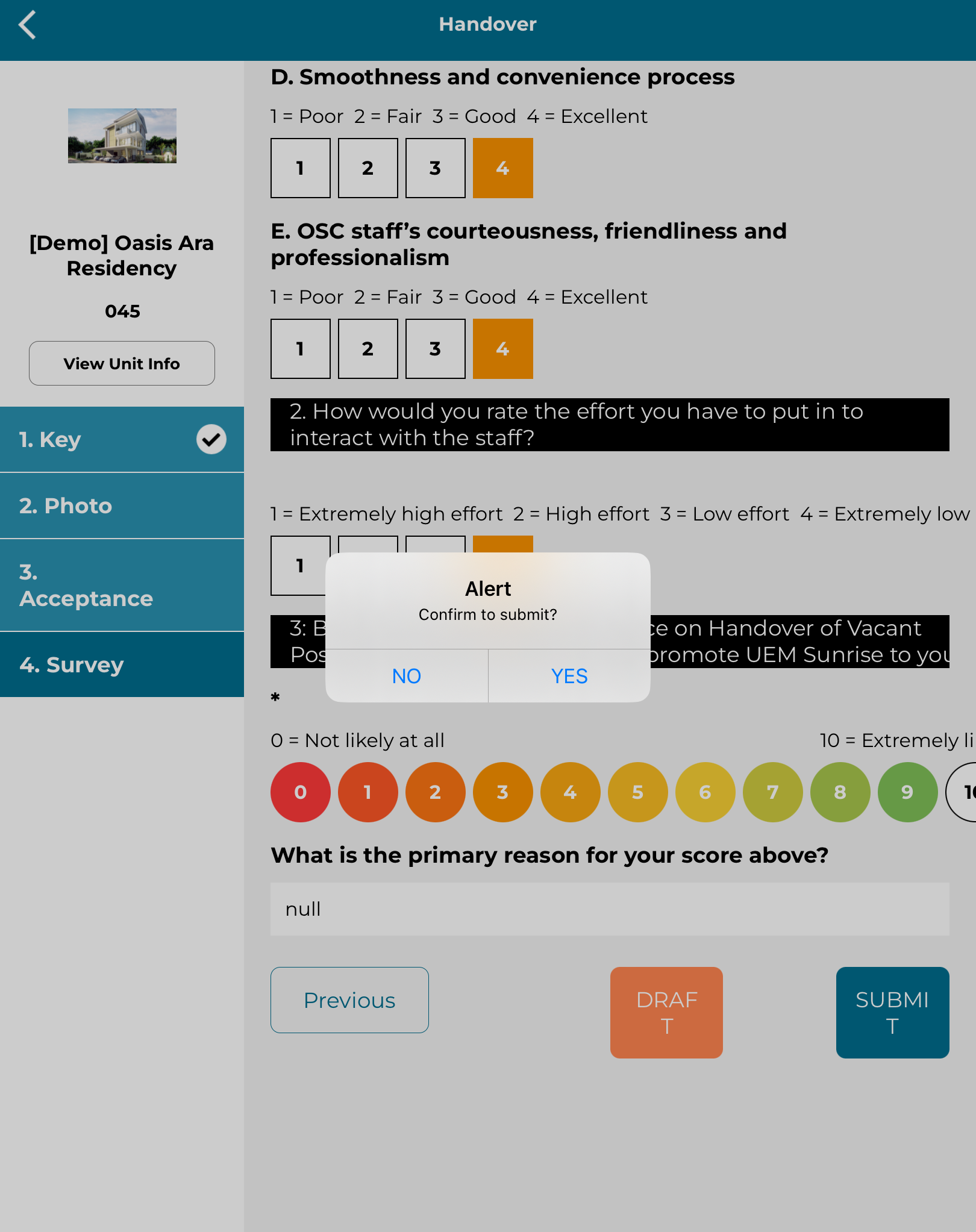
11. Click 'Submit' if ready to handover the checklist.
12. Click 'Yes' to confirm submission of handover checklist.
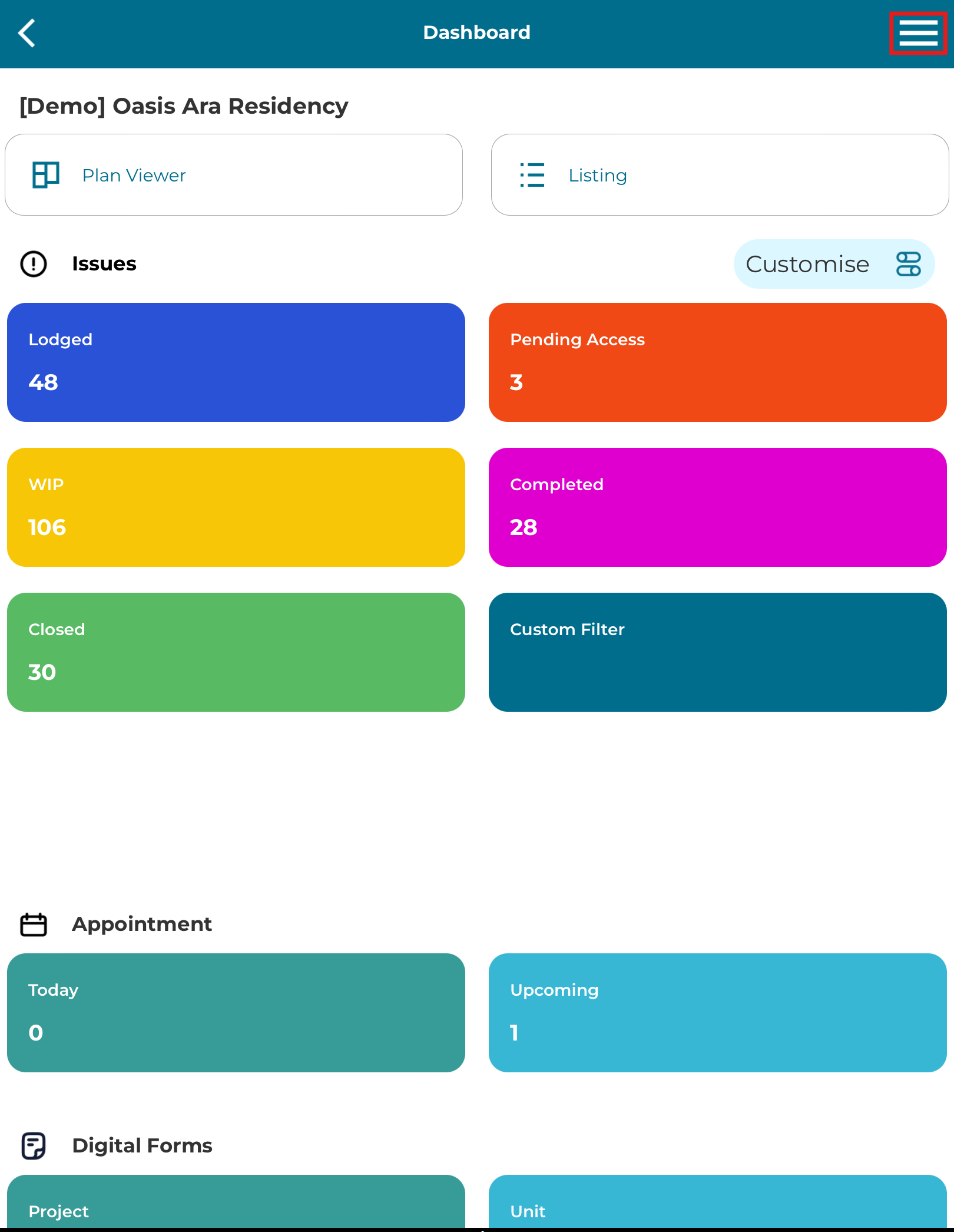
13. Click on the side menu.
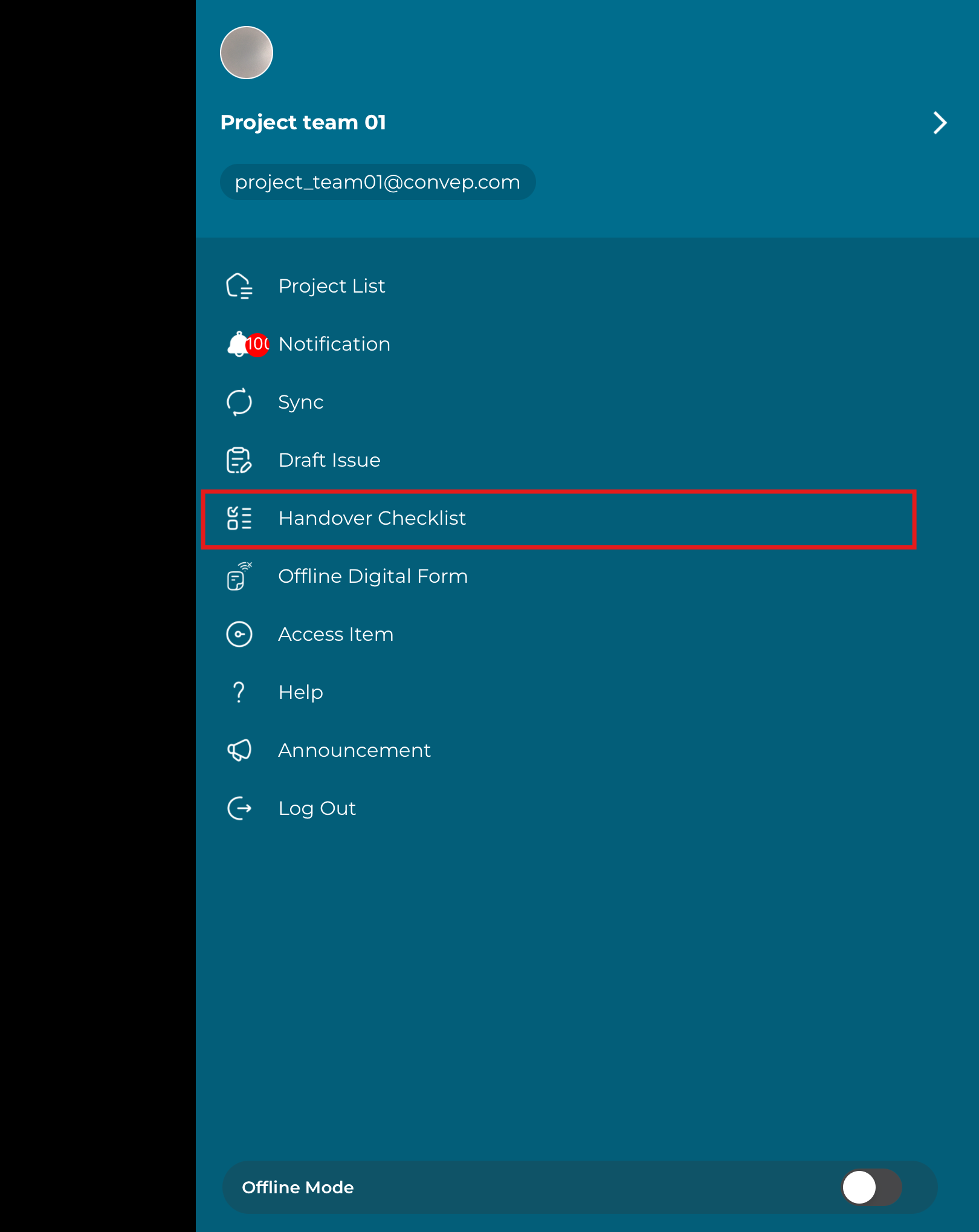
14. Click 'Handover Checklist'.
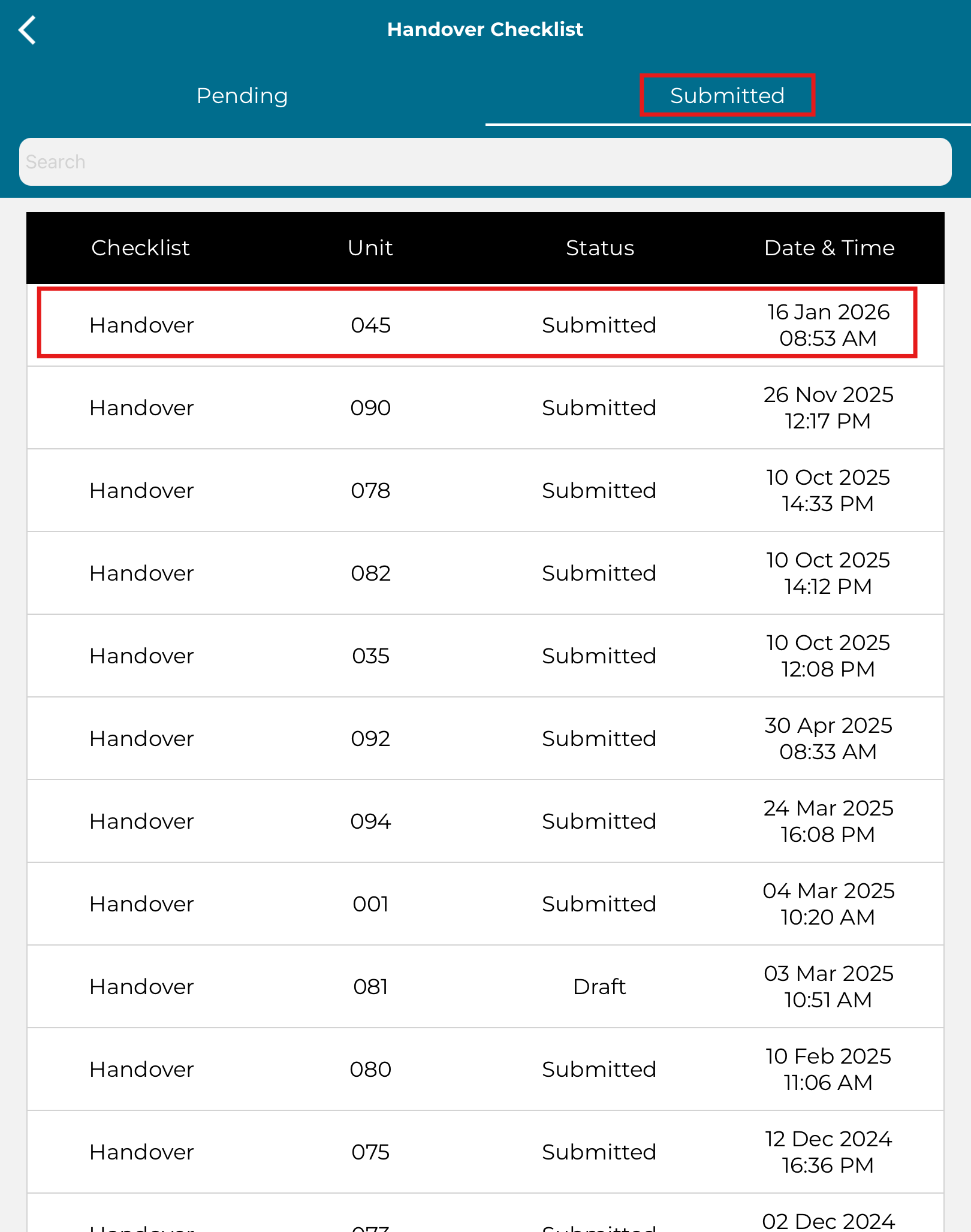
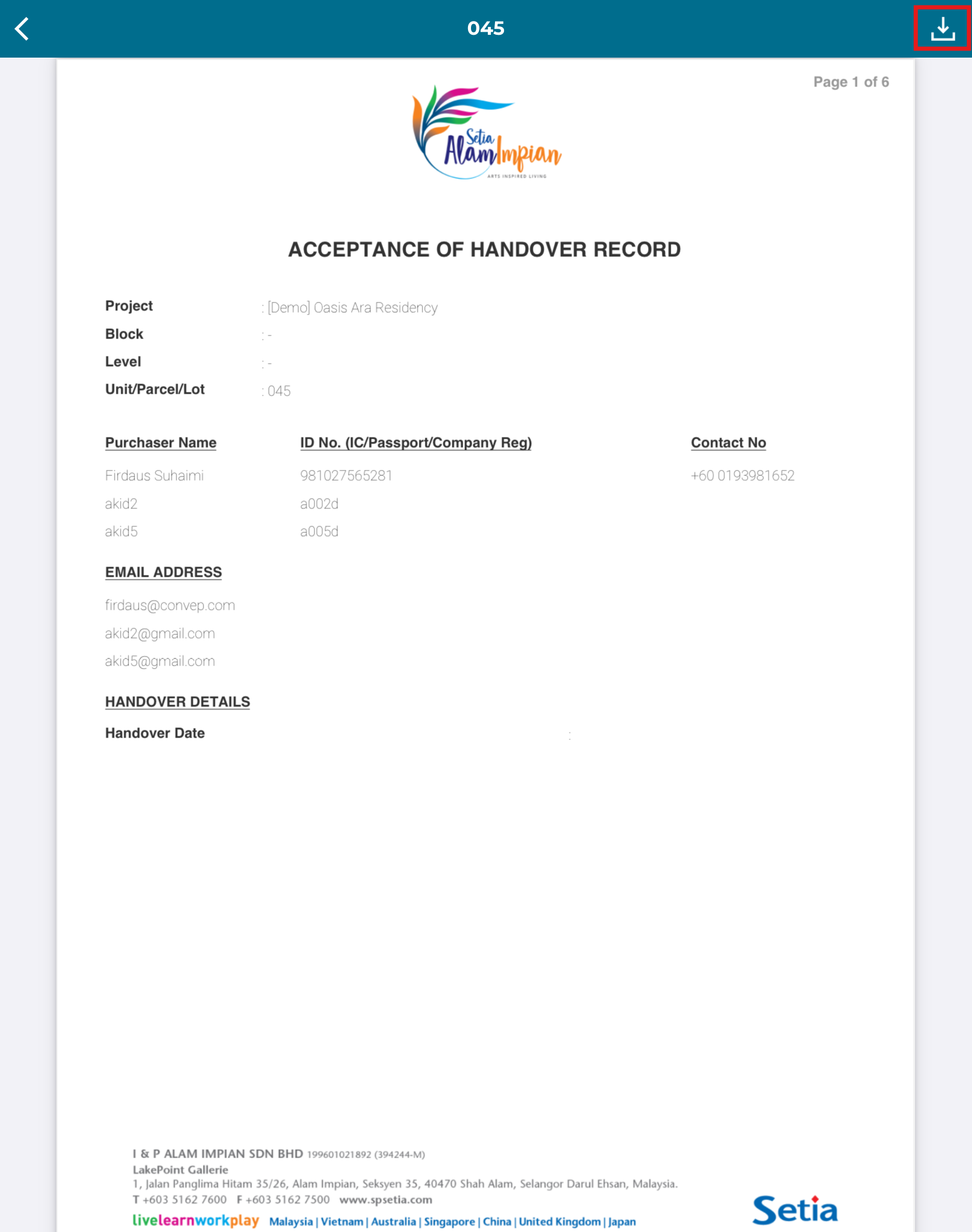
15. Can view the submitted checklist. Click on the checklist to preview the handover checklist.
16. Click on download button to download the checklist in PDF.
17. Click 'Pending' to view pending handover checklist.