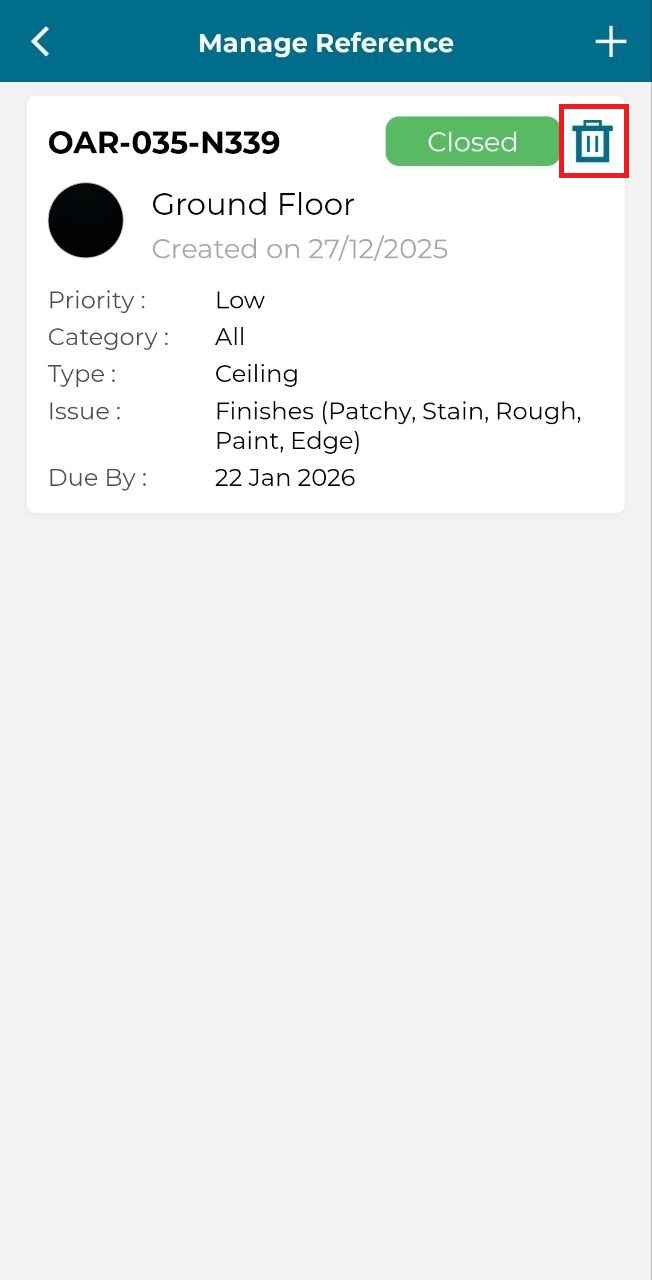
Manage reference issue status can be used to link an issue with another issue. This specification can be used to manage reference issues of Lodge, Pending Access, WIP, Completed, Closed and Redo issue status.
ADD REFERENCE ISSUE - PLAN VIEWER
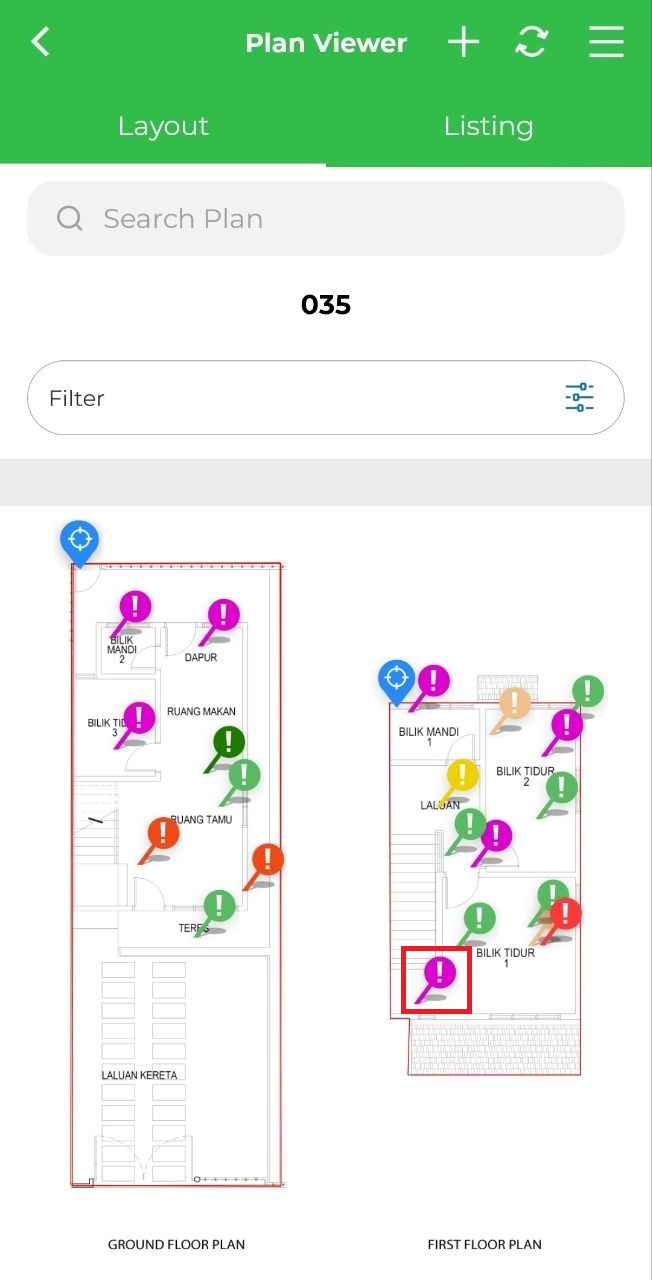
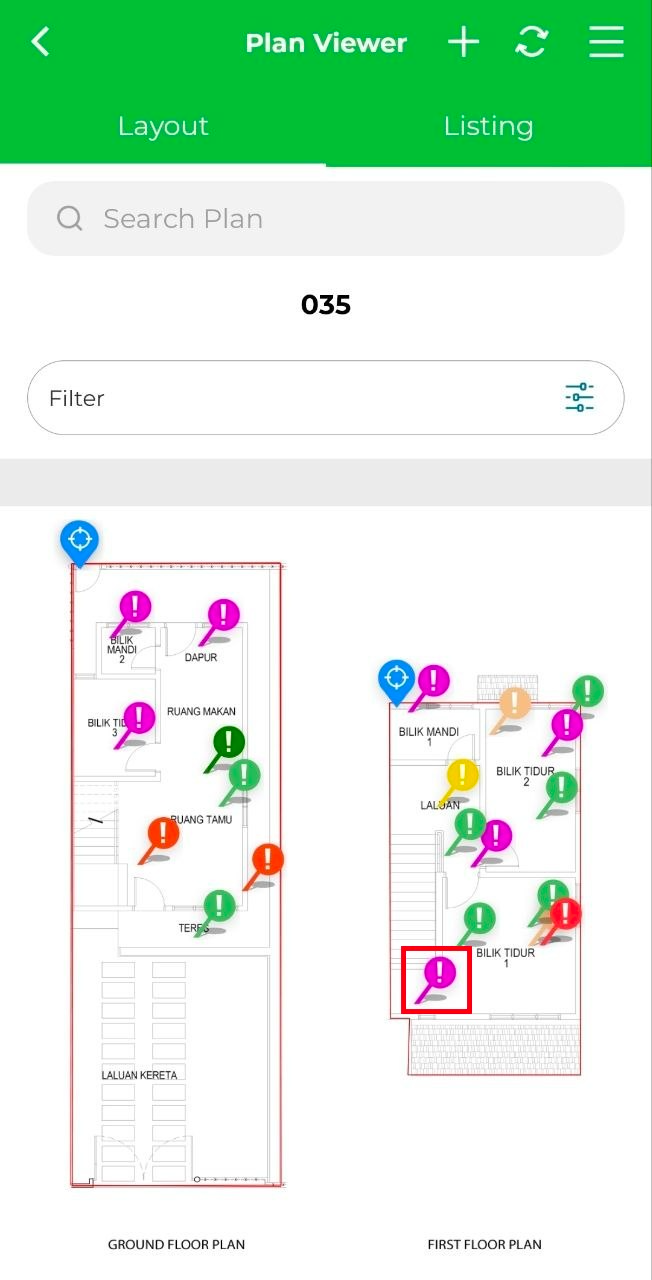
1. Click 'Plan Viewer'.
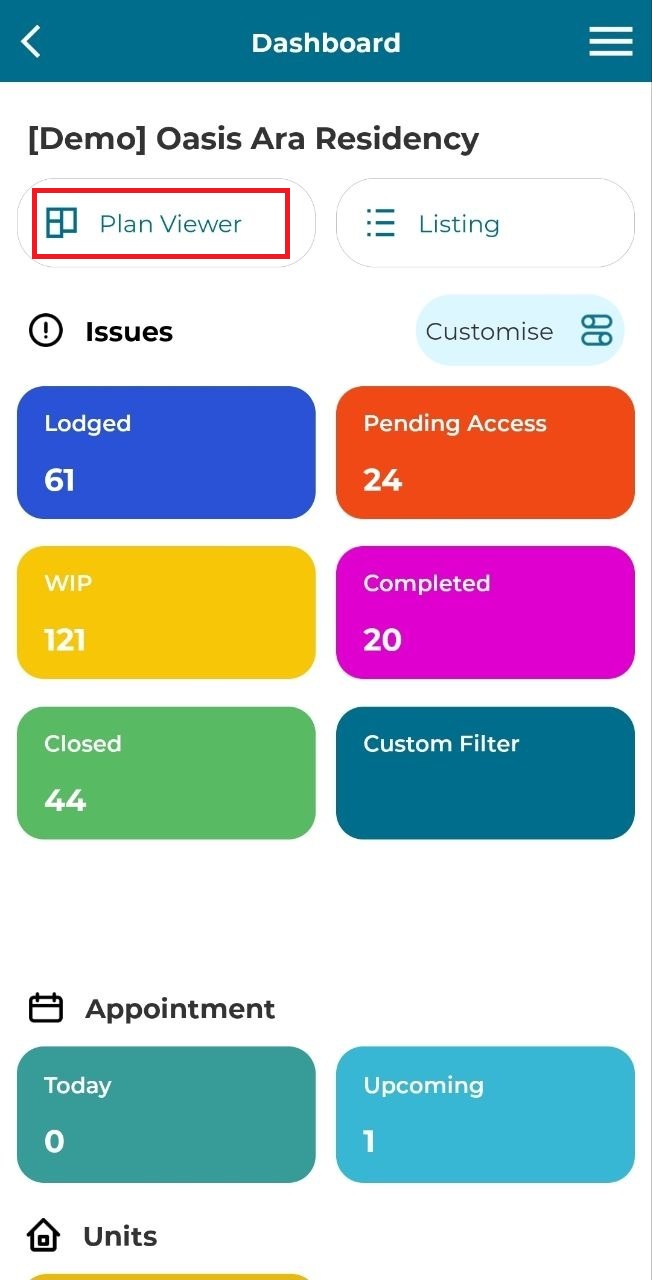
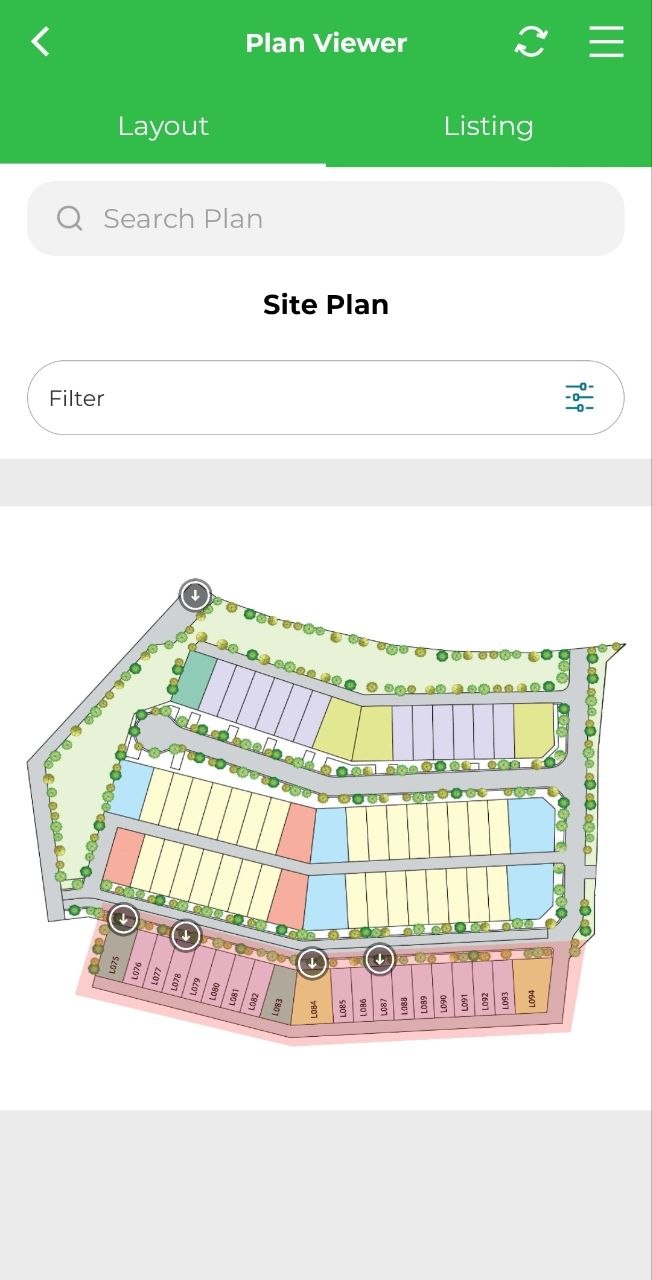
2. Select a unit or search unit using search bar.
3. Click on a marker.
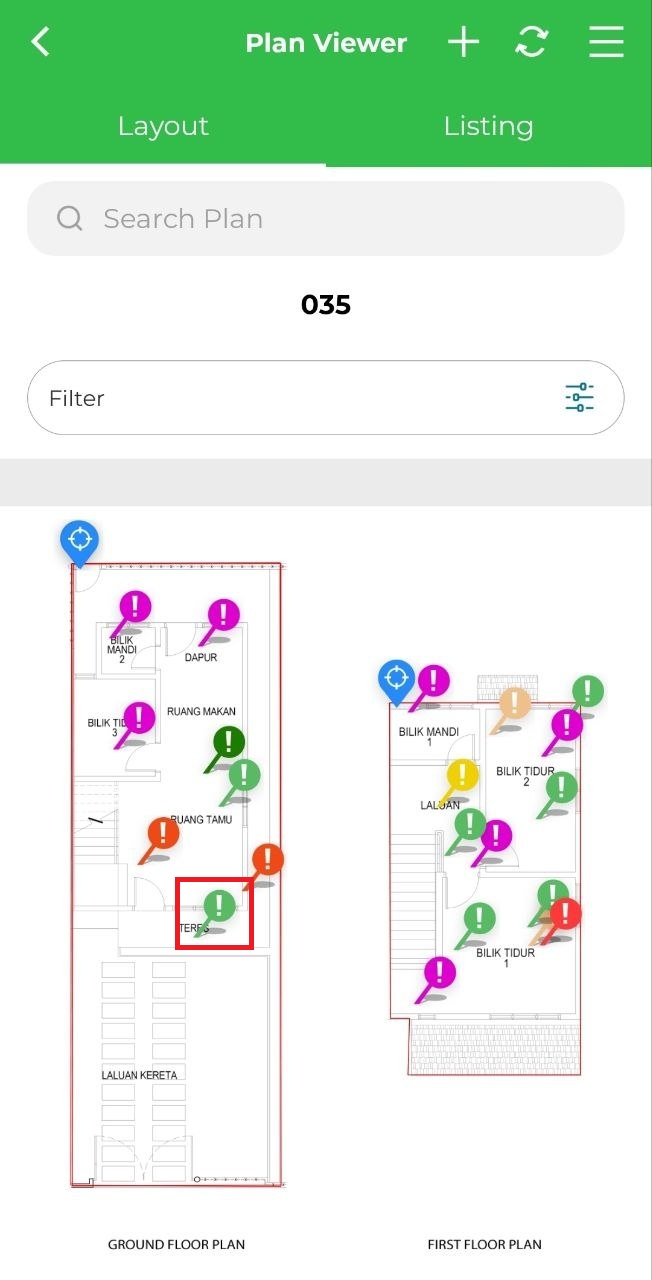
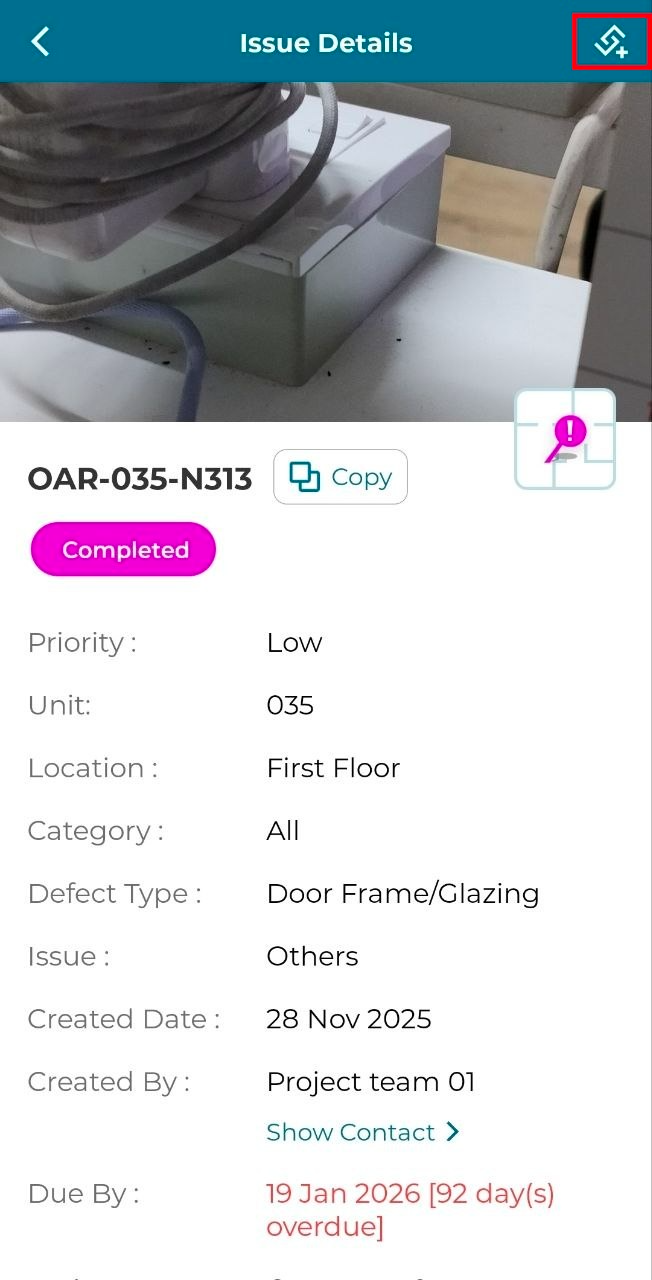
4. Click 'Copy'.
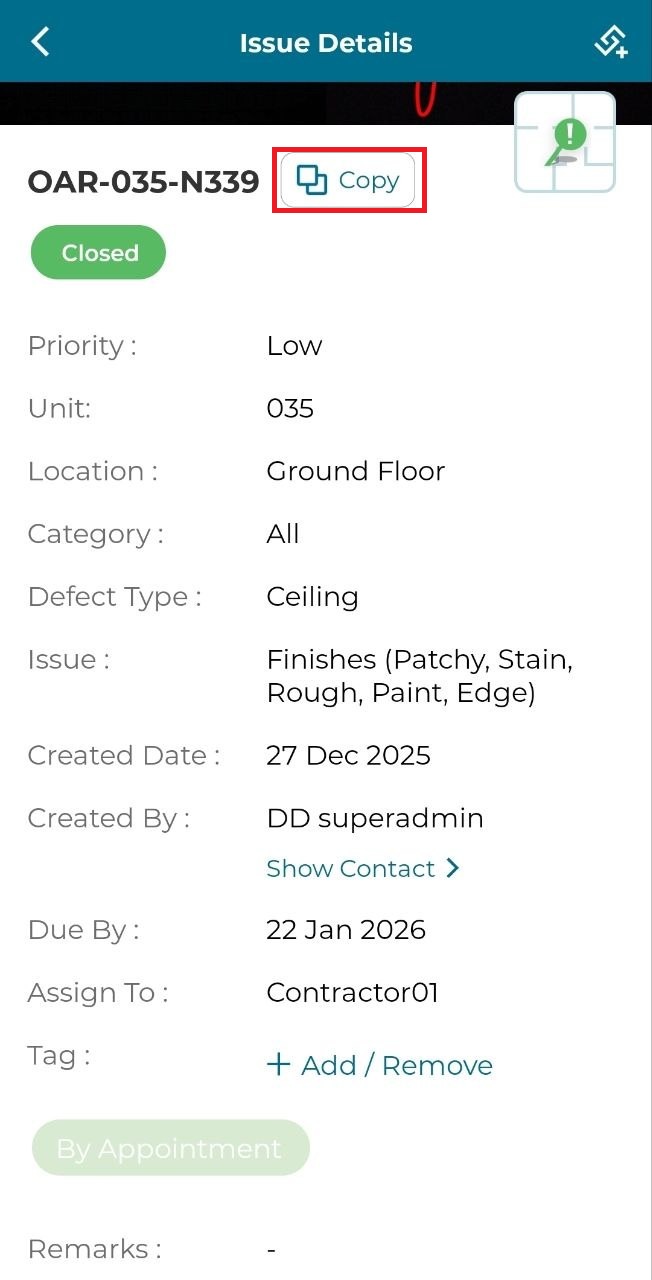
5. Click on another marker.
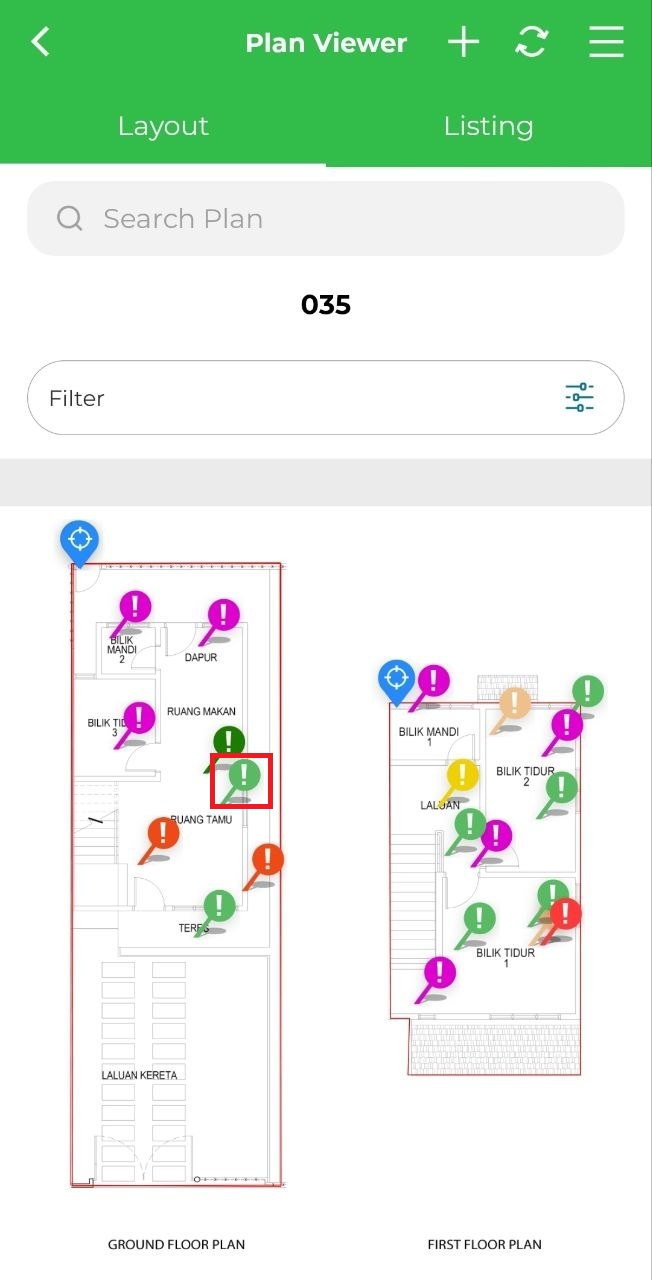
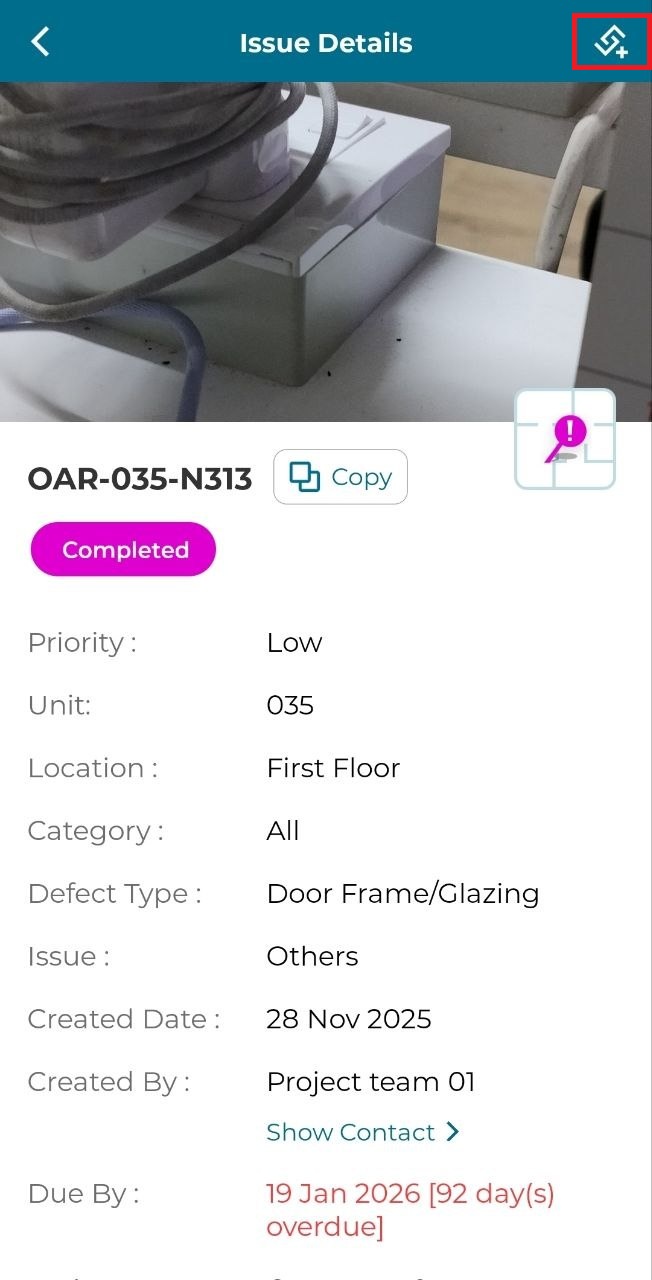
6. Click on the button above.
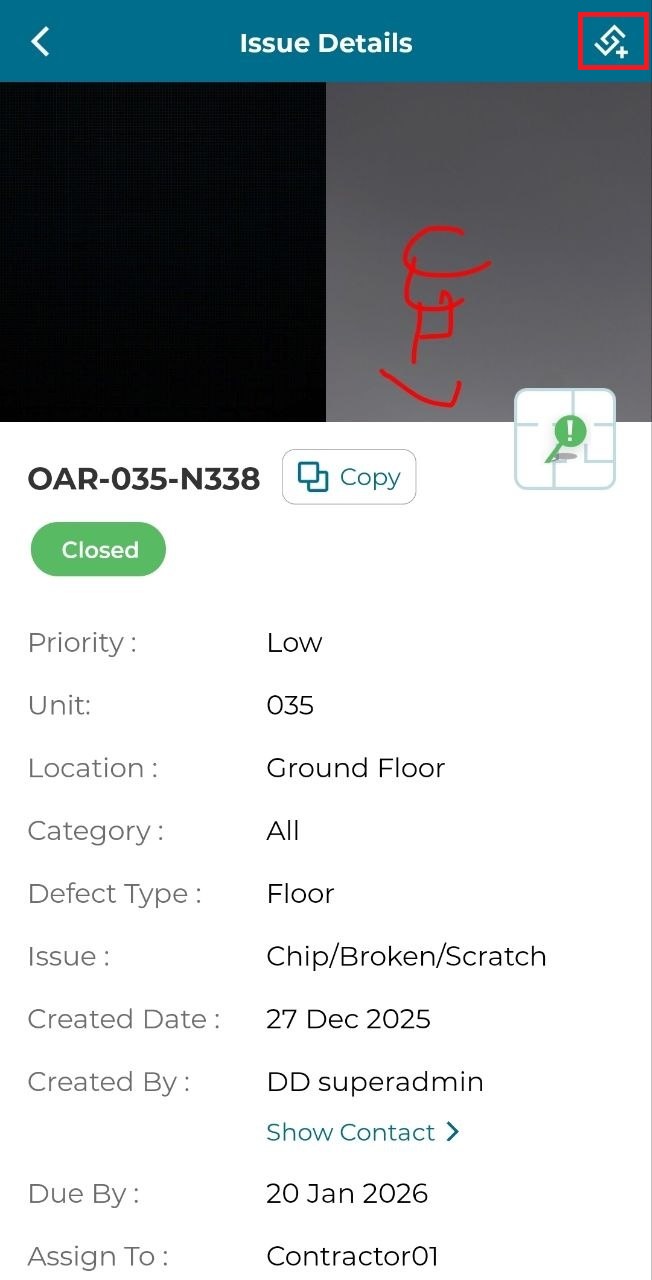
7. Click on add button.
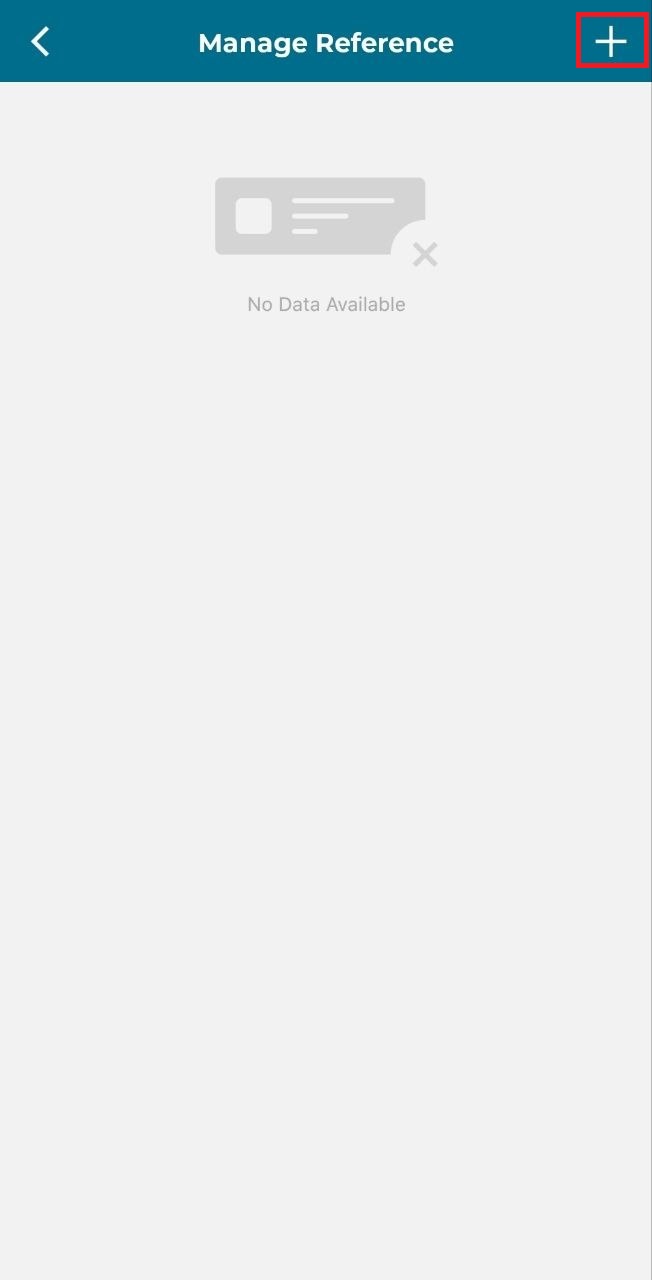
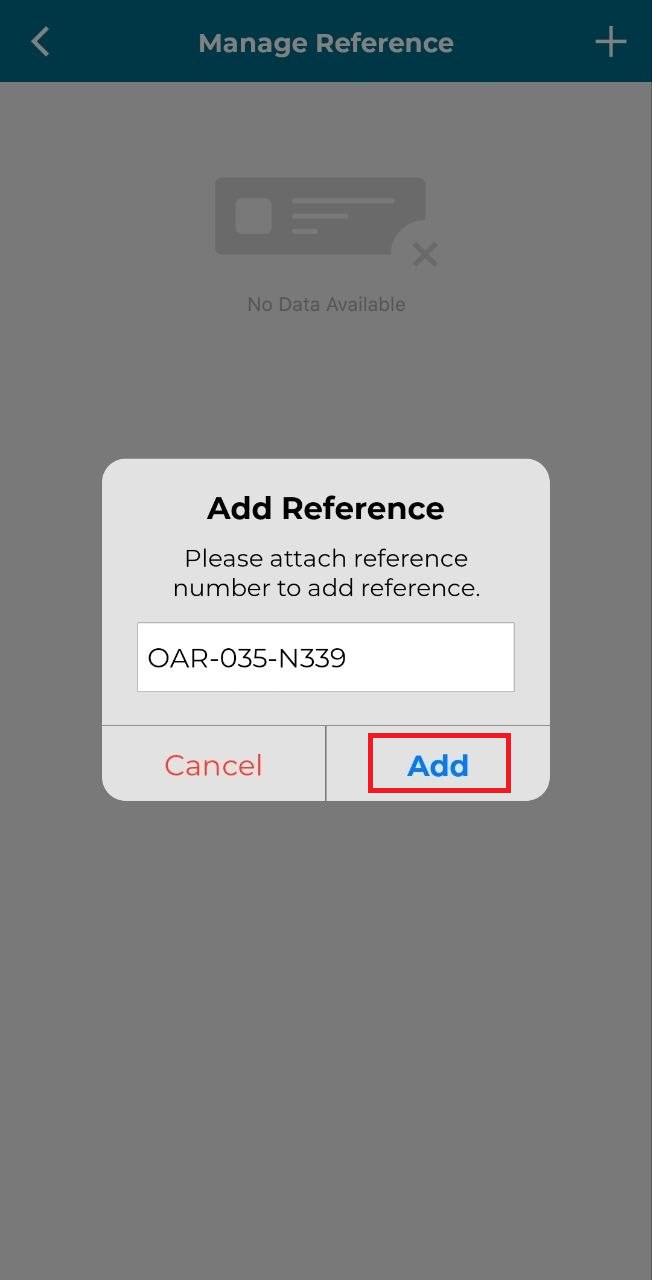
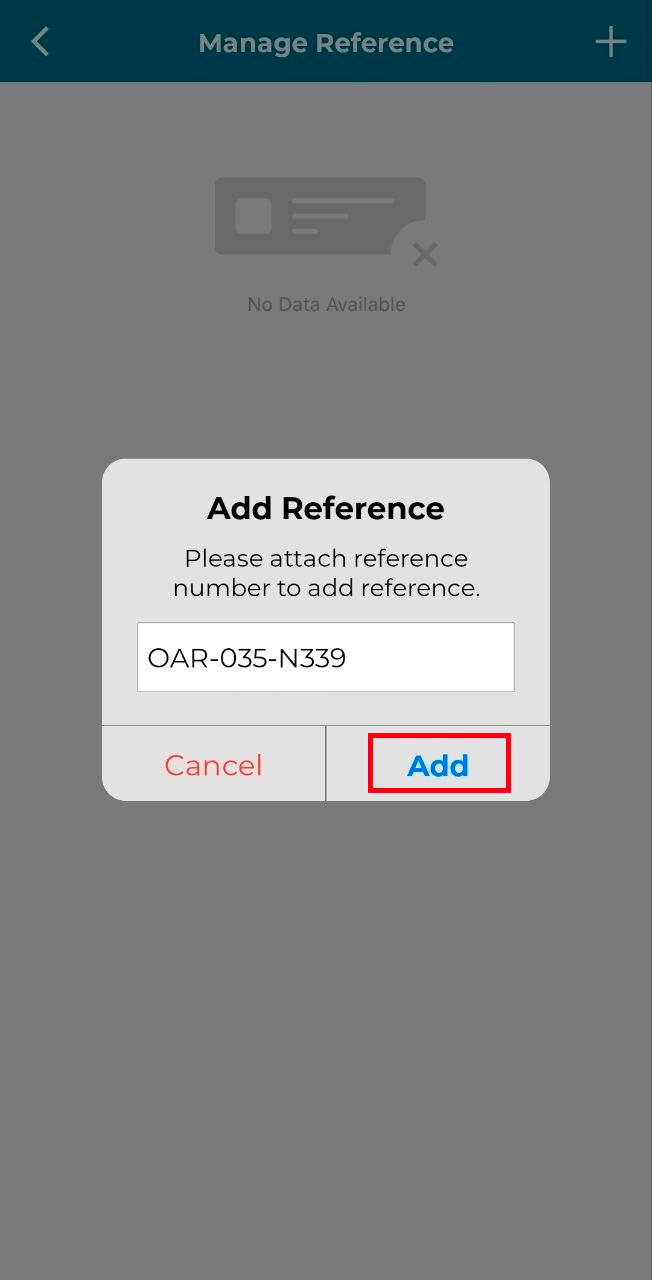
8. Paste the reference number and click 'Add'.
ADD REFERENCE ISSUE - LISTING
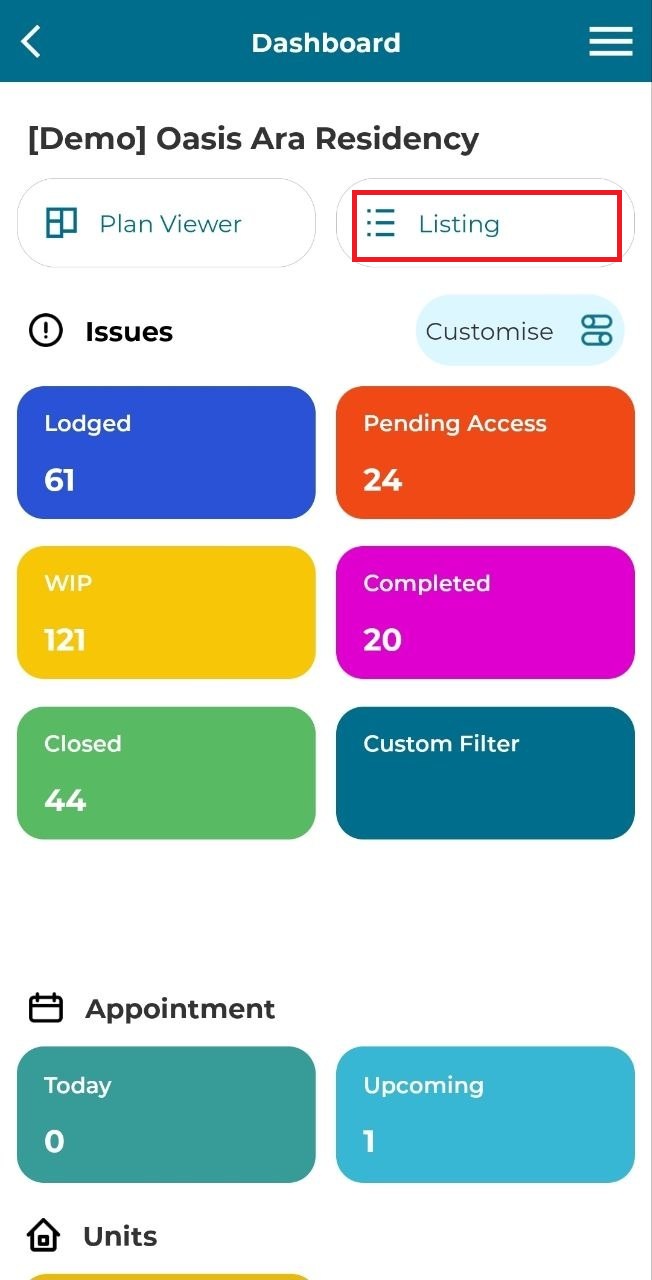
1. Click 'Listing'.
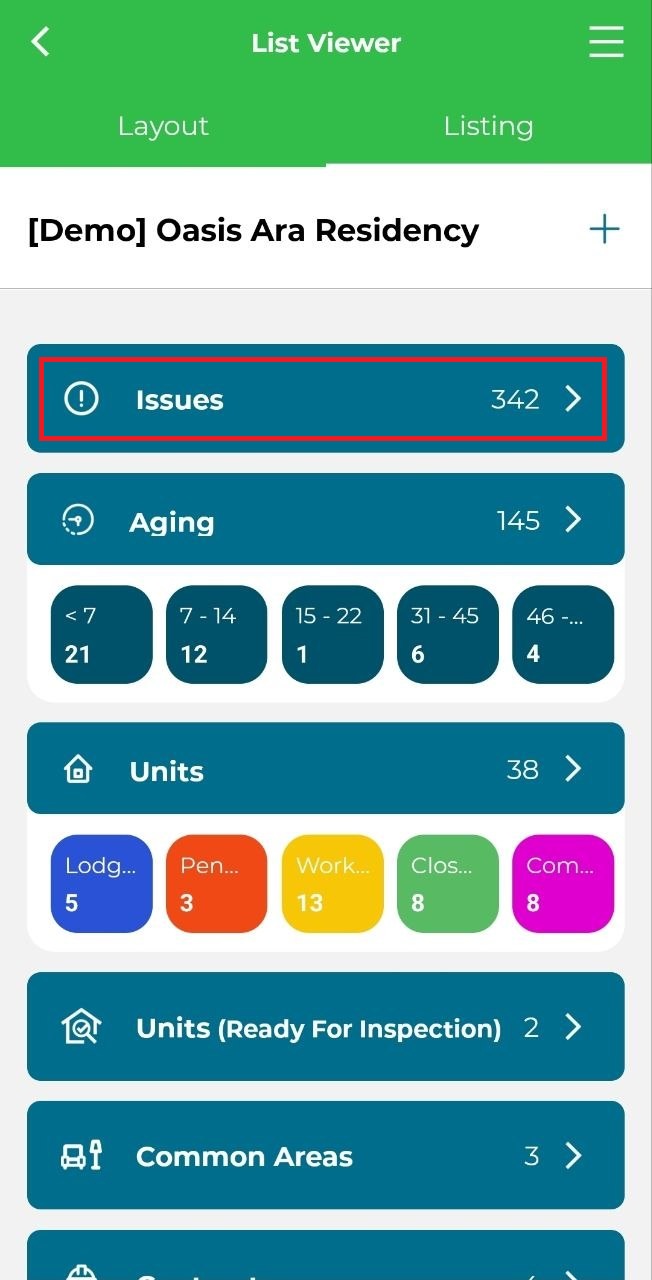
2. Click 'Issues'.
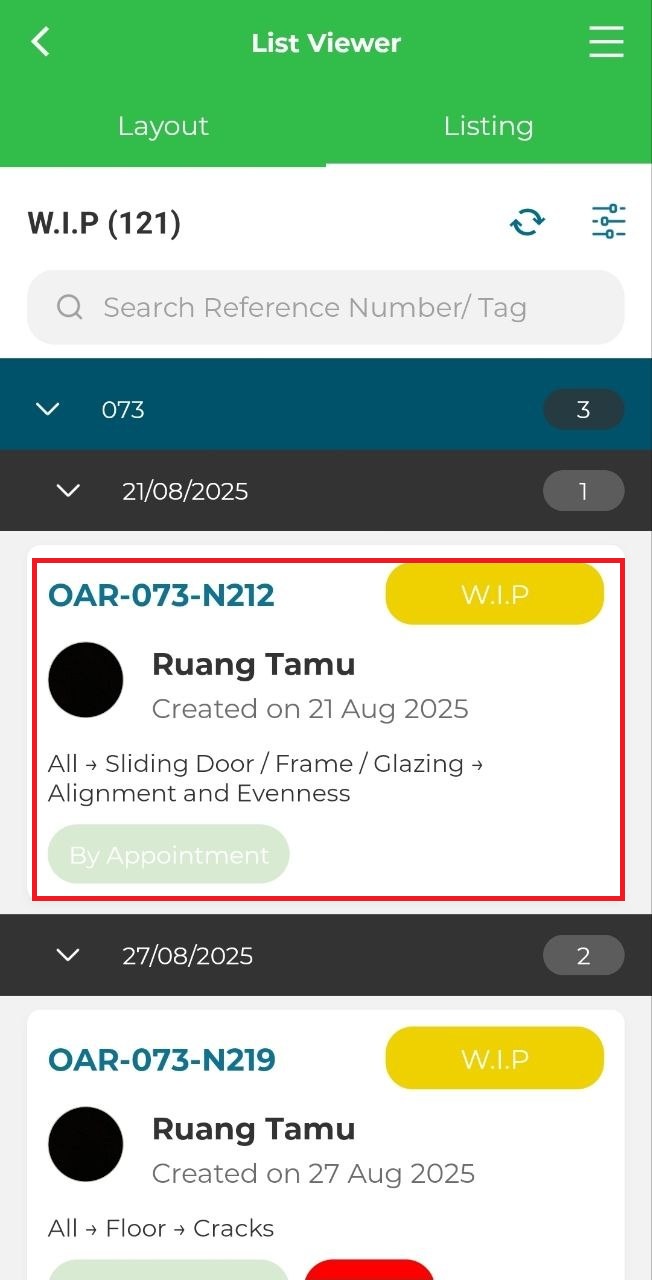
3. Click an issue.
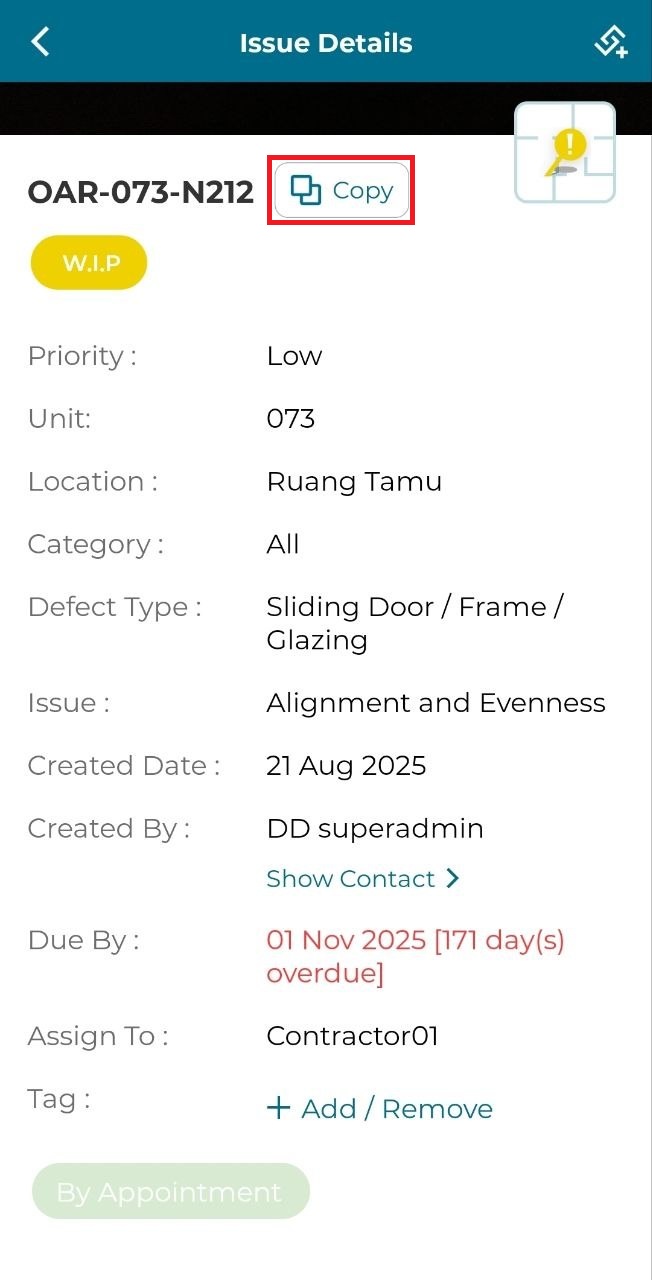
4. Click 'Copy'.
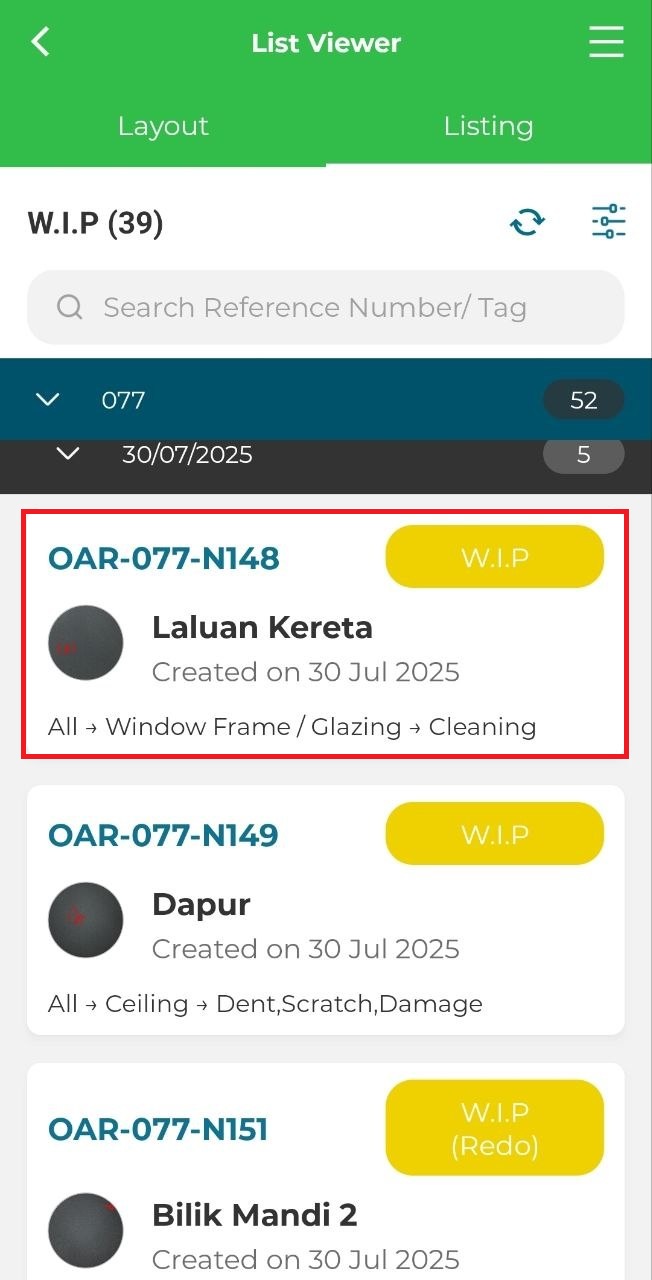
5. Select another issue that want to add reference.
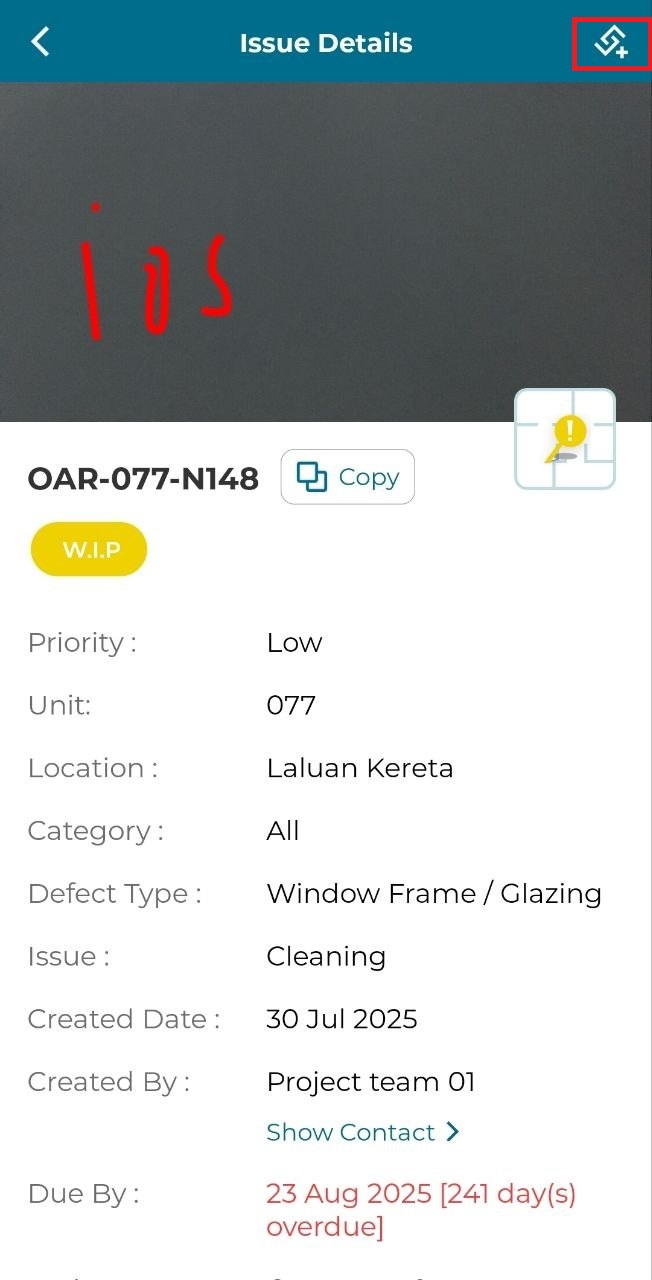
6. Click the add reference button.
7. Click add button.
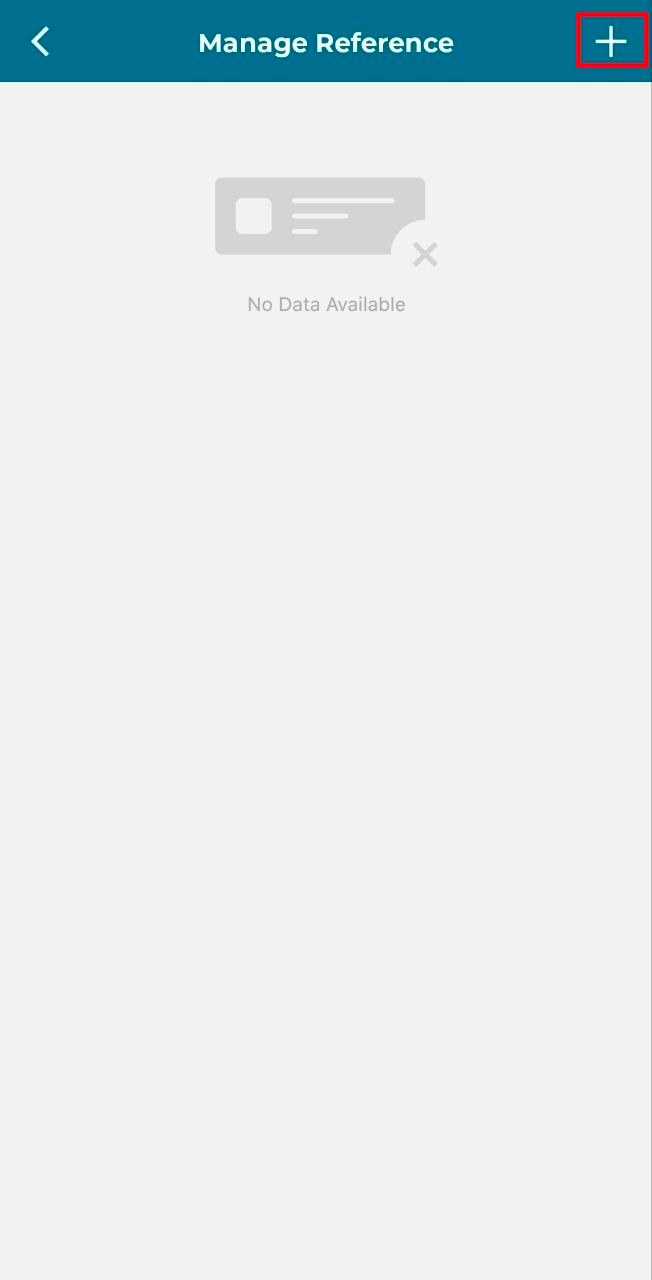
8. Paste reference number then click 'Add'.
VIEW REFERENCE ISSUE
1. Click on the issue that a reference has been added.
2. Click the reference button.
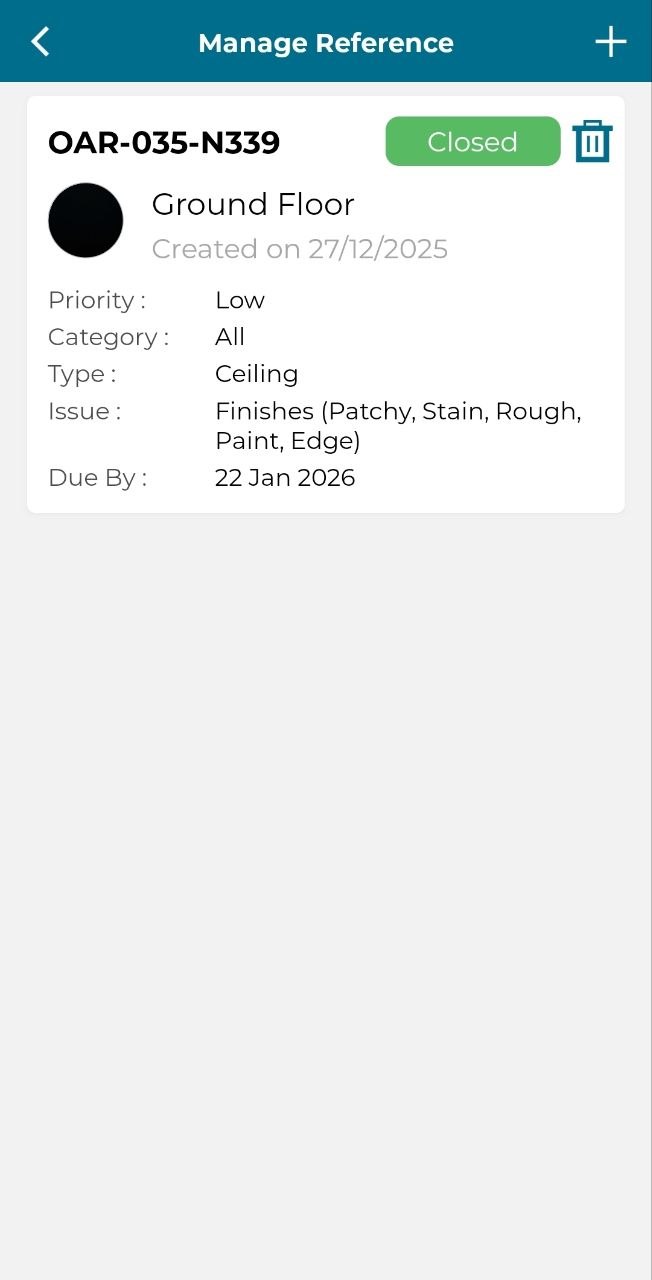
3. Click on the issue to view it.
REMOVE REFERENCE ISSUE
1. Click on the issue that reference has been added.
2. Click the add reference button.
3. Click on the delete icon to delete reference.