User can upload documents for owners which owner can accessed in QMS:Owner application. Aside from that, user can edit and download document.
ADD NEW DOCUMENT
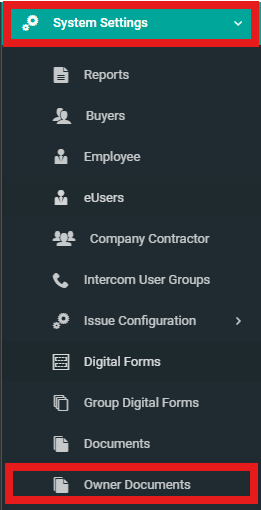
1. Select "System Settings" from side menu and click "Owner Documents".
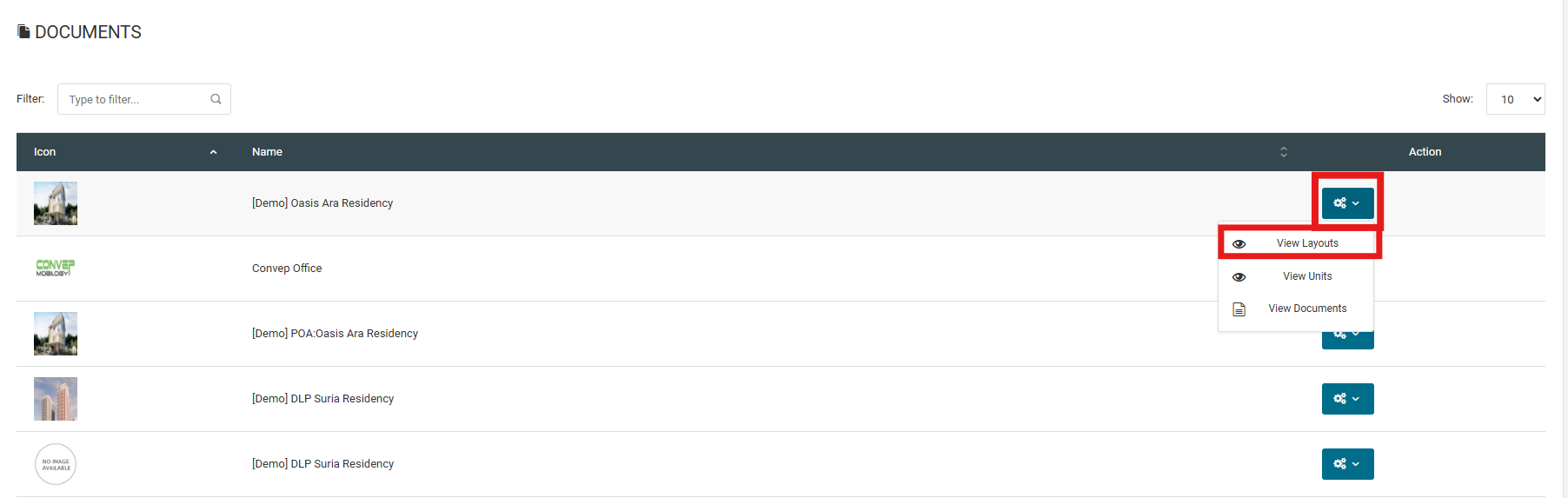
2. Click "View Layouts" to manage owner document for specific type of layout.
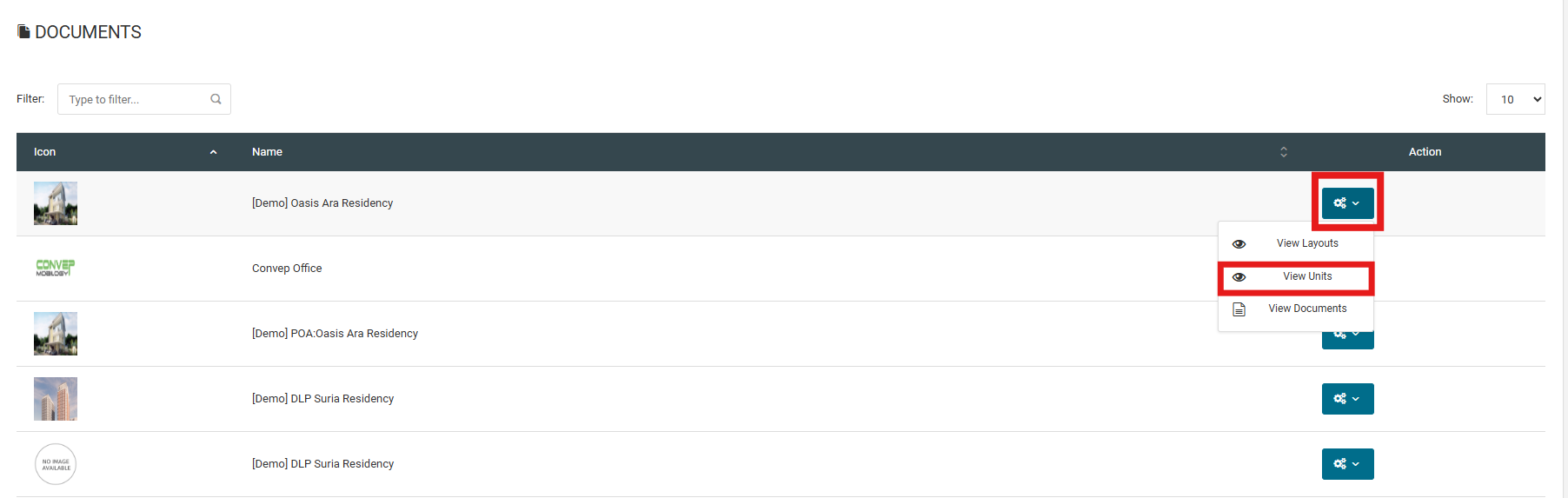
3. Click "View Units" to manage owner document for specific unit.
4. Click "View Documents" to upload related documents for the layout type.
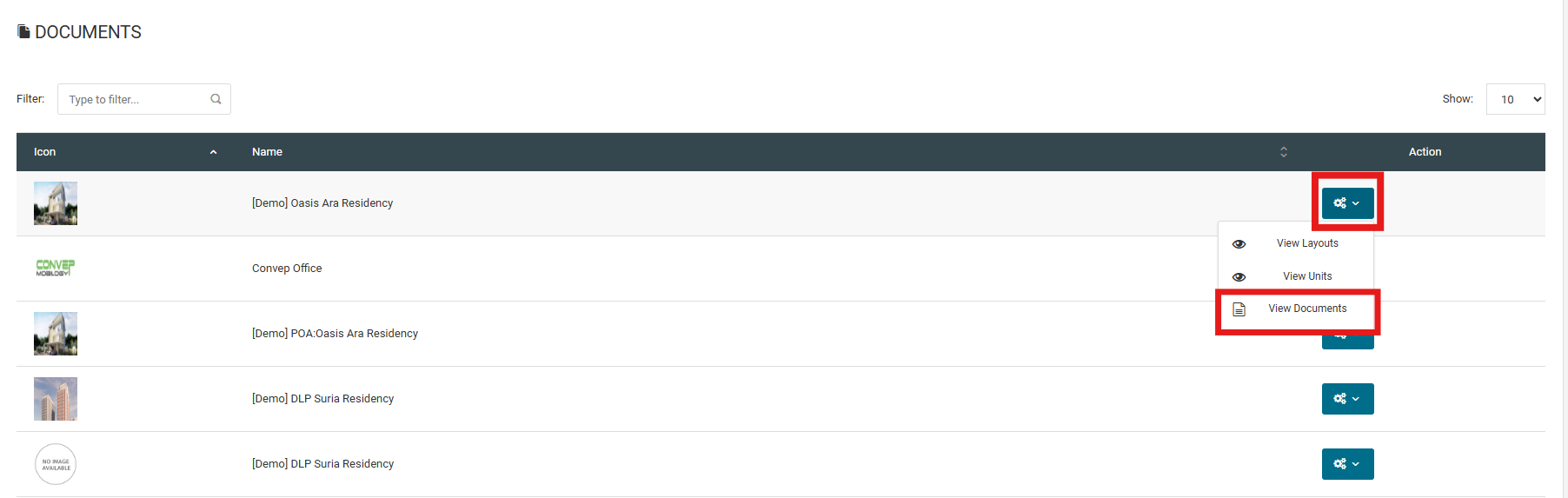
5. Click "Add New" to add new document.

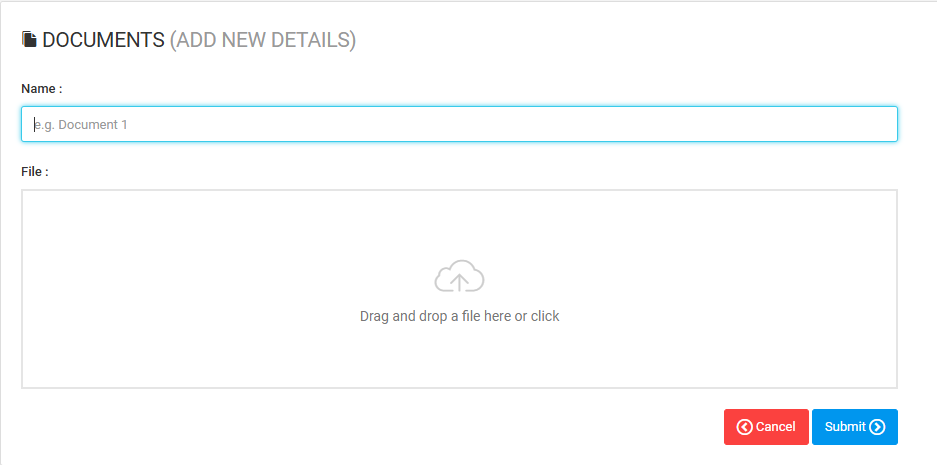
6. Fill in the details and click "Submit".
EDIT DOCUMENT
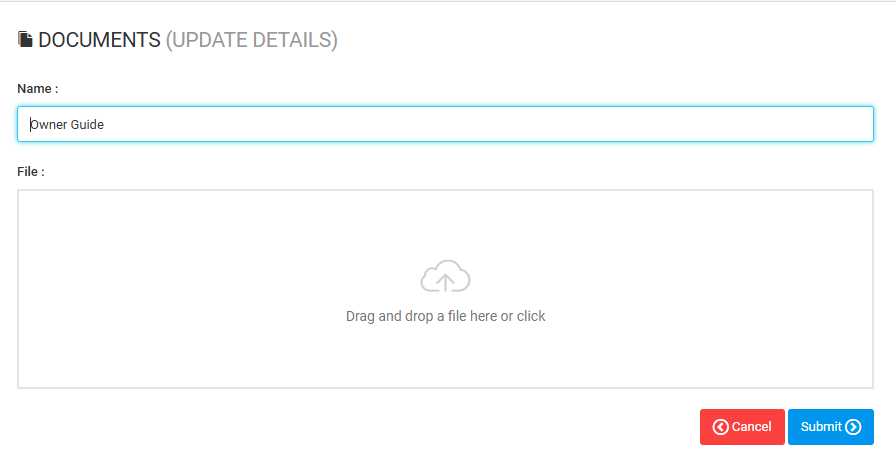
1. Click on "Edit".

2. Fill in the 'Name' and upload new file and click "Submit".
DOWNLOAD DOCUMENT
1. Click "View Doc Version".

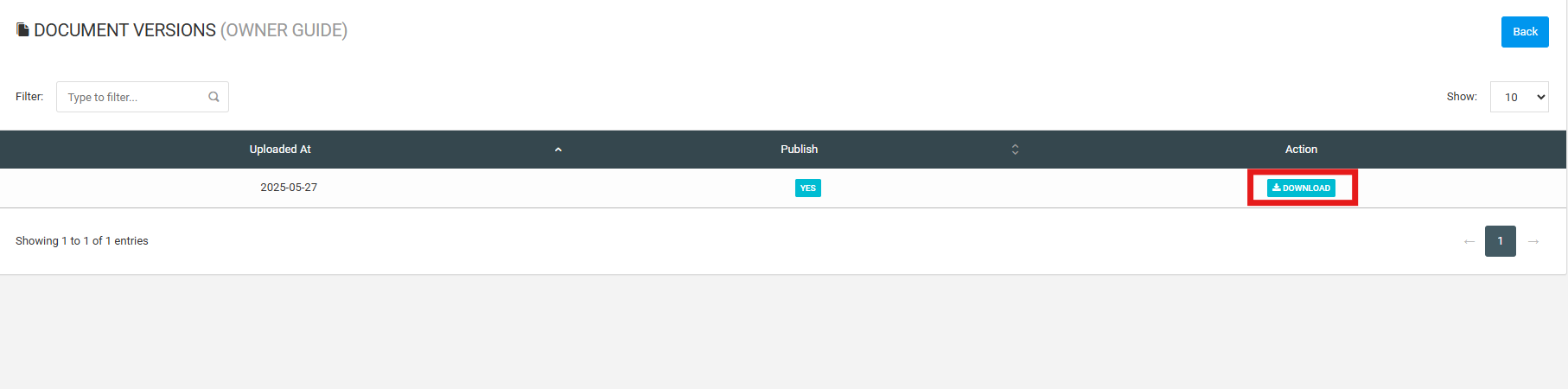
2. Click on "Download".