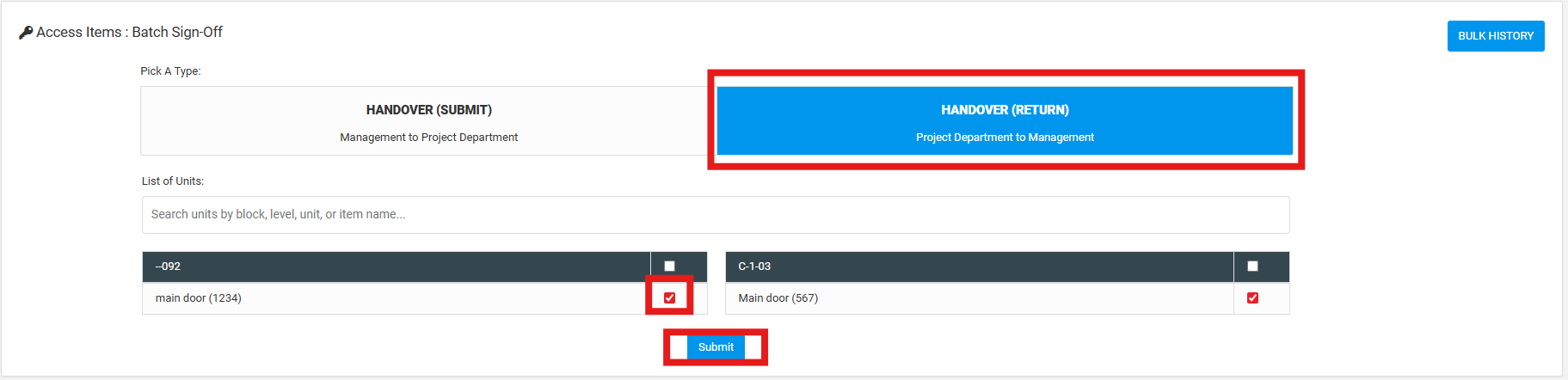
User can view and submit handover access items to return. This process involves project department to submit the handover return to customer service. This can be done by single sign-off or batch sign-off.
SINGLE SIGN-OFF
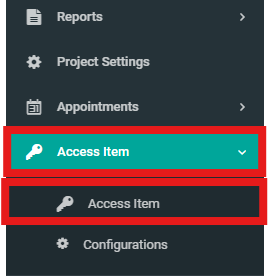
1. Select "Access Item" and click "Access Item" from the side menu.
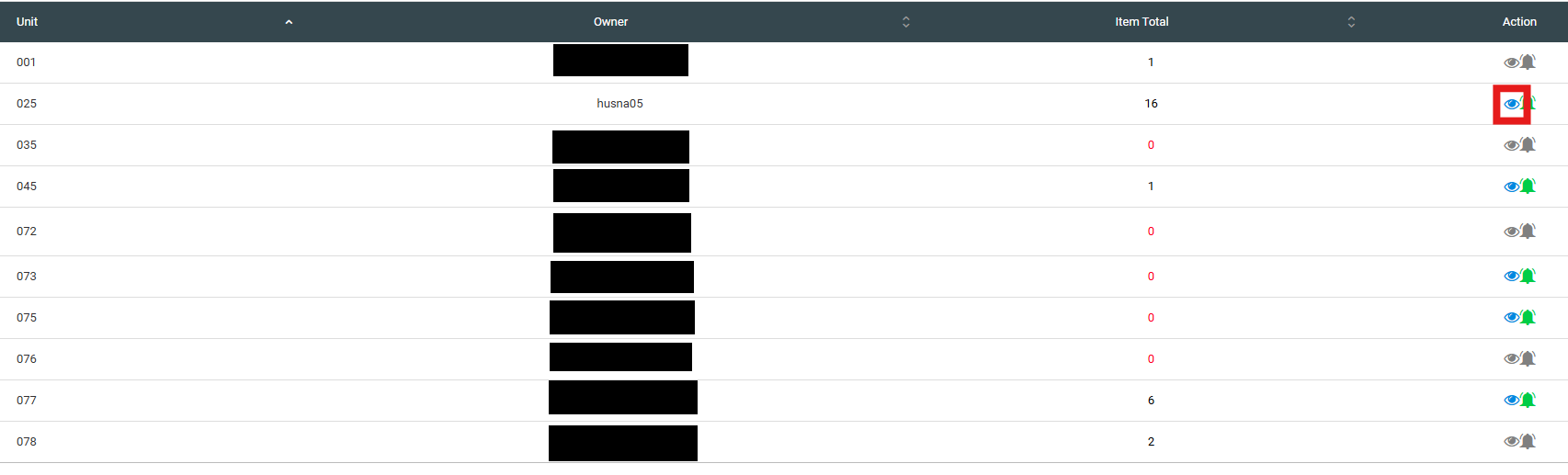
2. Click "View" icon to view details.
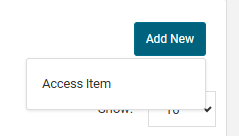
3. Click "Add New" button then click "Access Item".
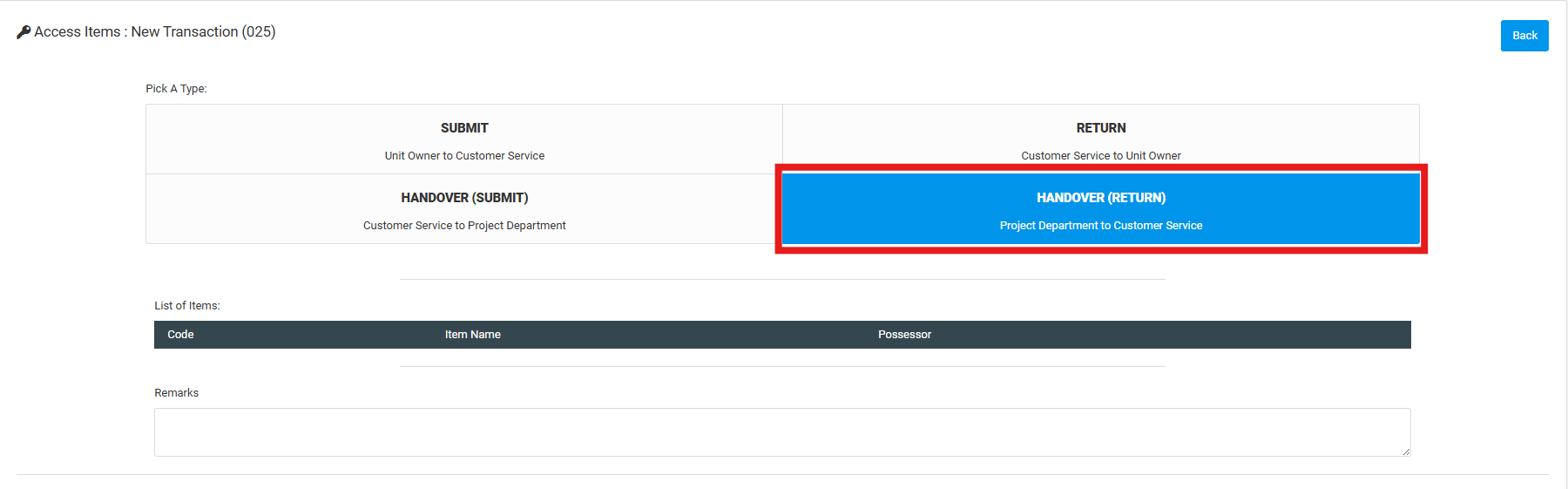
4. Select "Handover (Return)". Click the items on the list of items checkbox.
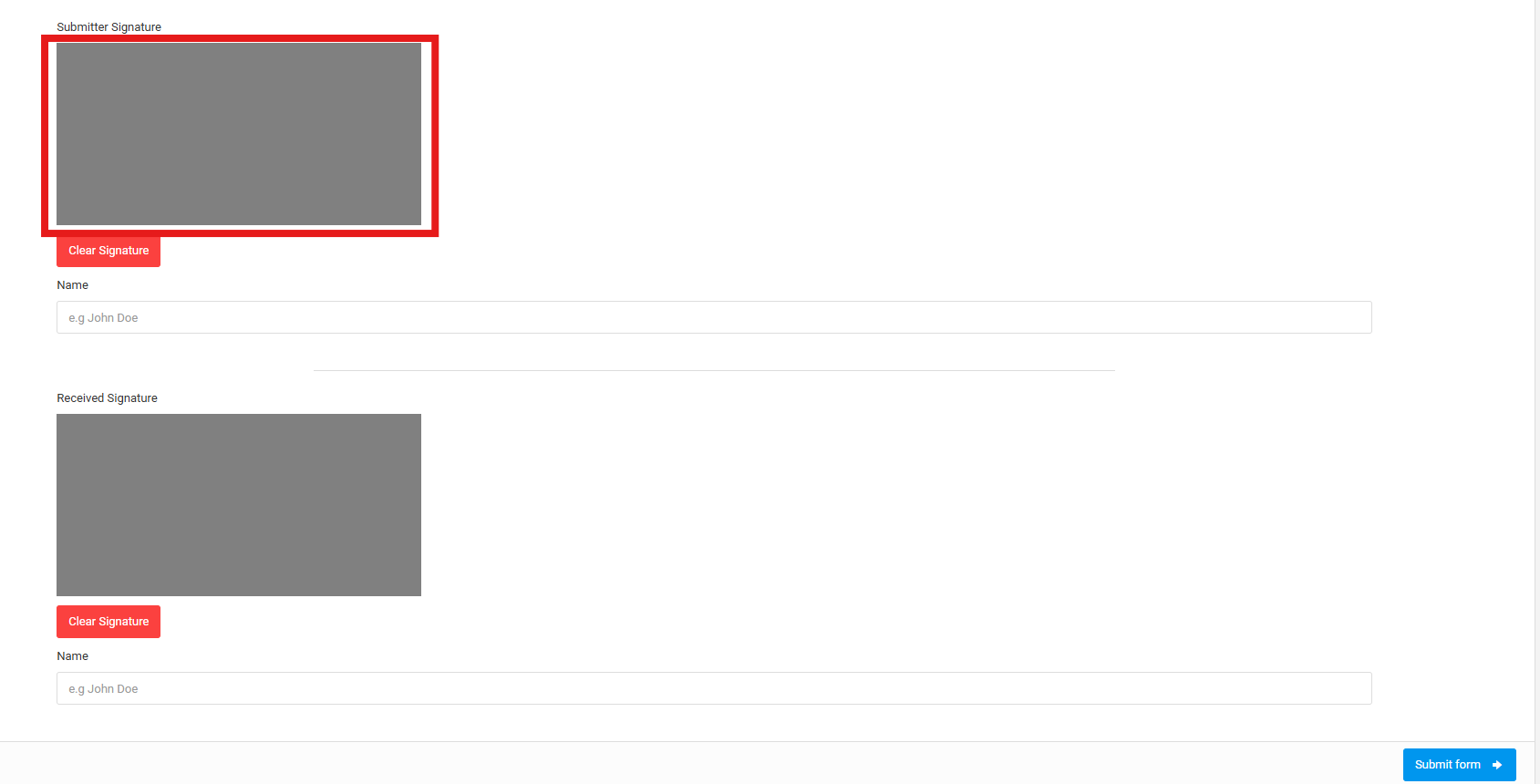
5. Scroll down and sign off inside "Submitter Signature" and "Received Signature". Click "Clear Signature" to reset the signature. Click "Submit Form" button.
BATCH SIGN-OFF
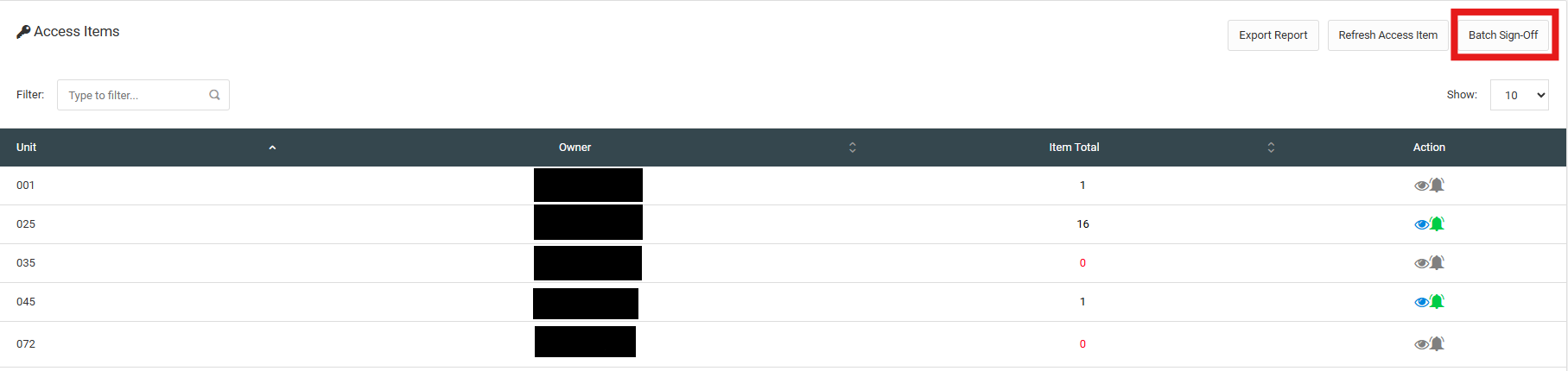
1. Click "Batch Sign-Off".
2. Click "Handover (Return)". Click the items on the list of items checkbox and click the "Submit" button.