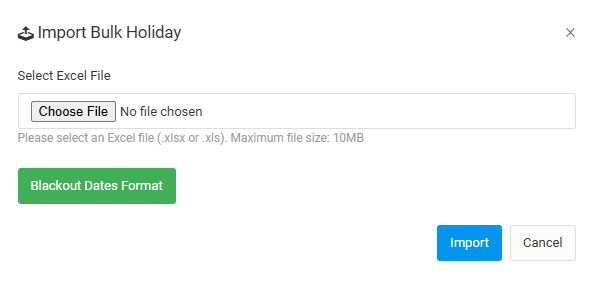
User can set blackout date by single date and day or by uploading excel file of blackout dates for bulk holiday.
SINGLE DATE
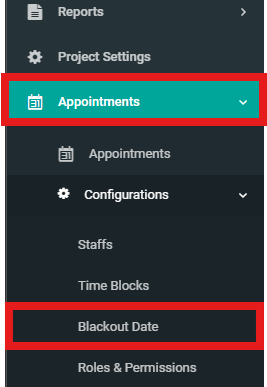
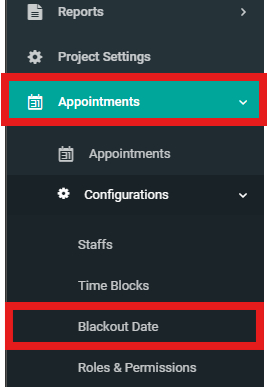
1. Select "Appointments" and then click "Blackout Date" under "Configurations".
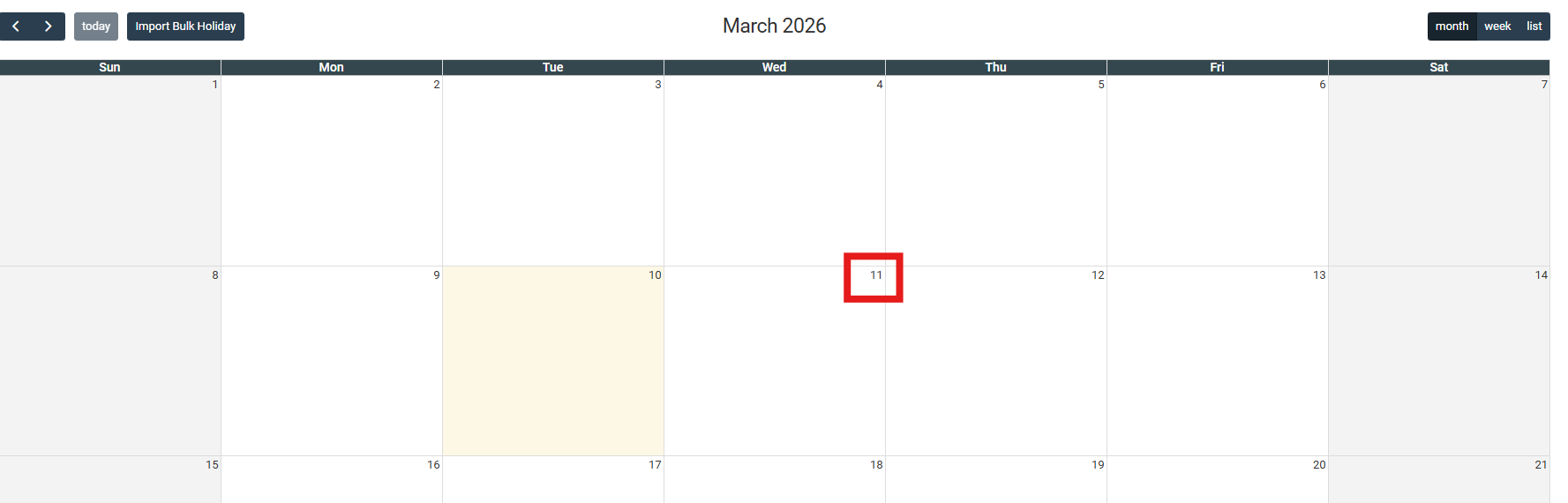
2. Select date.
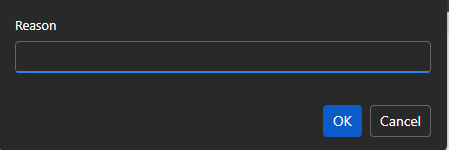
3. Enter reason and click "OK".
BULK DATE
1. Select "Appointments" and then click "Blackout Date" under "Configurations".
2. Click "Import Bulk Holiday".
3. Choose excel file to upload and click "Import". User can view blackout dates format by clicking on "Blackout Dates Format".