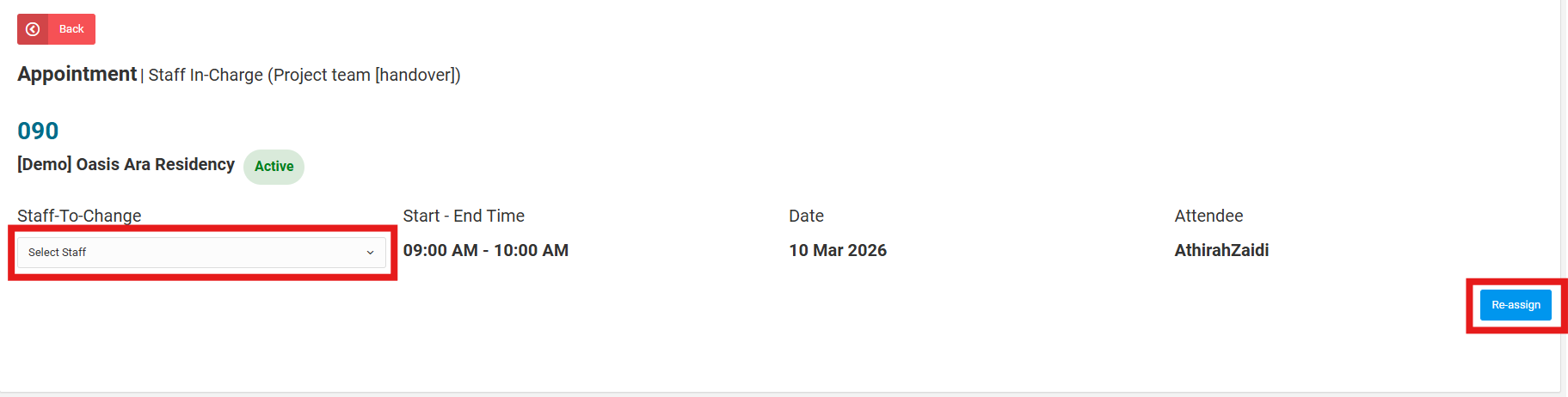
Admin or user can reassign staff for an appointment. If the staff is not available on that date, admin can reassign a new staff for the appointment.
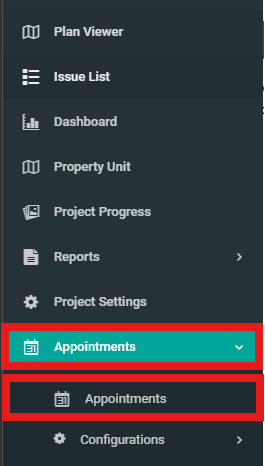
1. Select "Appointments" dropdown then click on "Appointments" from side menu.
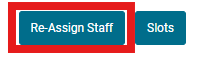
2. Click on "Re-Assign Staff".
3. Select appointment that need to be reassigned staff then click on the "View" button.

4. Select "Staff to Change" and click "Re-assign".