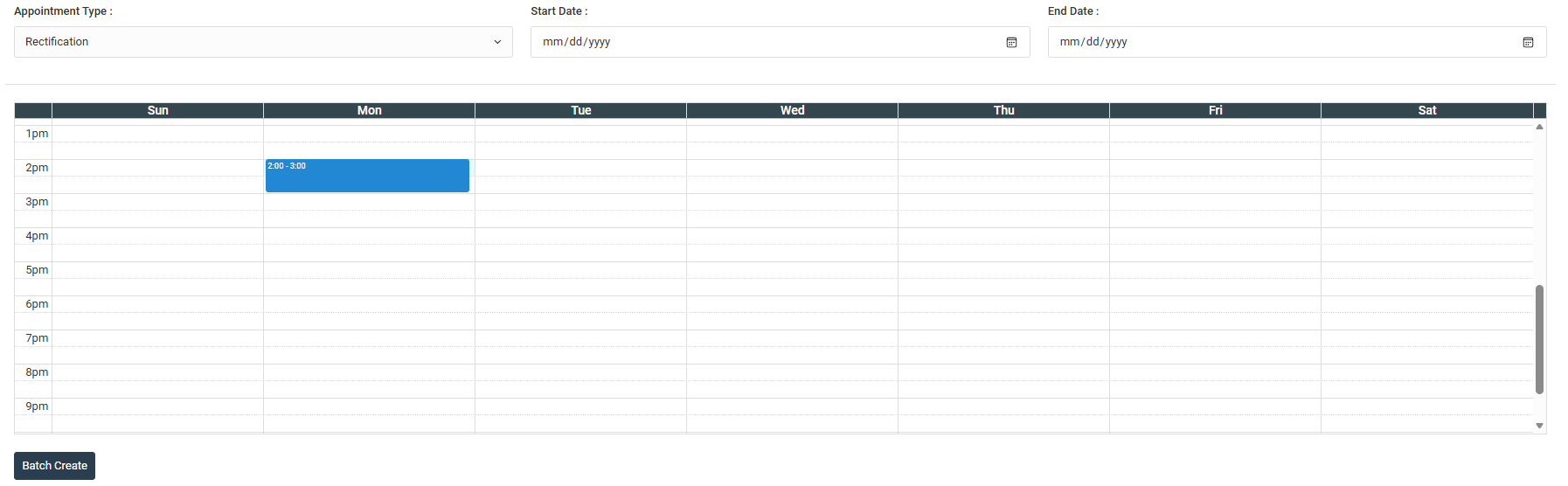
Admin or staff can create and make appointment slots for buyers to book. They can create 3 type of appointment which are Handover, Rectification and Joint Inspection.
Appointment Type: Handover, Joint Inspection, Rectification.
SINGLE SLOT
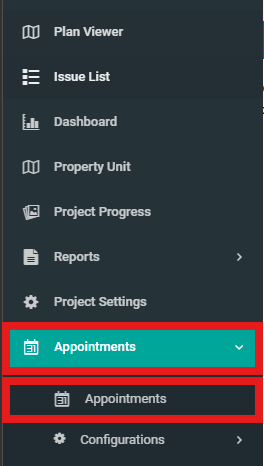
1. Select "Appointments" then click on "Appointments" from the dropdown in the side menu.
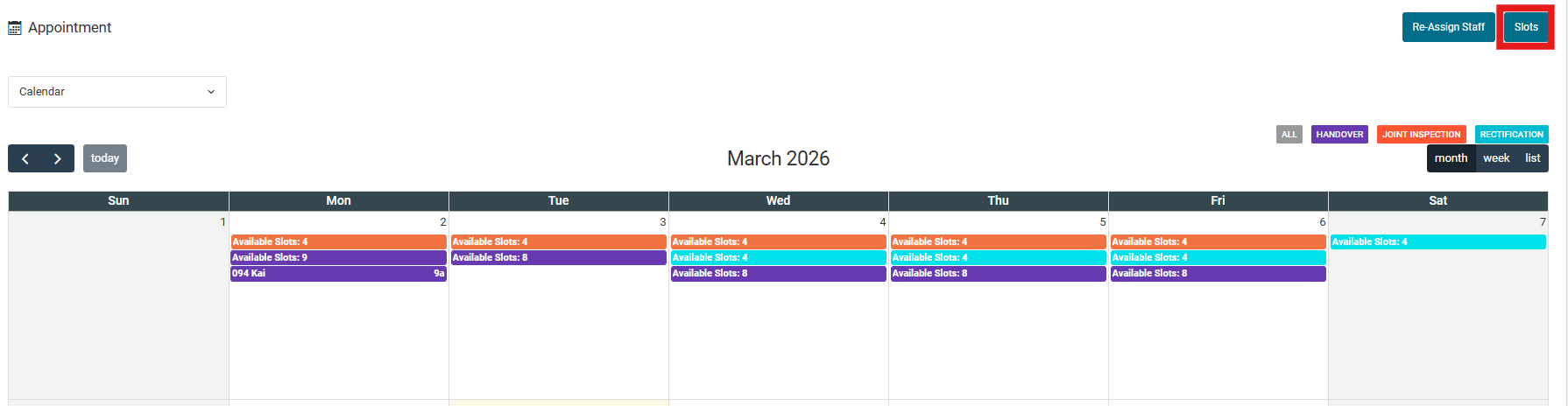
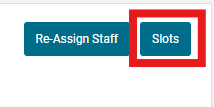
2. Click "Slots".
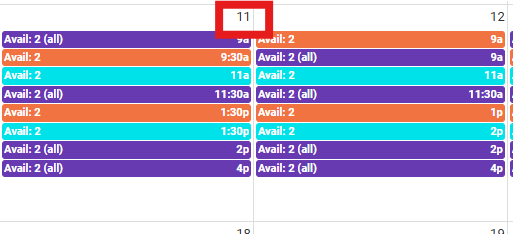
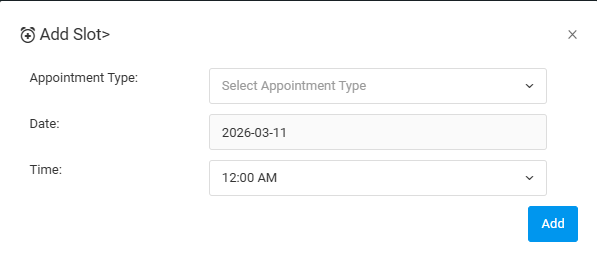
3. Choose a date.
4. Fill in the appointment type and time. Then click "Add".
MULTIPLE SLOT
1. Click on "Slots" in the appointment section.
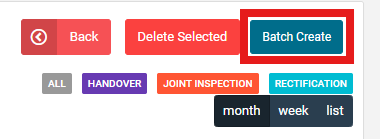
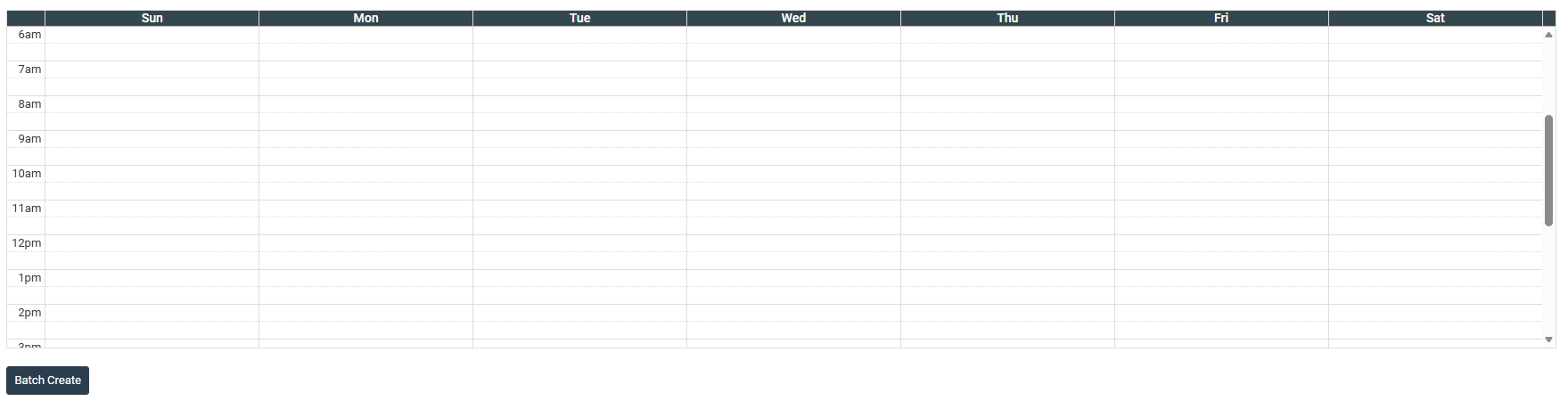
2. Click "Batch Create".
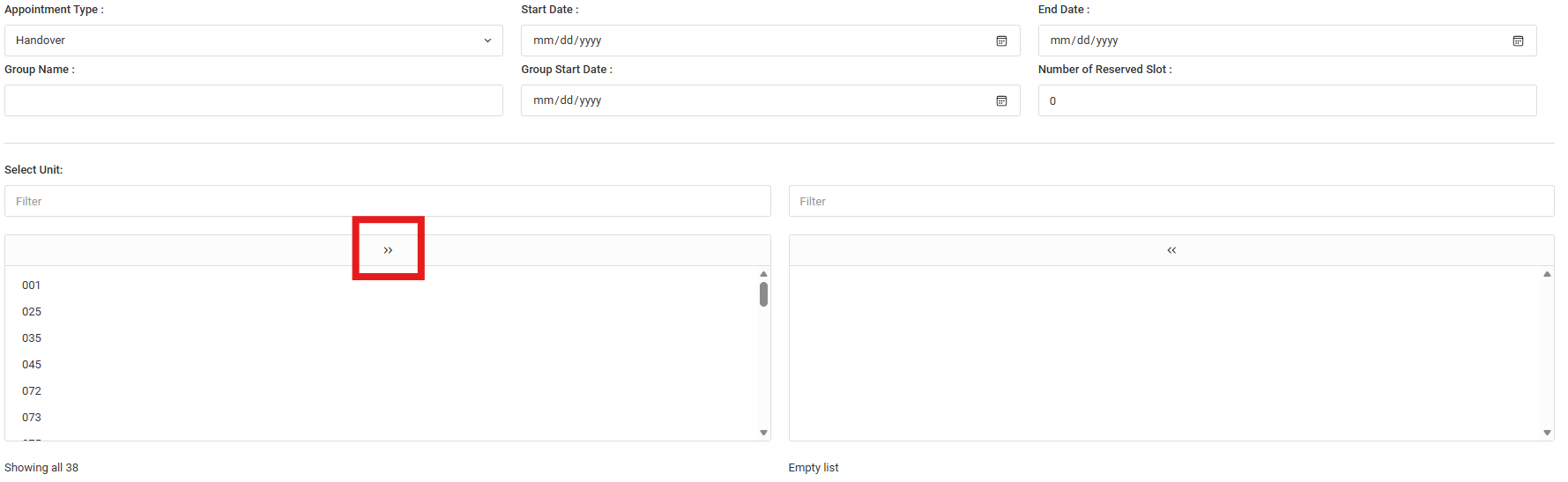
3. Fill in the details:
a) Handover
- Fill in the "Start Date", "End Date"', "Group Name", "Group Start Date". Then click on the arrow button to transfer the units so that it is available to make appointments.
2. Select time and day slot to batch create.
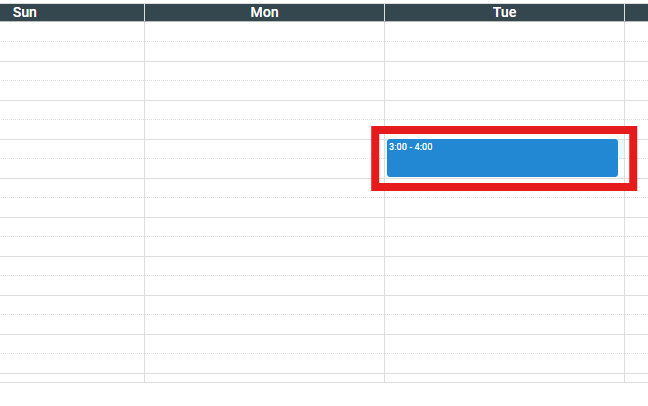
3. Click on the slot to delete the time slot.
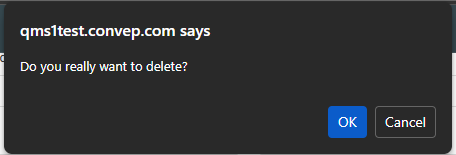
4. Click "OK" to confirm delete.
b) Joint Inspection and Rectification
Fill in the "Appointment Type", "Start Date", "End Date". Then click to select time and day slot. Then click "Batch Create".