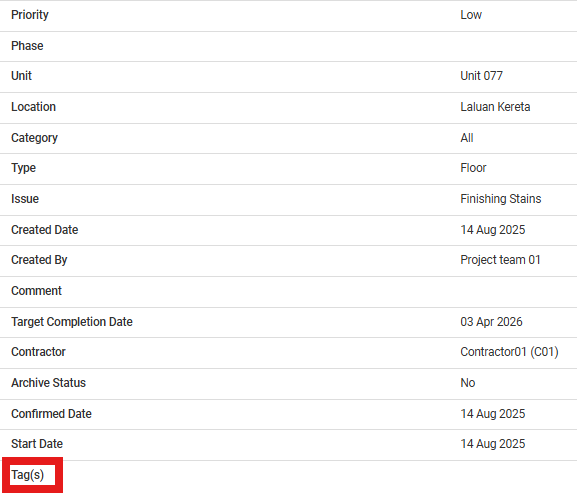
Resume aging issue means the admin reactivates the aging timer in the portal after it was paused. Once resumed, the system will continue counting the days from where it left off until the issue is resolved.
Issue Status: WIP/Redo/Completed
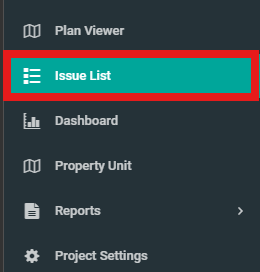
1. Click on "Issue List" from the side menu.
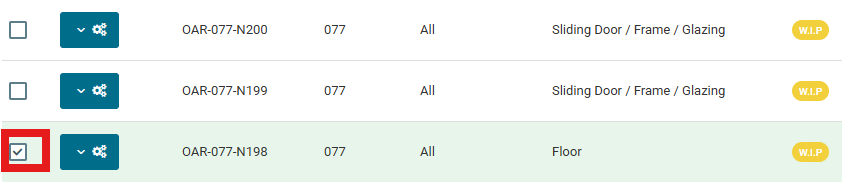
2. Select issue that have been paused.
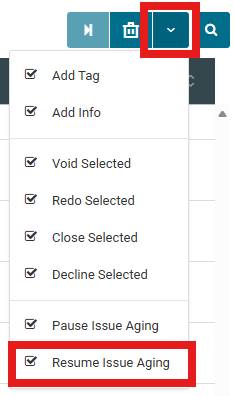
3. Select dropdown from the rightmost section and click "Resume Issue Aging".
4. Click "Yes" to confirm resume issue aging.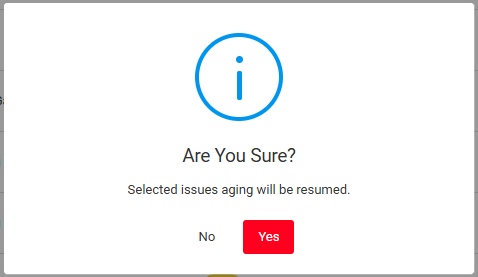
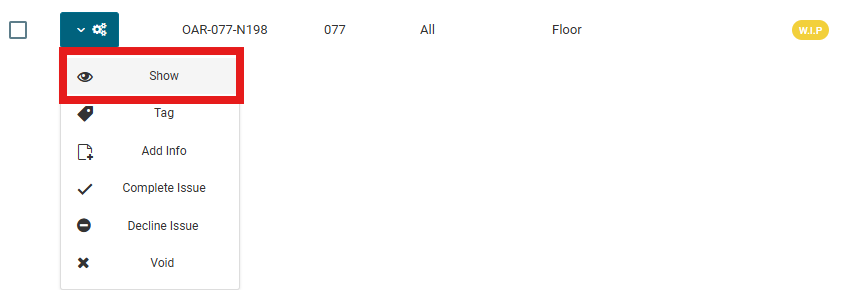
5. Select the issue, click configuration button, and click "Show".
6. Check on "Tag(s)" to ensure there is no tag. And check on "History" down the page to verify the timeline to ensure that the issue aging has been resumed.