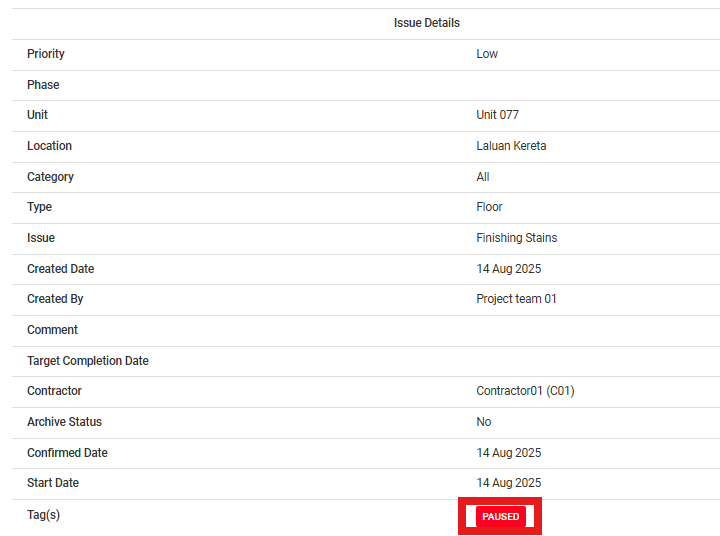
Manual pause aging issue means the admin manually pauses the aging timer in the portal. This is done when work cannot proceed due to an appointment ending with the issue not resolved. The timer will only continue once the admin resumes it.
Issue Status: WIP/Redo/Completed
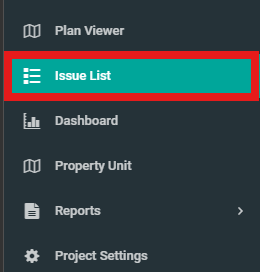
1. Click on "Issue List" from the side menu.
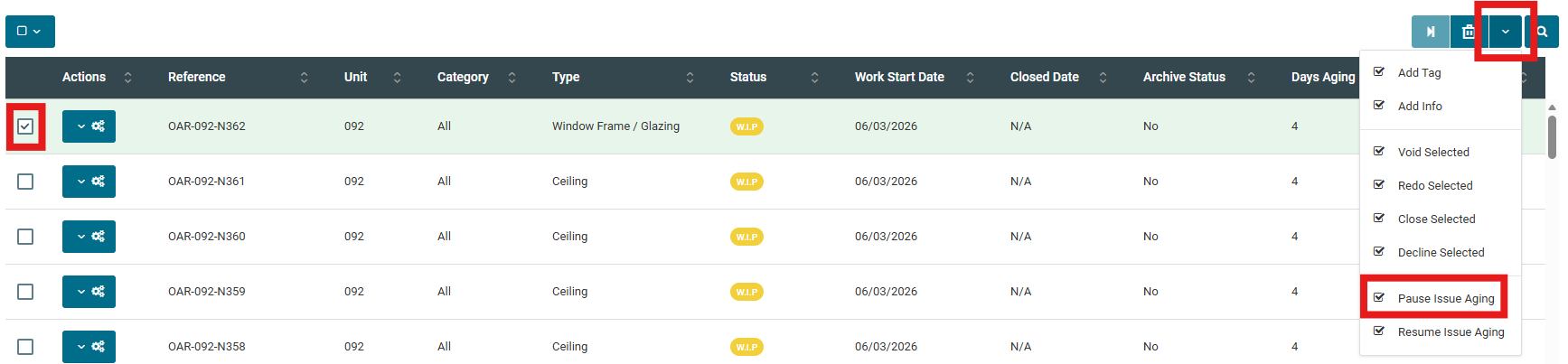
2. Select issue, click on the dropdown button on the rightmost section. Then click on "Pause Issue Aging".
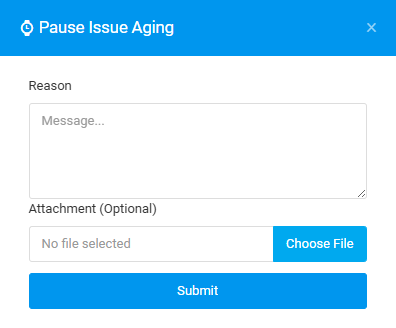
3. Fill in the details and click "Submit".
4. To verify the pause, click on the configuration button of the issue and click "Show".
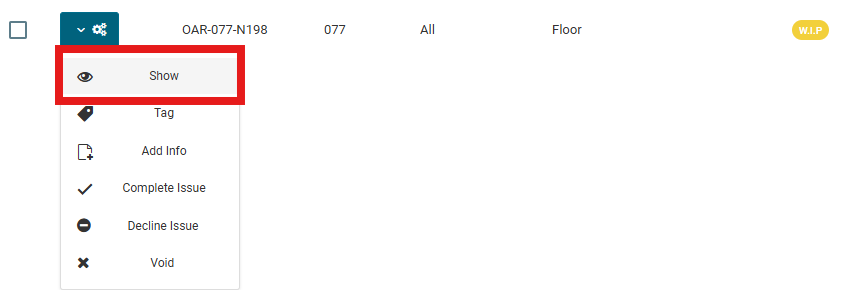
5. Check on "Tag(s)" for the "PAUSED" indication. And check "History" to verify the timeline to ensure that the issue aging has been pause.