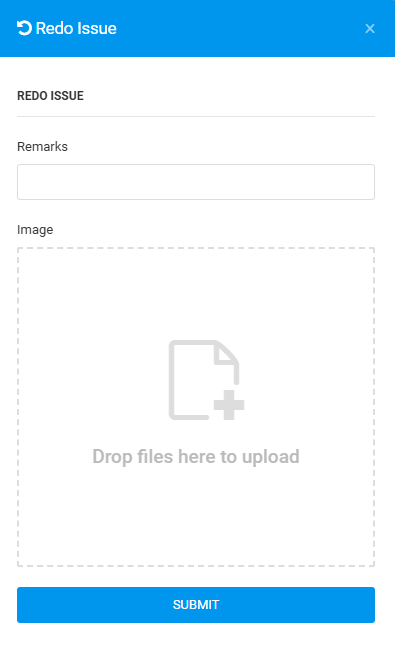
User can change Completed status issue to Work in Progress (WIP) Re-Do if there is rectification to be done after the issue is complete. This step can be done using the Plan Viewer and Issue List from the side menu.
Issue Status: Completed
PLAN VIEWER
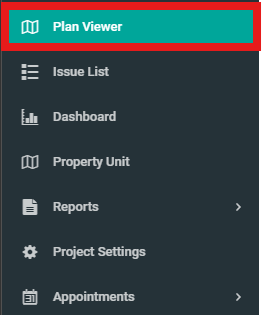
1. Select "Plan Viewer" from the side menu and select unit.
2. Click on Completed Issue.

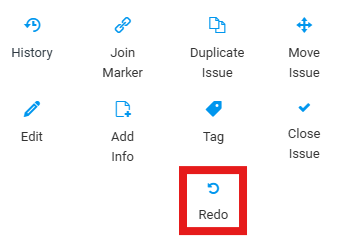
3. Click on "Redo".
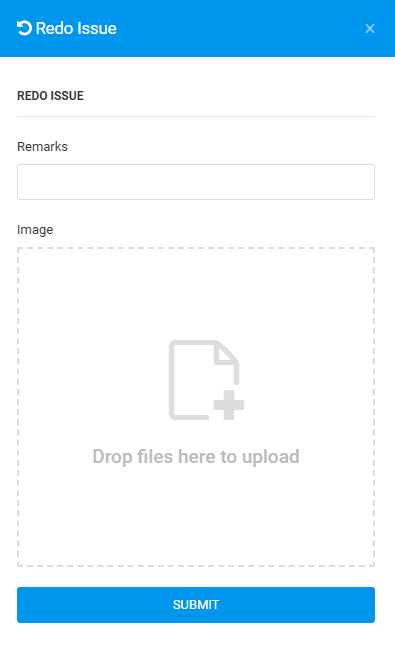
4. Fill in the details and click "Submit".
ISSUE LIST
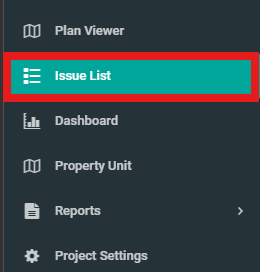
1. Click "Issue List" from the side menu.
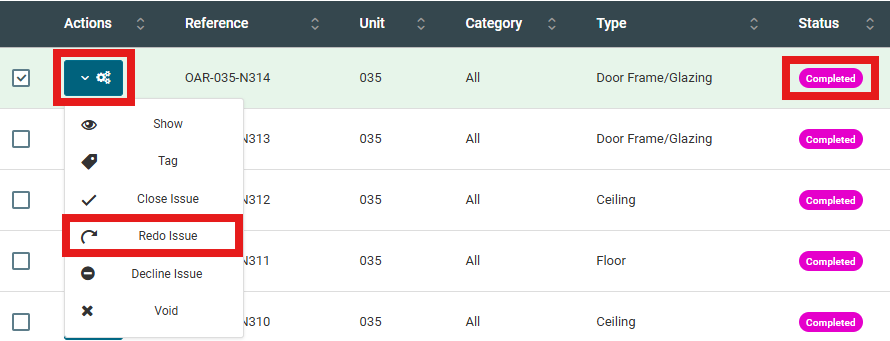
2. Select issue, click configuration and click "Redo Issue".
3. Fill in the details and click "Submit".