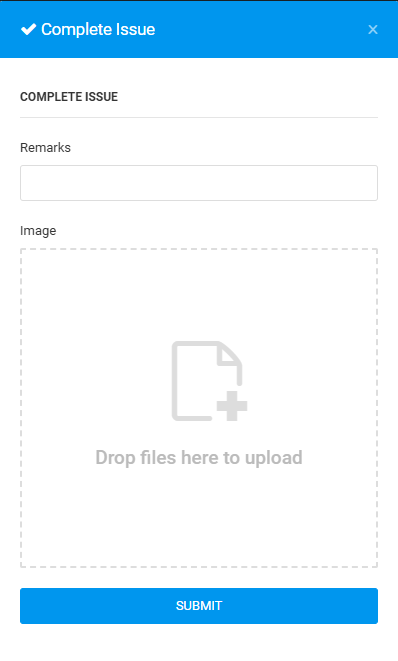
User can change issue status to Complete in the plan viewer or issue list, when the contractor has fixed the issue.
Issue Status: WIP/Redo
PLAN VIEWER
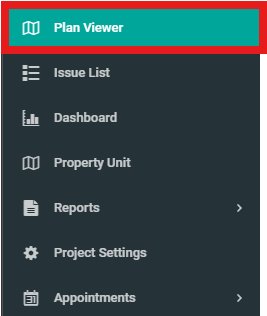
1. Click on "Plan Viewer" on side menu, select unit.
2. Click on an issue.

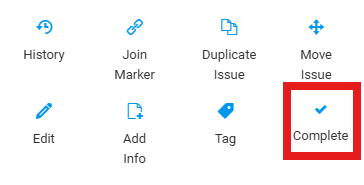
3. Click "Complete".
4. Fill in the details and click "Submit".
ISSUE LIST
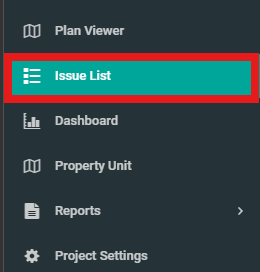
1. Select "Issue List" on side menu.
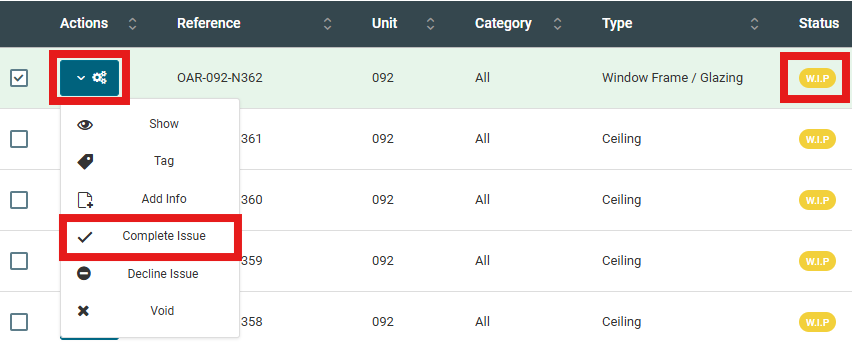
2. Select issue, click configuration and click "Complete Issue".
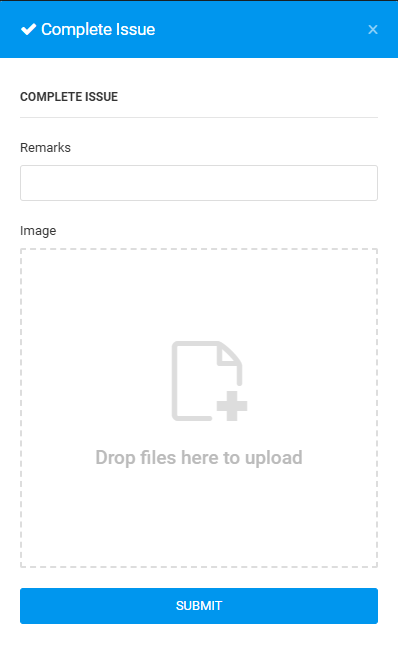
3. Fill in the details and click "Submit".