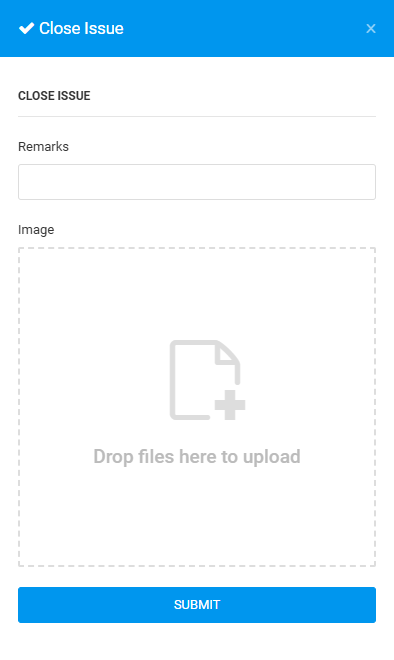
User can change issue status to Close, when they verify issues have been rectified.
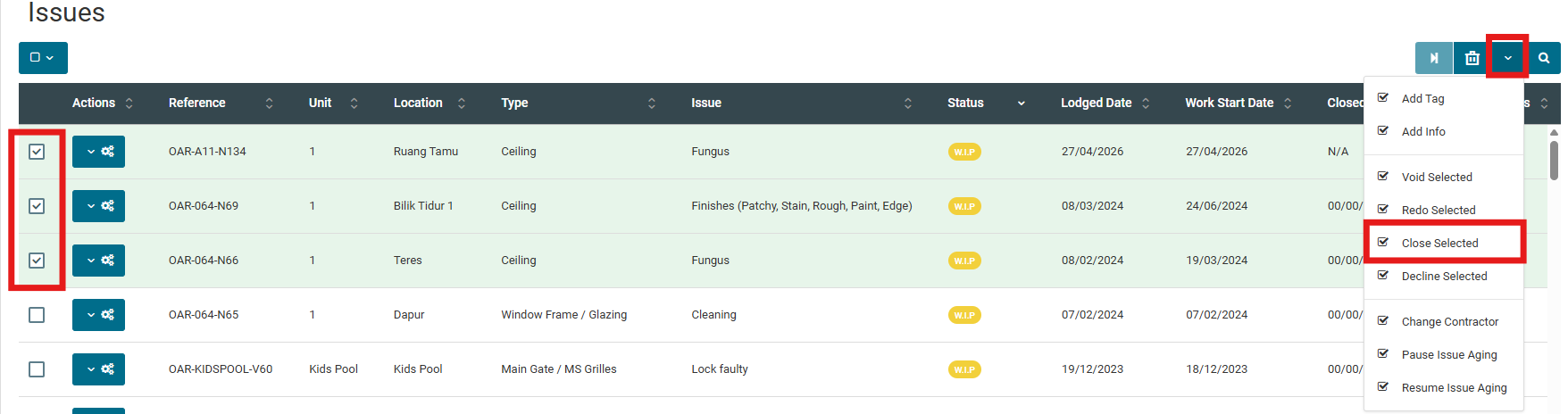
Issue Status: WIP - can only be done by batch in "Issue List".
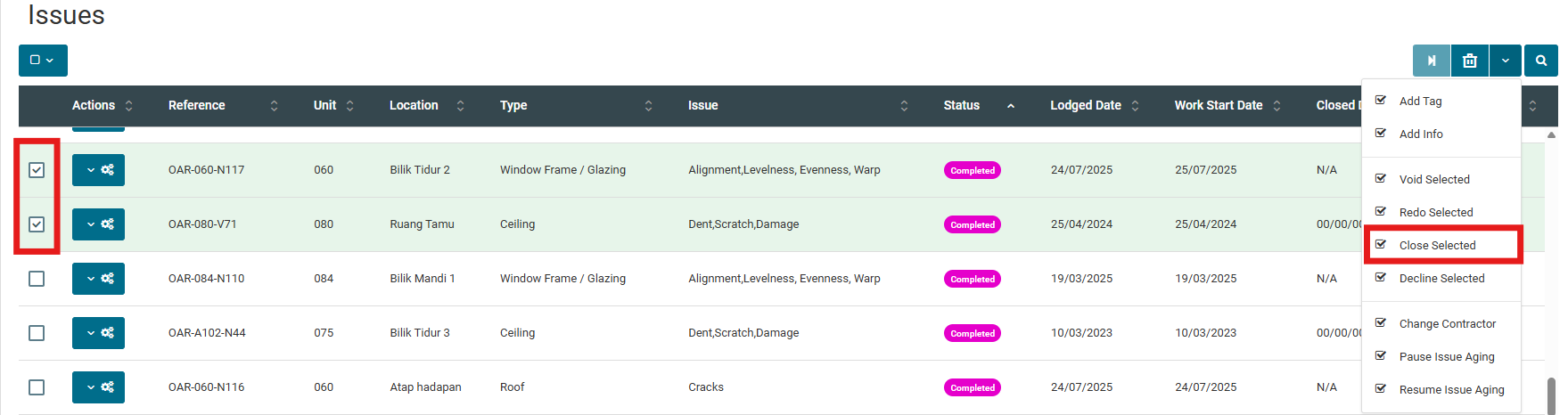
Completed - can be done on single issue update in "Plan Viewer" or "Issue List".
PLAN VIEWER
1. Click on "Plan Viewer" from side menu and select unit.
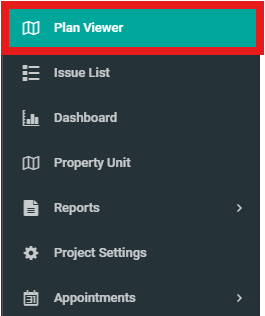
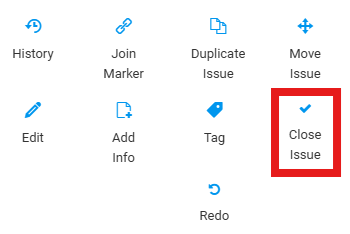
2. Select "WIP/Completed" issue marker.


3. Click "Close Issue".
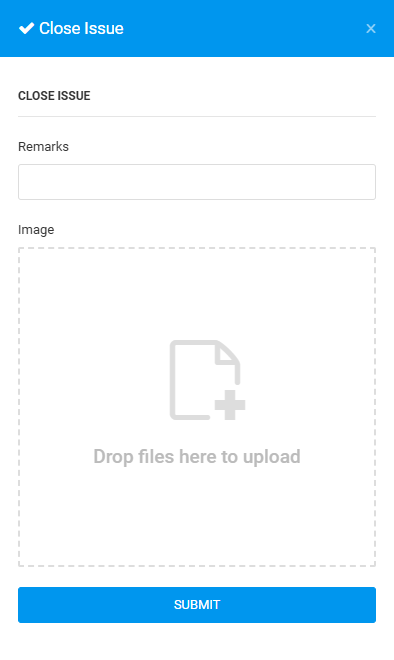
4. Fill in the details and click "Submit".
ISSUE LIST
In Issue List, user can batch update issue status.
Below are the steps for "Batch Update" and "Single Update" in issue listing.
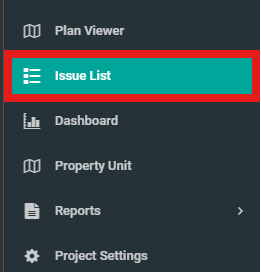
1. Click on "Issue List" from side menu.
A. Batch Update
1. Select issues, click on the right-side to view dropdown list.
2. Click "Close Selected".
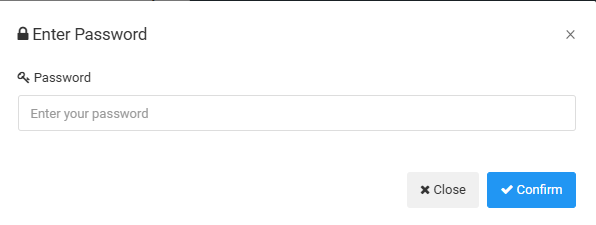
3. Enter Password and click "Confirm".
B. Single Update
1. Select "Completed" issue and click on the configuration button.
2. Click "Close Issue".
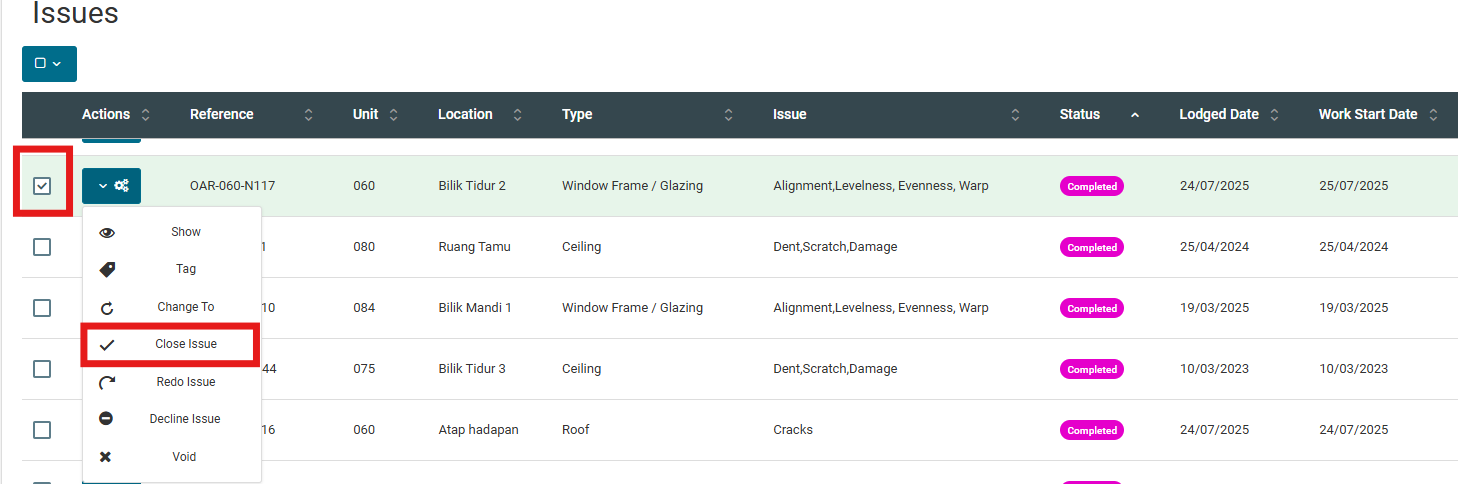
3. Fill in the details and click "Submit".