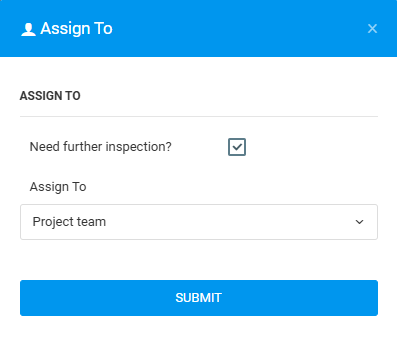
User can assign Lodged issue to another project team/inspector, when user decide the issue need further inspection before confirming it as an issue.
Issue Status: Lodged
PLAN VIEWER
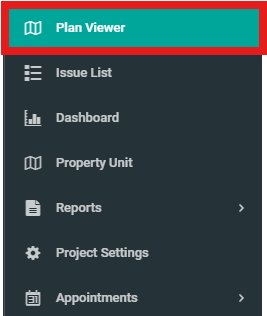
1. Click "Plan Viewer" from the side menu. Select unit and issue wanted to assign inspector or project team.
2. Click on Lodged issue.

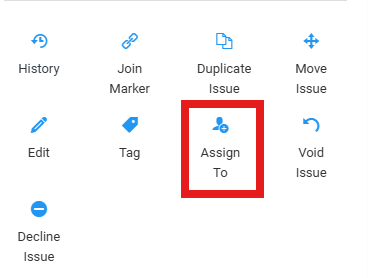
3. Click "Assign To"
4. Fill in the details. Click on "Need further inspection?" and "Assign To". Then click "Submit".
ISSUE LIST
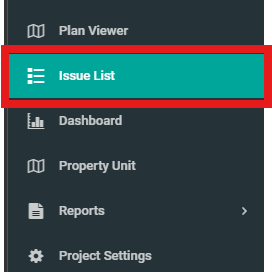
1. Click on "Issue List" from the side menu.
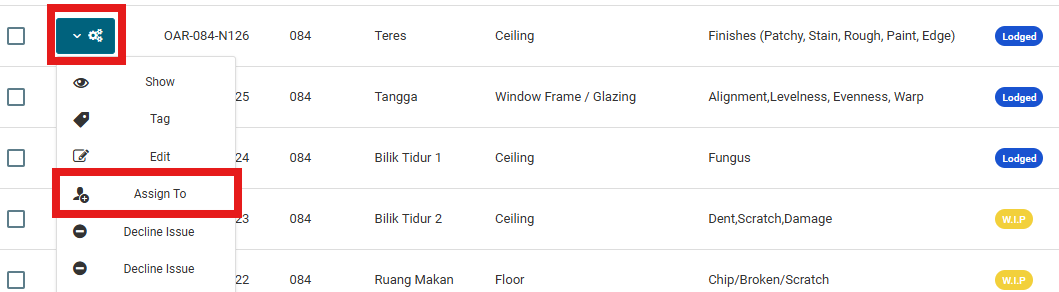
2. Select issue then click on configuration button and select "Assign To".
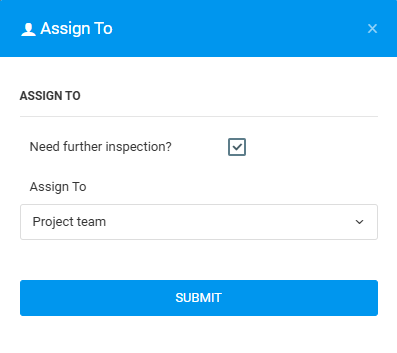
3. Fill in the details. Click on "Need further inspection?" and "Assign To". Then click "Submit".