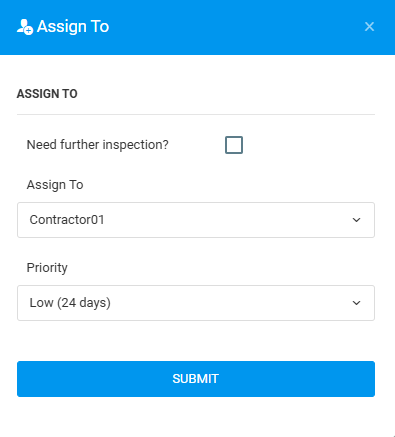
This function enable user to assign contractor to the issue selected. This can be done through Plan Viewer or Issue List.
Issue Status: Lodged
PLAN VIEWER
1. Choose unit and click on Lodged defect marker.

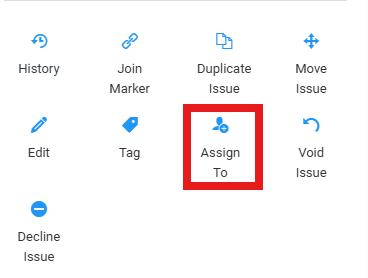
2. Click "Assign To" to assign contractor to the issue.
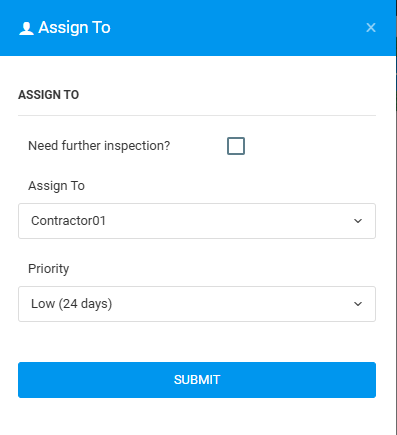
3. Fill in the details, "Assign To" and "Priority" and click "Submit".
ISSUE LIST
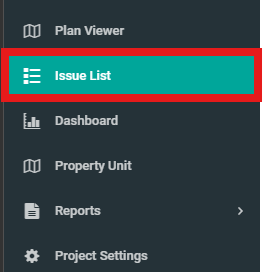
1. Click on "Issue List" from the side menu.
2. Select issue and click "Assign To".
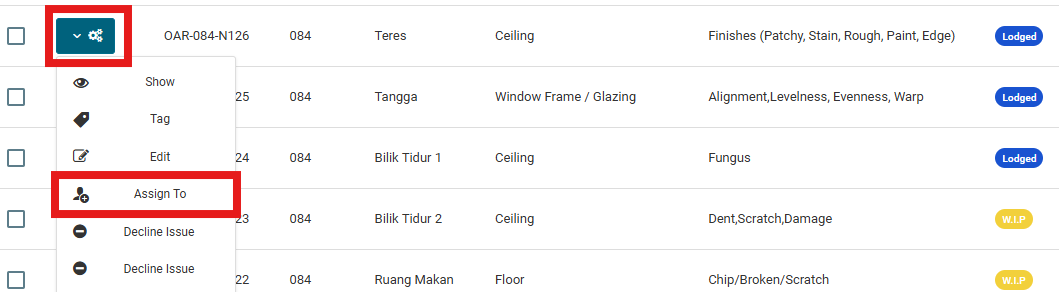
3. Fill in the details, "Assign To" and "Priority" and click "Submit".