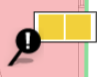
User can join 2 issues into 1 marker to simplify user view of the layout.
Issue Status: Lodged/WIP/Redo/Completed/Decline/Close Internal/Void
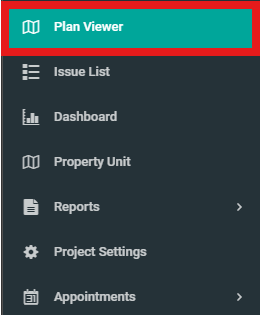
1. Select "Plan Viewer" from the side menu and choose unit wanted.
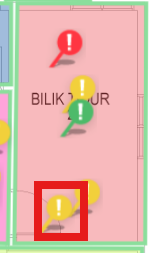
2. Choose issue that wanted to be joined with another issue.
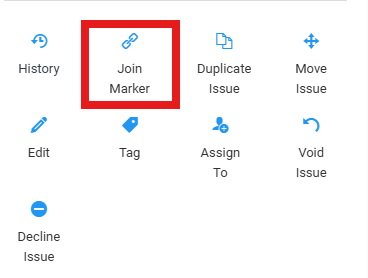
3. Click on "Join Marker".
4. Click on another issue to be joined.
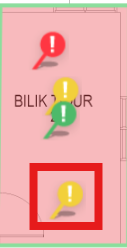
5. The black marker indicate that it is a joined issue. To view the issues, click on the marker.