This view history function is for user to view the chronology of the issue status changes and its date.
* Issue Status: Lodge/Pending Access/WIP/Redo/Completed/Void
PLAN VIEWER
1. Click on "Plan Viewer" from the side menu and choose unit desired.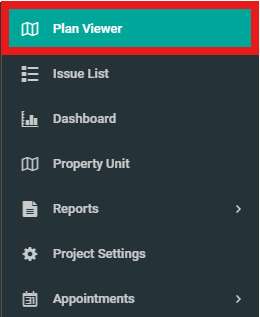
2. Choose any issue with status mentioned above.

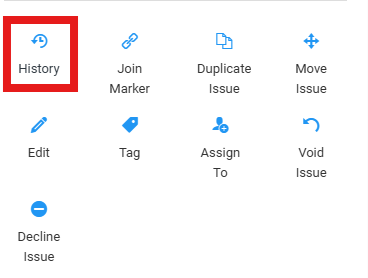
3. Click on "History" to view history of issue.
ISSUE LIST
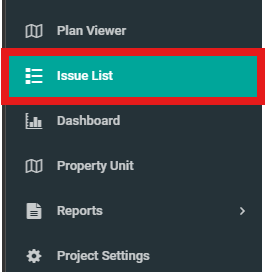
1. Click on "Issue List" from the side menu and choose issue desired.
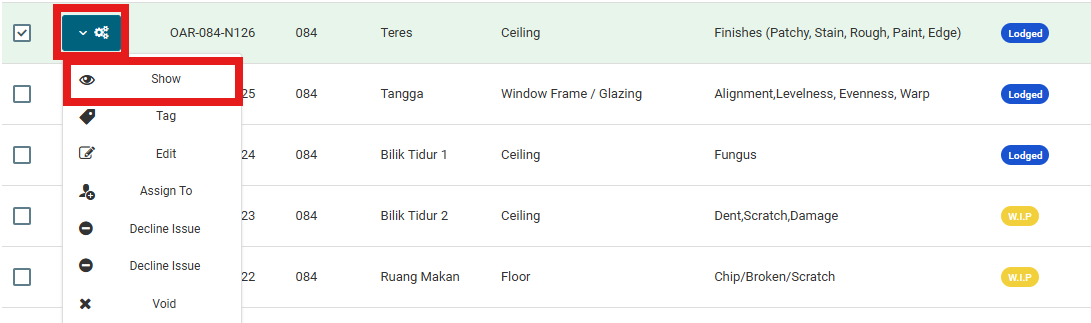
2. Select on the configuration and click on "Show" to view history of issue.