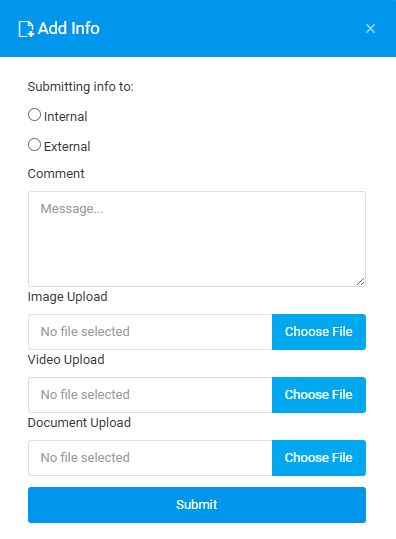
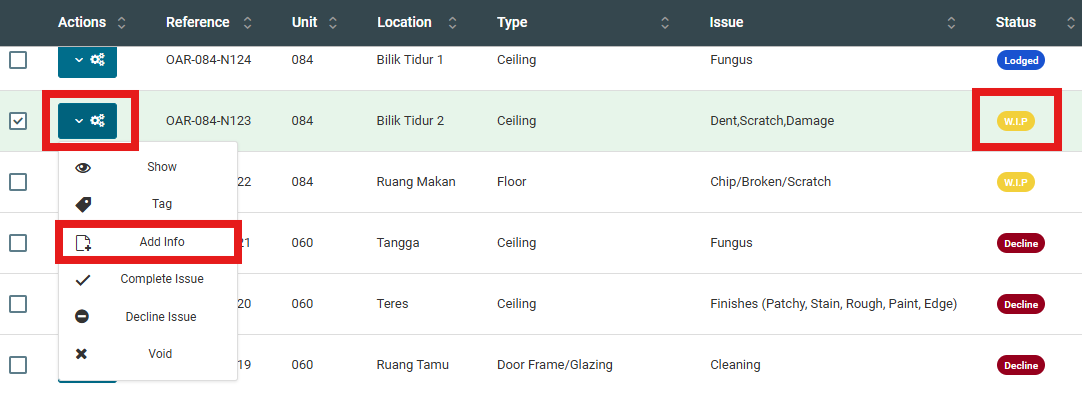
The add info function can be done through Plan Viewer or Issue List. This add info can only be done with status WIP/Redo issues only.
PLAN VIEWER
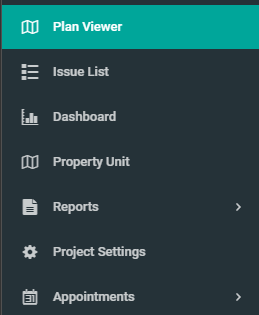
1. From the side menu, click "Plan Viewer" and select unit to apply changes.
2. Choose any defect with status WIP/Redo.

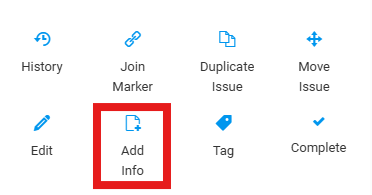
3. Click on "Add Info"
4. Fill in the details and click "Submit".
ISSUE LIST
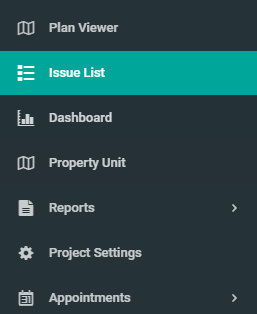
1. Click on "Issue List" from the side menu
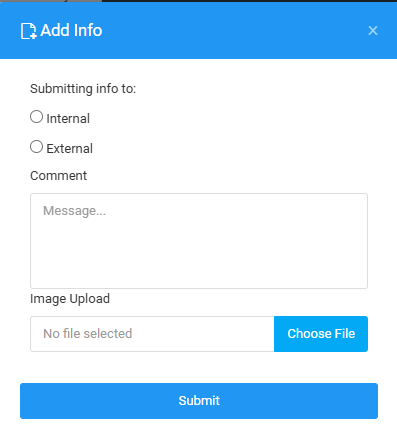
2. Select issue with WIP/Redo status, click on the configuration button and select "Add Info".
3. Fill in the details.