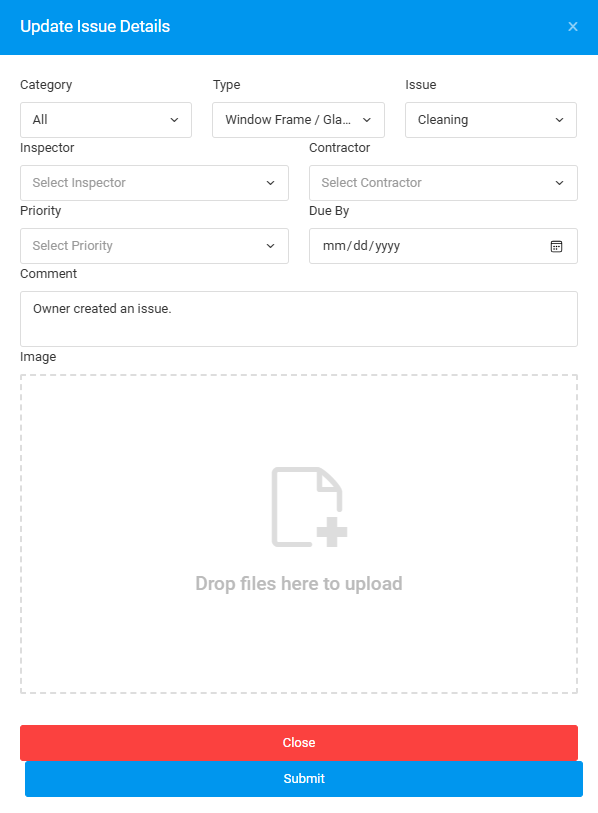
This function is to update lodged status issue details such as its type and priority. Edit details issue can be done through "Plan Viewer" and "Issue List"
PLAN VIEWER
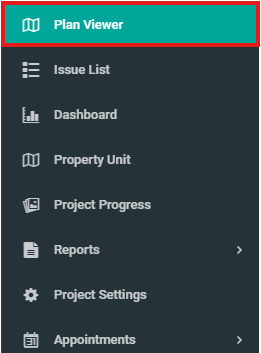
1. Only issue with Lodged status can be edited its details. Click on "Plan Viewer" and select unit with "Lodged" issue.
2. Click on "Lodged Issue"

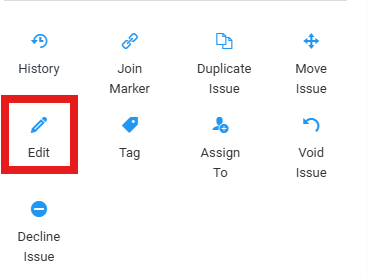
3. Click "Edit"
4. Fill in the required details then click "Submit"
ISSUE LIST
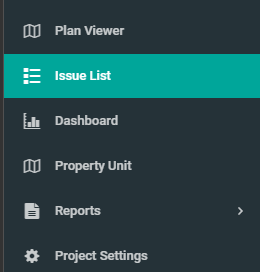
1. On the side menu bar, select "Issue List"
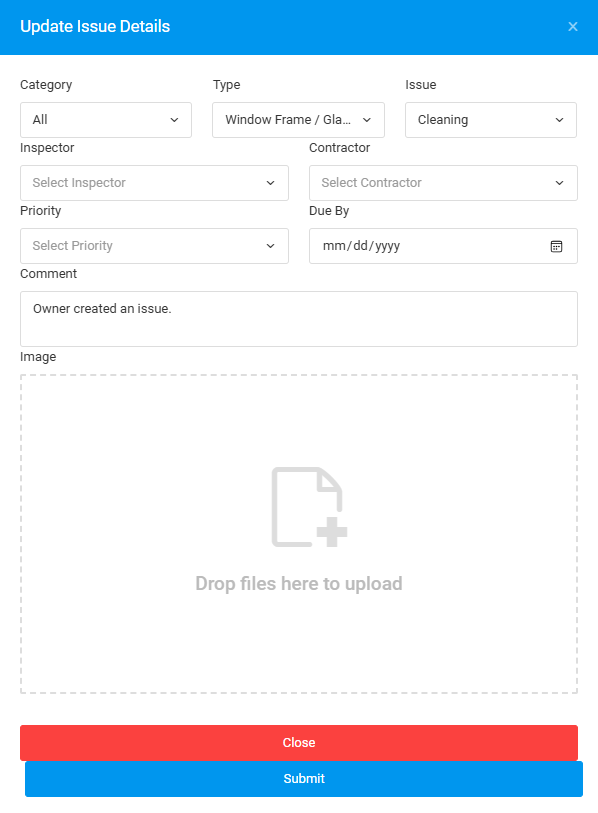
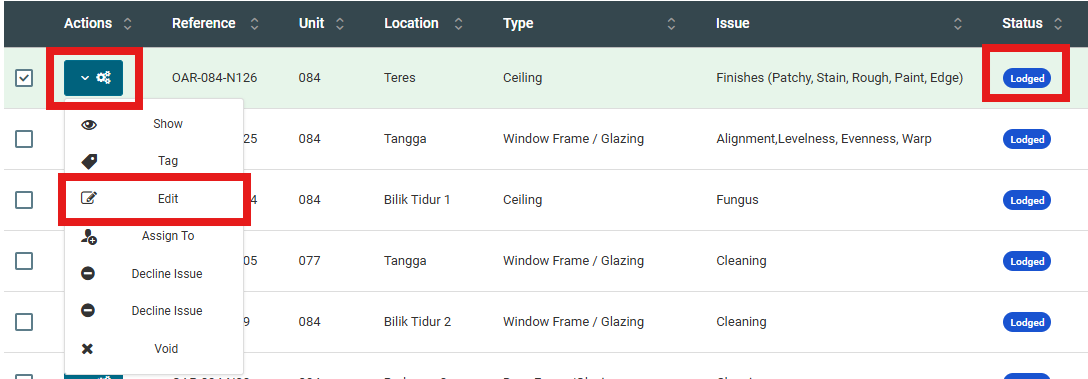
2. Select issue with "Lodged" status, click on the configuration button and select "Edit"
3. Fill in the required details then click "Submit"